MEGA65 Welcome Guide
3.7 Loading and running a program from disk
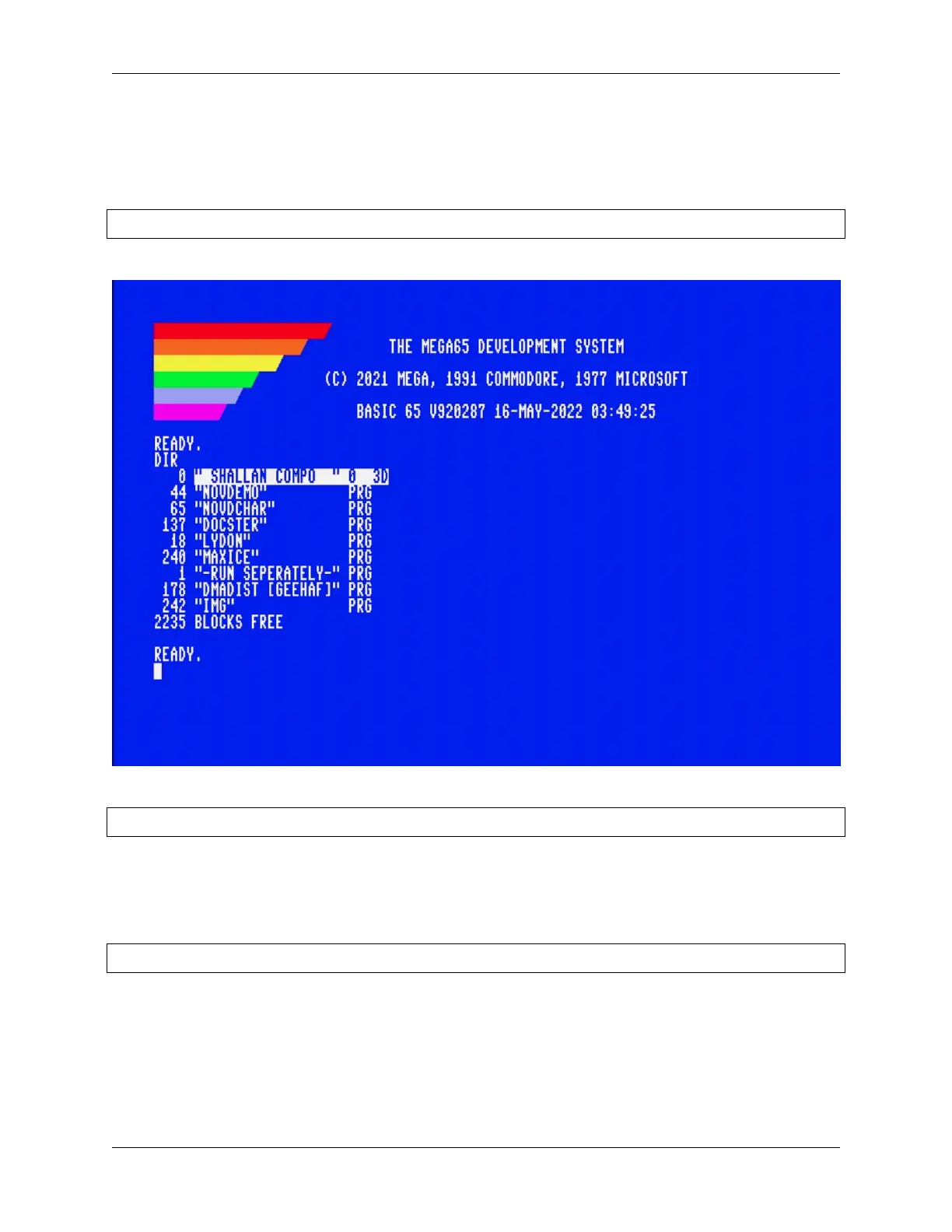
You now have the DEMOCOMP.D81 disk image mounted to device 8 (drive 0). Let’s see what’s on the disk! Enter the
following command at the BASIC READY. prompt:
DIR
This lists all of the files on the disk, also known as the disk directory.
You can use the LOAD command to load a program off of the disk by name:
LOAD "NOVDEMO"
If you’ve used a Commodore 64, you may remember having to type ,8 or ,8,1 after a LOAD command when loading
from a disk drive. With MEGA65, unit 8 is the default, so this can be omitted.
Move the cursor to a blank line (or press Shift + Clr Home to clear the screen), then type RUN to start the NOVDEMO
program.
RUN
16 Chapter 3. Try this first!



 To Next Page