MEGA65 Welcome Guide
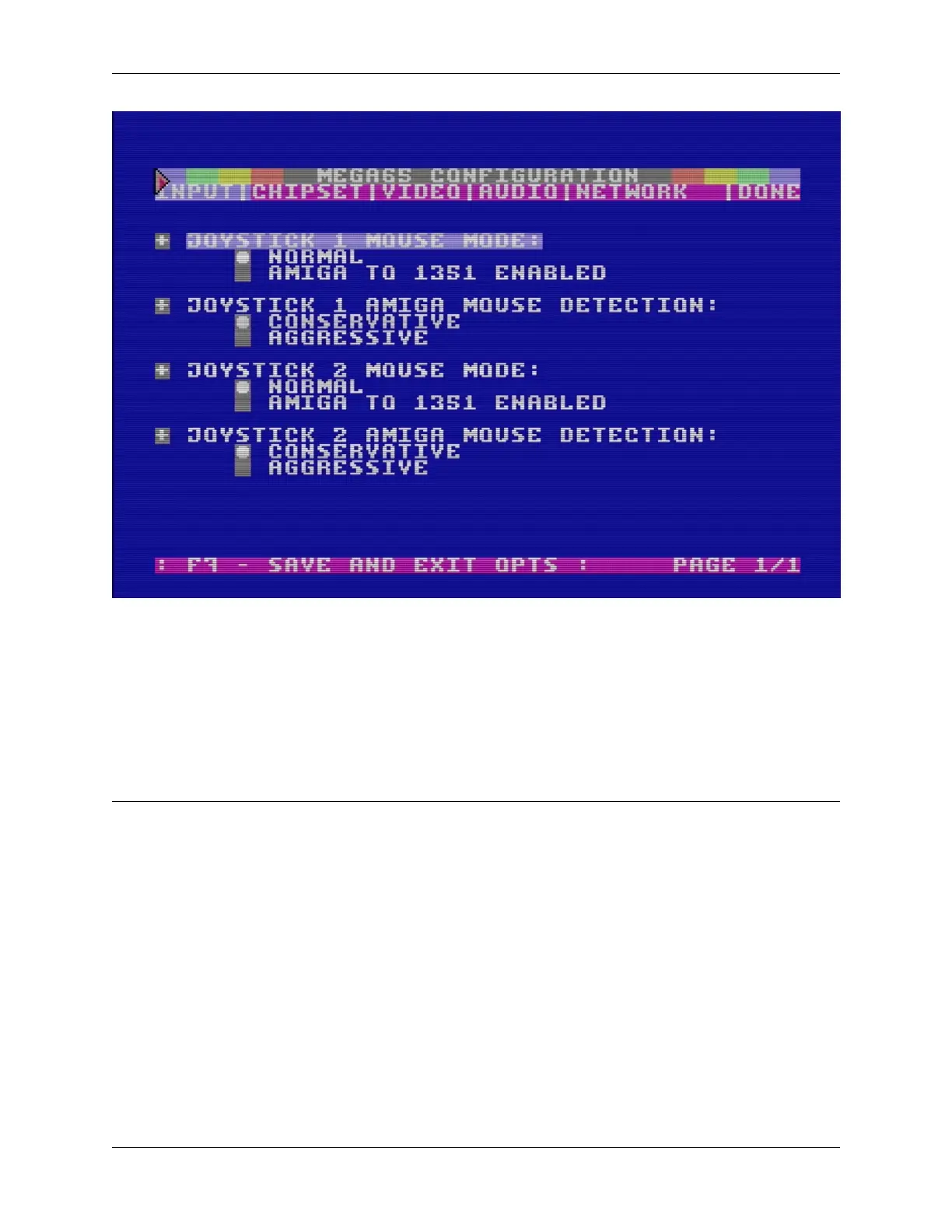
You can use the cursor keys or a mouse to navigate the configuration options. This is also a good way to test whether
your mouse is working. Useful options include:
• Input: mouse configuration. You can enable the use of Amiga mice on either port.
• Chipset: Real-Time Clock. This is how you set the date and time, which I told you to skip during on-boarding
because we haven’t installed the battery yet.
• Chipset: Default Disk Image. Specify a D81 filename to load by default when you turn on the computer.
• Video: All of the video options from the on-boarding screen.
Note: The clock setting in the configuration utility uses the following time and date format: HH:MM:SS YY/MM/DD
(That’s hours, minutes, seconds, the year, the month, and the day of the month.) It doesn’t prevent you from entering
invalid numbers. Take care to use the correct date format.
22 Chapter 3. Try this first!



 To Next Page