MEGA65 Welcome Guide
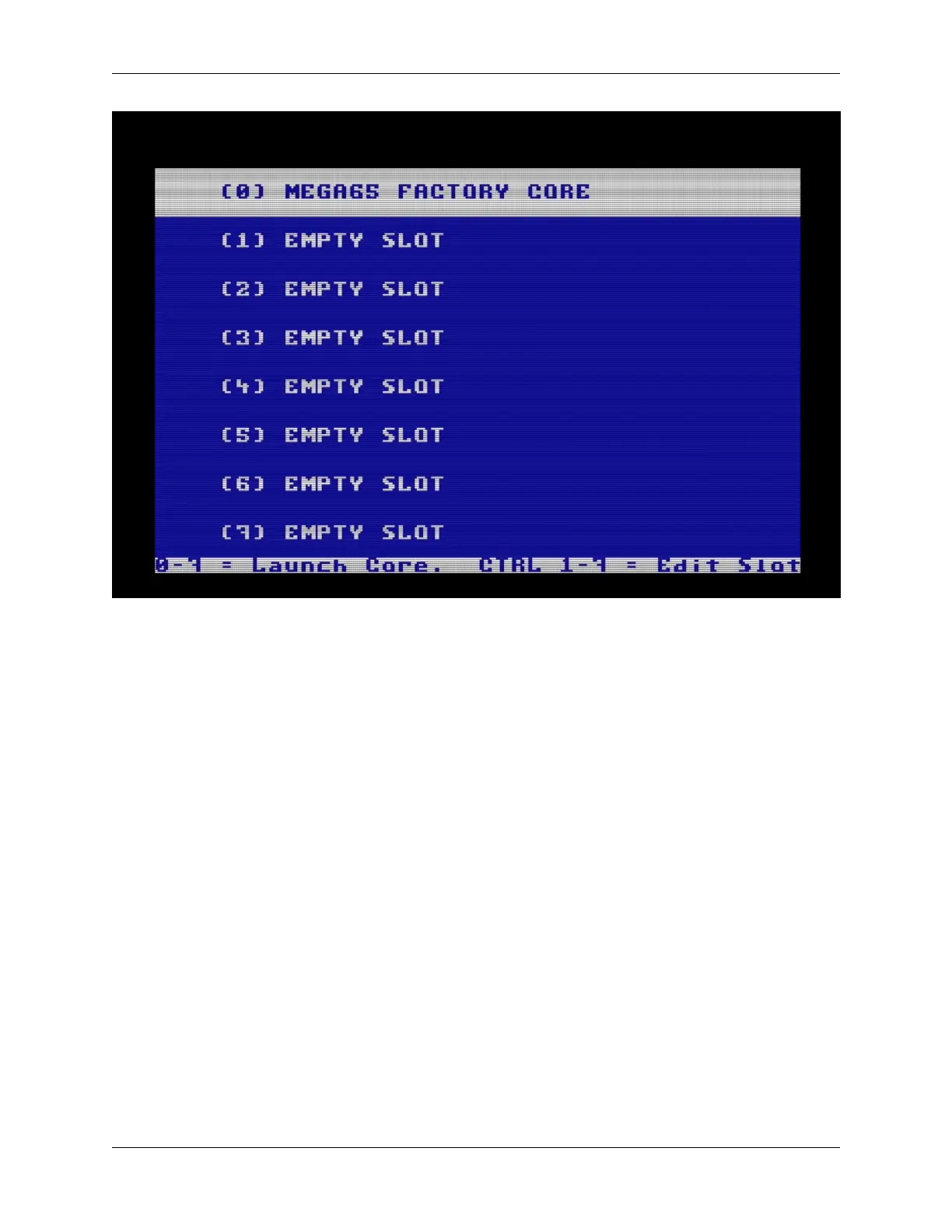
Core 0 is always the factory-installed core and cannot be overwritten. This can help you restore your MEGA65 to a
working state if something goes wrong with updating a core. If this is your first time seeing the core selection menu,
slots 1 through 7 should be empty.
When you turn on your MEGA65 normally, it checks to see if slot 1 contains a core, and uses it if present. Otherwise
it falls back to core 0. You will put the updated core in slot 1 for regular use.
Hold the Ctrl key and press 1. Use the cursor keys to find the mega65-1.cor filename (a shortened version of the full
filename). If there is a second one with a stripey thing next to it, select the one without the stripey thing. Press Return,
then press any key when prompted to install the core.
44 Chapter 9. Updating the core firmware



 To Next Page