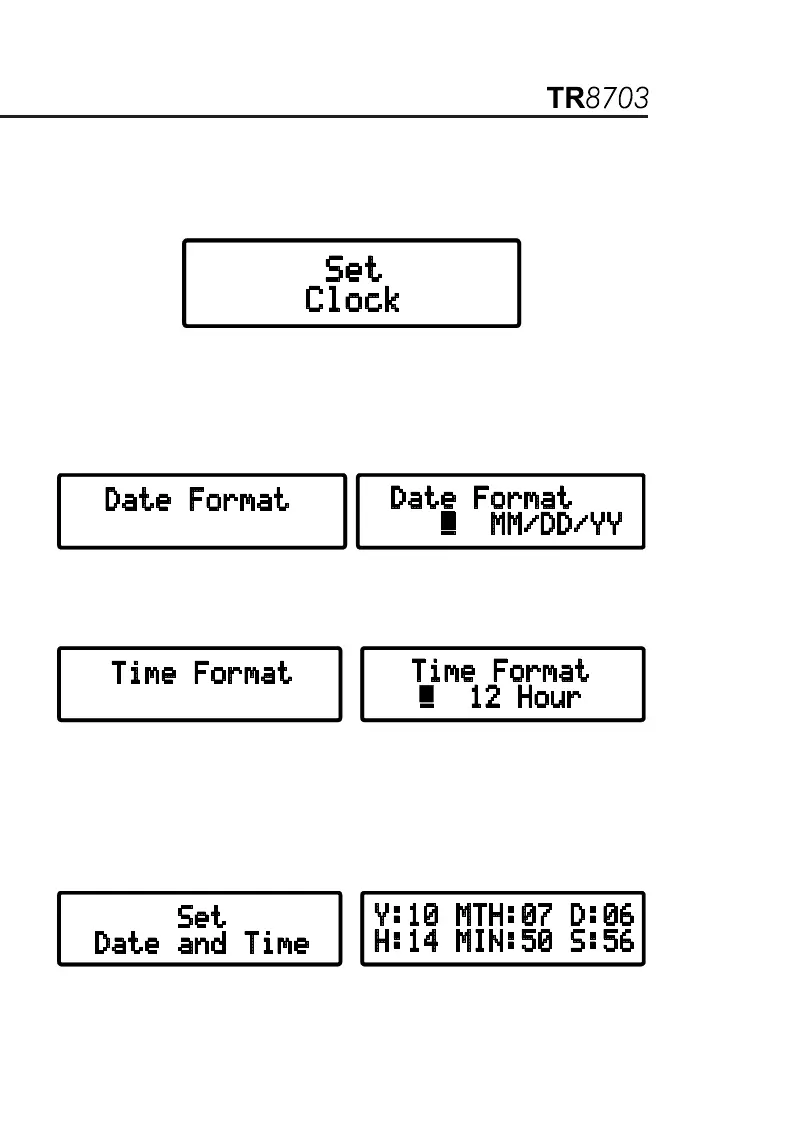
3.3.1. Set Clock
Within the top level of Configure Instrument, press the ▼ or ▲ key until
Set Clock appears on the display, then press ENTER.
The Set Clock configuration allows you to format the following:
Date Format: Allows the formatting of the date.
(MM/DD/YY, DD/MM/YY, YY/MM/DD).
Time Format: Allows the formatting of the time (12 or 24 hours).
Set Date and Time: Allows the setting of the date and time in the
selected format.
Nota: Time must be set in the 24-hour format. It will be displayed with
AM/PM if the 12-hour format is chosen.


 To Next Page