• In order to write the Present Nameplate value, you must press ENTER
until Setup Nameplate is displayed. Otherwise, the ratio will not be
entered. If the up/down arrows are pressed after setting the ratio, then
it performs a cancel operation and the changes will not be saved.
REMEMBER: In order to move one level up and return to
Configure Instrument, press the ▼▲ keys simultaneously.
3.3.3. Select test type
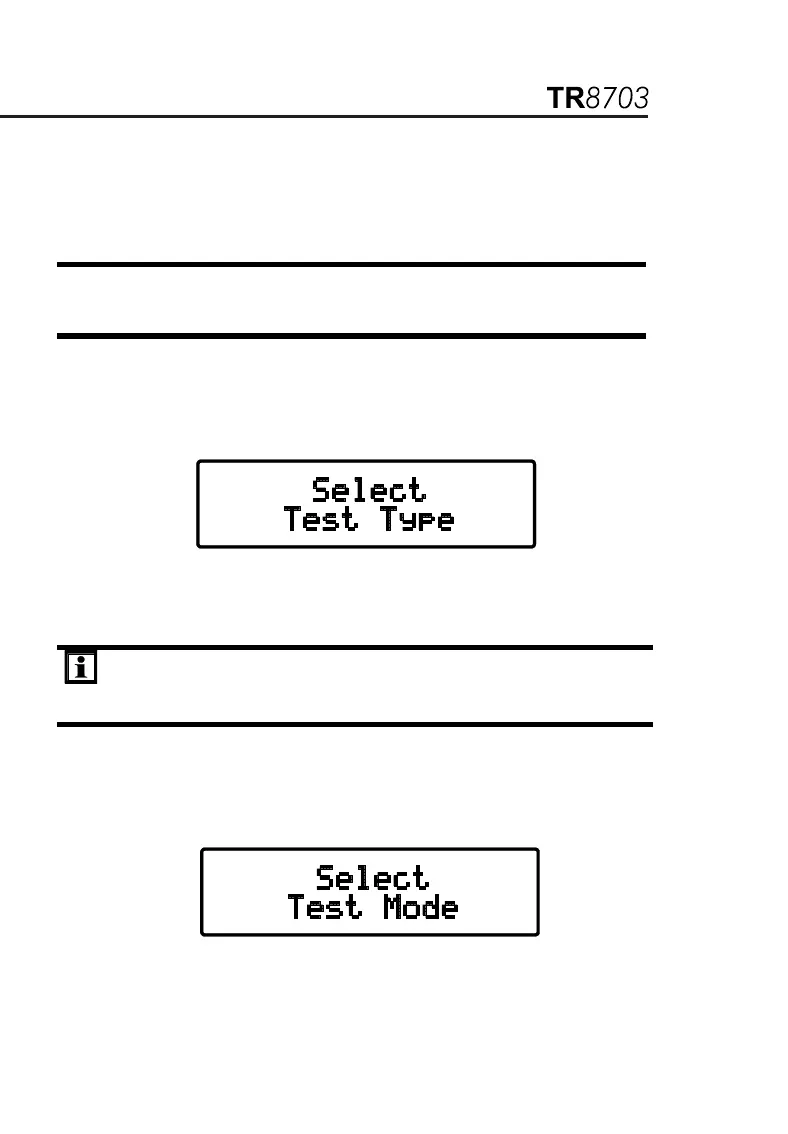
1. From the top level of Configure Instrument, press the ▼ or ▲ key until
Select Test Type appears on the display, then press ENTER.
2. Select VT/PT or CT using ▼ or ▲ and press ENTER. The display will
return to Select Test Type.
NOTE: Once the Test Type is selected, it is retained until changed
by the user. If the instrument is turned OFF and turned ON, the
Test Type will be the same as last selected.
3.3.4. Select test mode
1. From the top level of Configure Instrument, press the ▼ or ▲ key
until Select Test Mode appears on the display, then press ENTER.
2. Select Ratio or CONT/Ratio test using ▼ or ▲ and press ENTER.
The display will return to Select Test Mode.


 To Next Page