NOTE:
If there were a polarity reversal, the Ratio would be displayed negative
and it would be blinking. This means either the connections are
reversed on a given side or the transformer is wound backwards
relative to the marking
The test may be run as many times as needed by pressing the TEST
button
An active test can be cancelled at any time by pressing the TEST
button
Make sure that the H
RED
lead is always connected such that it does not
short to the X
RED
or X
BLACK
lead directly or through earth ground. See § 6
for more connection details
4.2.2. Storing the Measurement Record (Manual and Auto Mode)
The storage mode you are in depends on what you selected when
configuring the instrument (see § 4.3) before running a test.
4.2.2.1. Manual mode
When Manual mode is selected, the Measurement Record storage is
optional to the user.
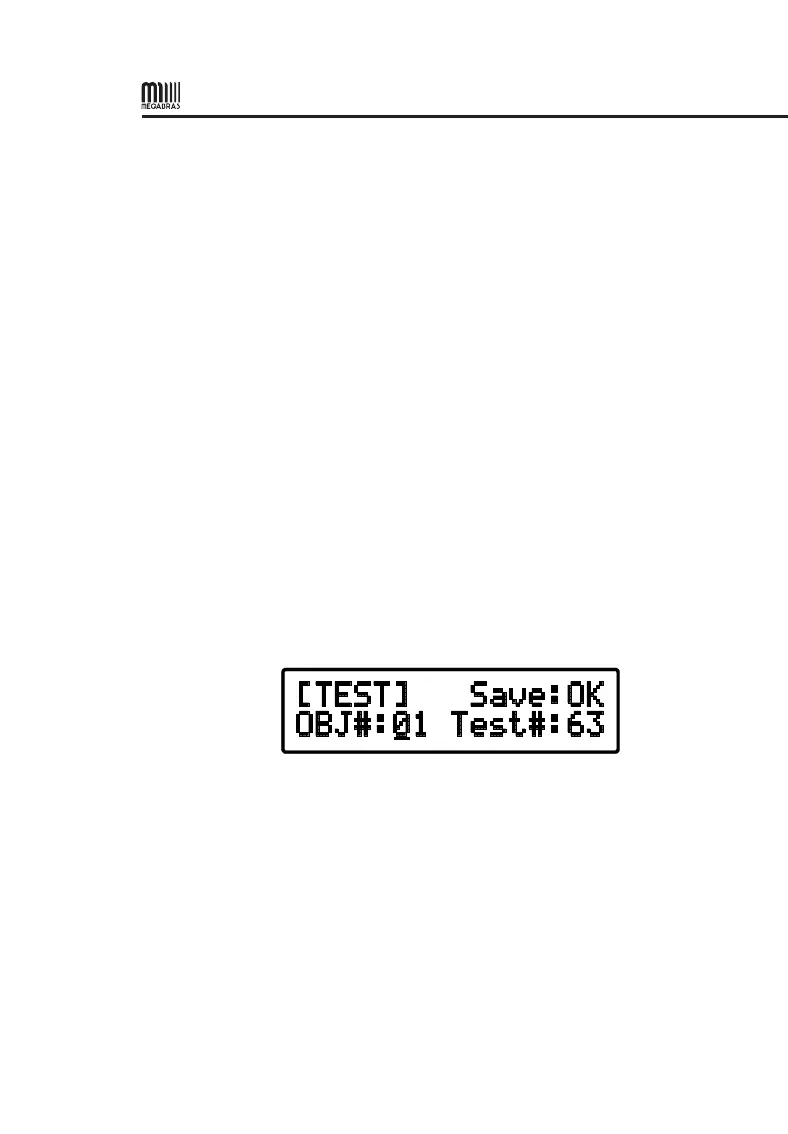
1. To store the active measurement using Manual mode, press the MEM
(ENTER) button. The display looks as shown below:
2. Select the OBJ and Test location using the ▼ or ▲ key and press
ENTER.
3. Press ENTER or TEST to store the Measurement Record.
NOTE:
After the test is run, the new location is automatically increased
sequentially from the last stored location.
If a given location is not available for storage, the Save field will display
N/A.
In order to NOT STORE the Measurement Record, simply press the
TEST button after the measurement is completed.


 To Next Page