• The user can select another Nameplate from the list in the future and
may or may not edit the values. As soon as the new Nameplate values
are selected (and/or edited), it becomes the new Present Nameplate.
• The Present Nameplate values are displayed in the Main Screen.
• Each Measurement Record will record the Present Nameplate along
with other associated parameters and will be available when the data is
downloaded.
• The Ratio of the nameplate values must be between 1 and 32767.
• The Nameplate needs to be enabled. If the Nameplate is not enabled,
the Deviation % will not be reported after the measurements.
Subsequently, the stored values will not have Nameplate and Deviation
% in the Measurement Record.
NOTE: The Main Screen will display the Present Nameplate only if
it is Enabled. If it is not Enabled, it will display "---" for Primary and
Secondary.
To configure the settings for the Nameplate, perform the following:
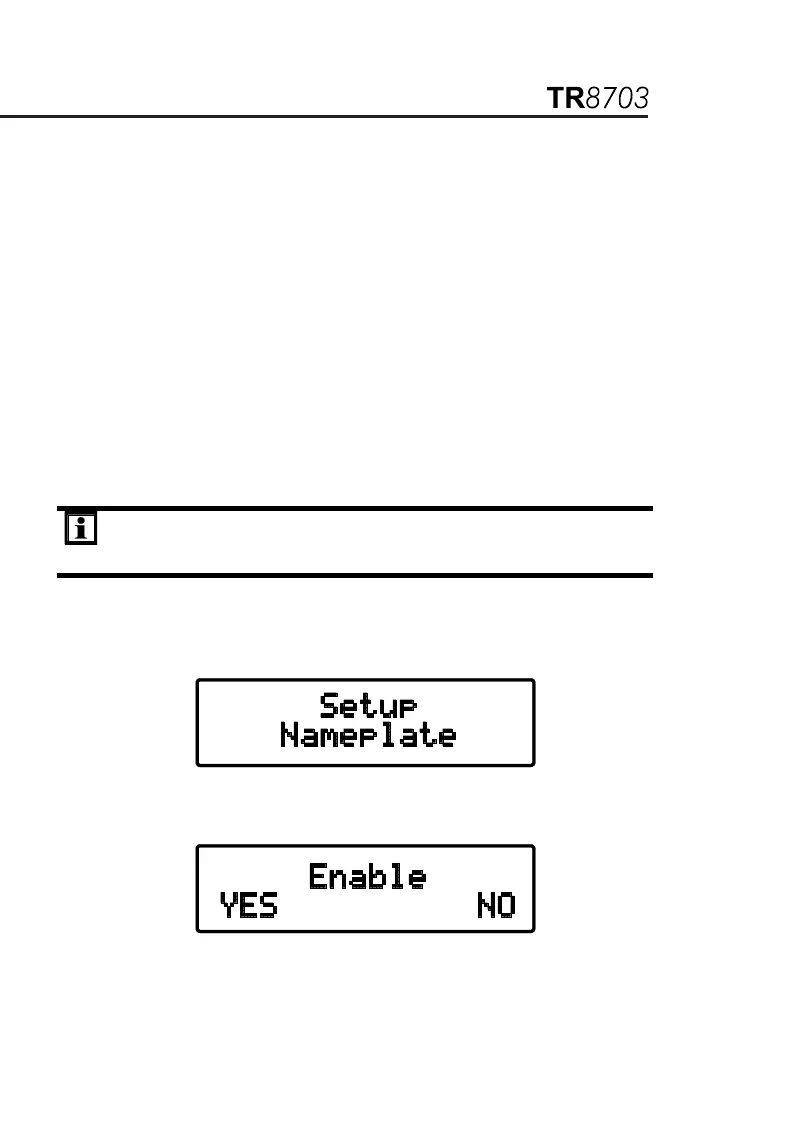
1. Within the top level of Configure Instrument, press the ▼ or ▲ key
until Setup Nameplate appears on the display, then press ENTER.
2. The display will show Enable with Yes and No choices. Press the ▼
key to select Yes (Enable Nameplate).


 To Next Page