Help Screens
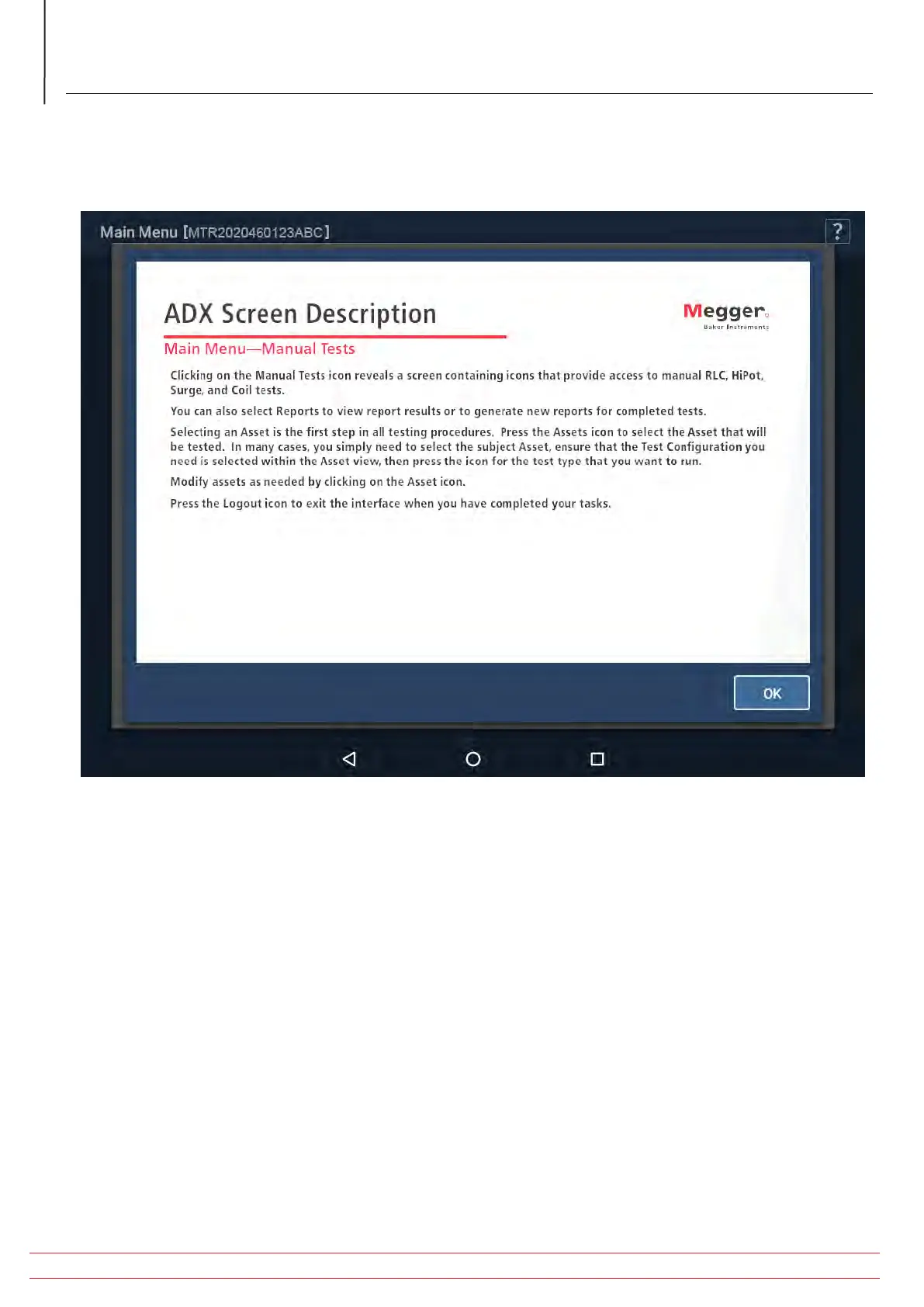
Near the top right corner of most screens is a HELP ( ? ) icon. When you touch this icon, a screen appears with a brief
description of the related screen contents to help you understand how the screen is used.
Fig 40: Example Help screen.
For more detailed information on each screen and the overall ADX user interface, refer to the Megger Baker ADX User
Guide.
www.megger.com/baker
Megger Baker ADX Quick Reference Guide
40
Procedures for Testing with the ADX Analyzer


 To Next Page