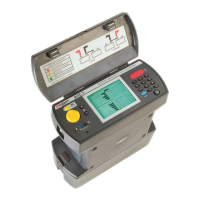
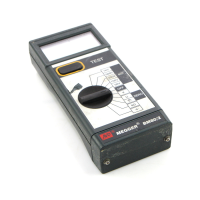
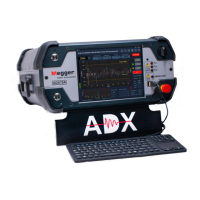
Connecting the ADX to an Asset for Testing
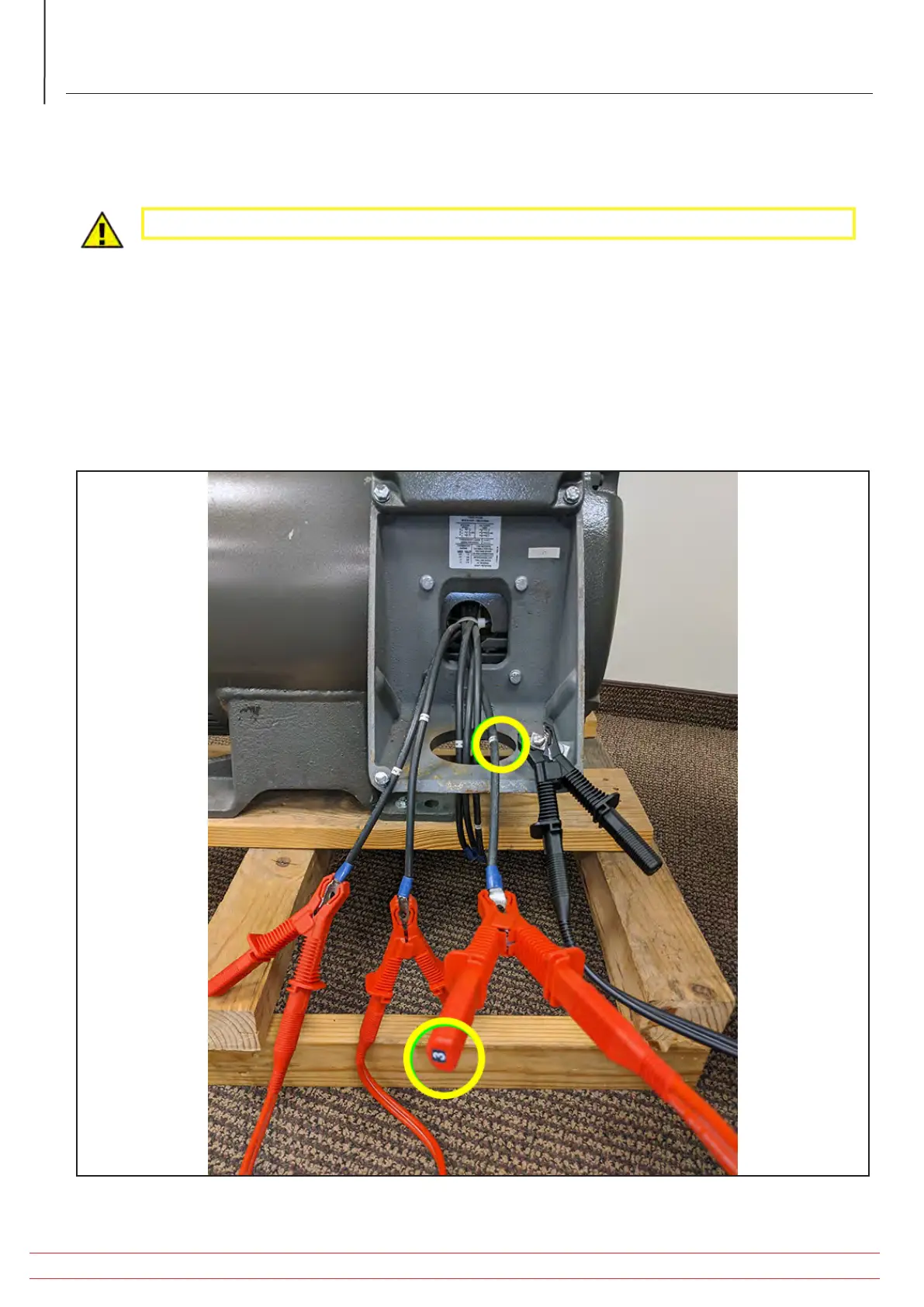
Three-phase Motor Connection
CAUTION: Ensure that the Asset being tested is de-energized before making connections.
1. Plug the ADX into a properly grounded AC power outlet, but do not turn on the ADX at this time.
2. Plug the ADX test leads 1, 2, and 3 into their respective receptacles on the back of the tester.
3. Plug the ground cable into its receptacle on the back of the ADX.
4. Label the leads on the Asset 1, 2, and 3.
5. Connect corresponding numbered test leads to each numbered Asset lead.
6. Connect the black ground lead to an Asset ground terminal or other reliable ground contact.
Fig 34: Connecting ADX test leads and ground to Asset being tested.
www.megger.com/baker
Megger Baker ADX Quick Reference Guide
34
Procedures for Testing with the ADX Analyzer


 To Next Page