18
to to
- Figure 16
8.2.2 Using 3 test leads
All three connections can be connected to the circuit under test, for example:
Electrical testing Telecommunications USA Telecommunications EU
A = Neutral T = Tip A = A
B = Live R = Ring B = B
E = Earth E = Earth E = E
The measurement should default to Live - Neutral (A-B) when the instrument is switched on.
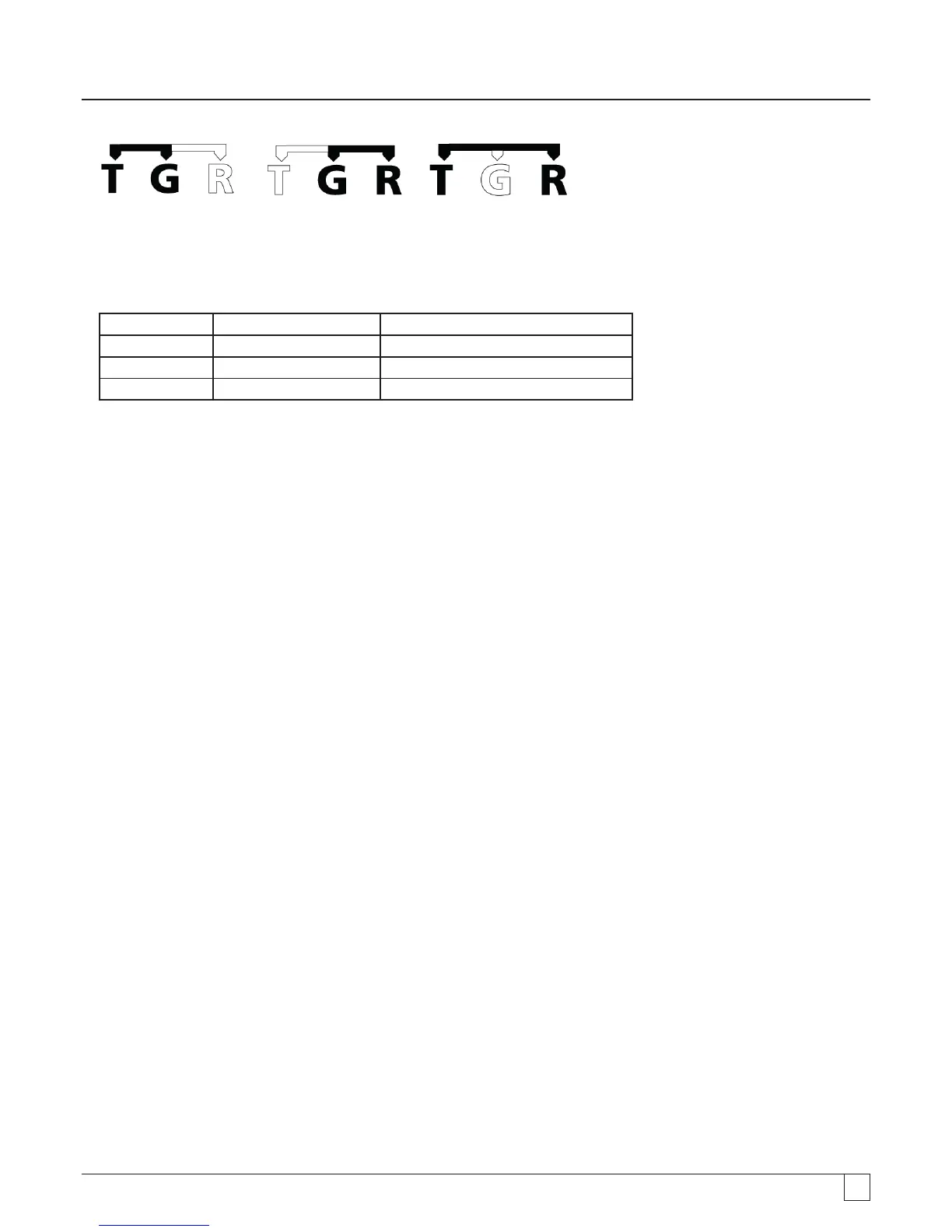
Pressing the A-E-B (T-G-R) button will cycle through the voltages on each part of the circuit, see section 7.2.
8.3 Result storage
For MIT420/2, 430/2, 481/2, 485/2 and the MIT2500 the measured result may be stored (if required) by pressing the ‘STORE’
button for > 1sec. Refer to section 12 for further information.
WARNING - Where the A-E-B (T-G-R) symbol disappears, a voltage is present on a pair not currently selected, Press A-E-B
(T-G-R) to locate the live pair or pairs.



 To Next Page