STORE : This Meter
has 20 internal memory locations from
01 to 20.
P
ress the
STORE button to store the nex
t
available memory location when the
memory
locations has been partially occupied. Then, the MEM symbol will appear and the
currently available location number will be blinking.
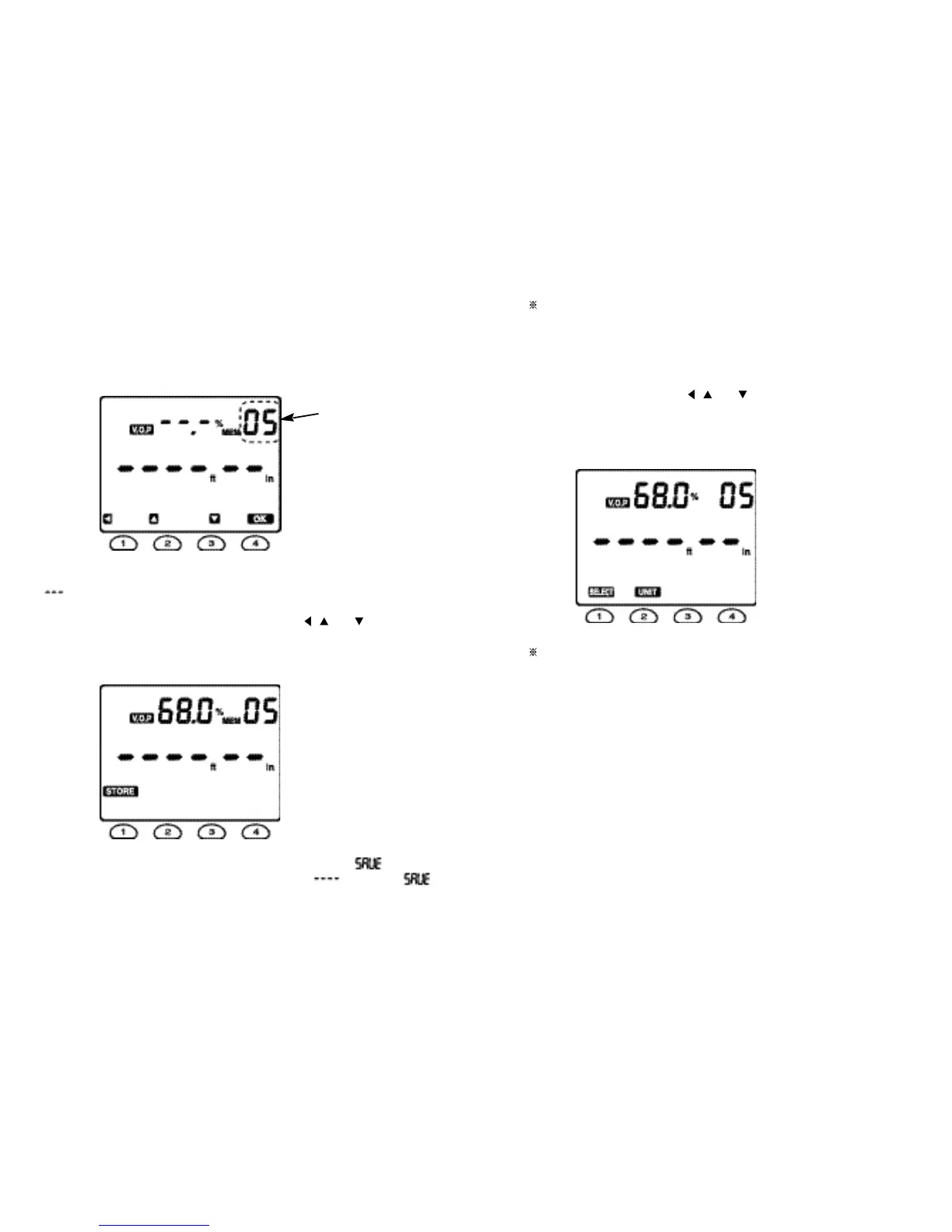
For example, if the location 04 was occupied, the display shows as the Fig. 11.
When all the memory locations are not occupied, the V.O.P segments will display
“ ”.
A particular memory location can be selected using the
, and buttons.
Press the OK button to prepare storing the V.O.P value measured in Section 4.4 in
the location 05. Then, the display shows as the Fig. 12.
P
ress the STORE button then the Meter will display blinking “ ”
while the
measured V.O.P is being stored.
The Me
t
er
will display “
” replacing “
”
af
t
er
the V
.
O
.
P has been stored.
Fig. 11
If you want to cancel storing the V.O.P setting, press the EXIT button to have
the Meter exit memory mode.
RECALL : Select RECALL to review the stored value pressing the RECALL button
after having the Meter enter into the memory mode. The upper display will show the
V.O.P value of the memory location 01 and the 01 (blinking). Select the required
memory location number using the , and buttons. Press the EXIT button to
exit the memory mode.
For example, if the memory location 05 would be selected, the Meter will display as
follows :
If you want to cancel this RECALL function, press the EXIT button again to exit
the memory mode.
Fig. 12
Fig. 13
16 17
“ blinking ”



 To Next Page