4.1 Principles of operation
The Meter works by measuring the time taken for a signal to travel to the far end of
the cable (or to an intermediate fault) and to return.
The velocity at which
the signal
is transmit
t
ed (Velocity of Propagation
,
that
is,
V.O.P) will depend upon the characteristics of the cable to be tested.
The length is computed from the following formula :
travel time X (9.84 X 10
8
) X V.O.P (English measurement)
travel time X (3 X 10
8
) X V.O.P (Metric measurement)
The V.O.P is specified for standard cable types in this manual. However, do not rely
solely on the specified V.O.P because variations of up to 20 % can occur between
batches of cable. There
f
ore, if accuracy
is critical to
your
situation, y ou must
determine
the ac
t
ual V.O.P of each cable. Verify the length measurement
by
measuring a sample cable (longer than 30 ft, or 10 m) of the same cable type you
will be testing.
4.2 How to connect a cable to the Meter
Ensure that no power supply or equipment is connected to the cable to be tested.
Ensure that the far end of the cable to be tested is either open or shorted (not
fitted with a terminator).
Connect the Meter to one end of the cable to be tested.
The cable connection to the Meter is via a BNC connector located at the top of the
Meter. For unterminated cables use the Alligator Clip adaptor as follows.
Coaxial cable : Connec
t
the red clip to the
center wire and the black
clip to the shield.
Shielded cable : Connect the red clip to a wire adjacent to the shield of
the cable and the black clip to the shield.
Unshielded twisted
pair cable : Separate one pair out and connect the two clips to the
two wires of a pair.
Unshielded multi-core
cable : Connect the two clips to any two wires.
4.3 How to set the cable type
The Meter needs to be set for the cable type to be tested before being used to take
measurements.
If the cable type is listed in the library, setting up is simply a matter of selecting the
appropriate cable type from the library.
4.3.1 Selecting a library cable type
The library cable type you will select determines the information about V.O.P and
the abbreviated trade name of the cable to be tested.
1. Turn the Meter on.
2. The
Meter will display the previously selected cable se
t
ting (see Fig. 1 and
Fig. 2) with its V.O.P.
3.
P
ress the SELECT but
t
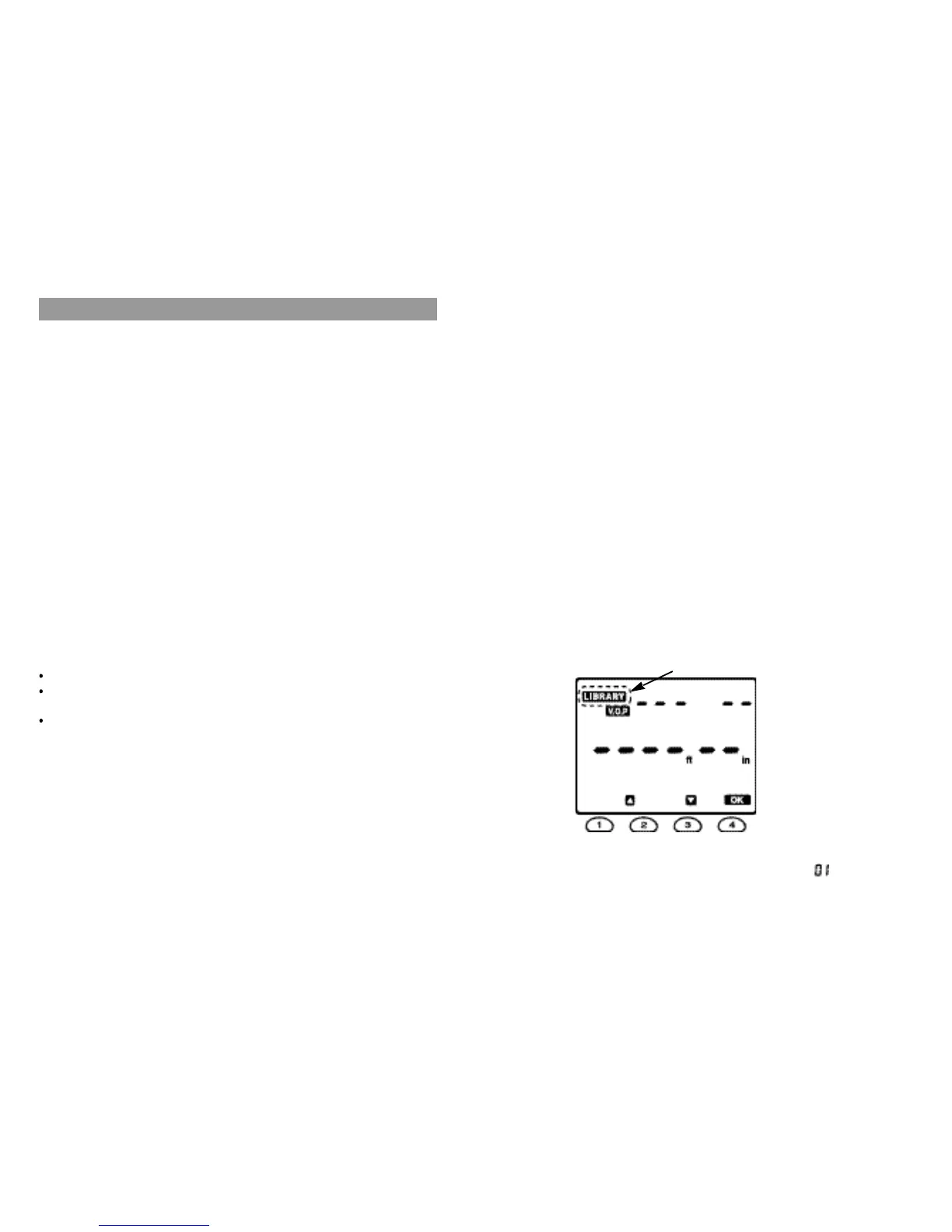
on then the Meter will display both
t
he LIBRARY
symbol (blinking) and the V.O.P symbol.
4. Press the OK button to set the Meter to the LIBRARY mode. The Meter will
display the information of the LIBRARY No. 1, when the “ ” will be blinking.
4. Meter Operation
Fig. 3
98
“ blinking ”



 To Next Page