Chapter 2 – Commissioning
13
Setting the log printer as the output medium (steam sterilizer)
1. Switch on the steam sterilizer.
2. Wait until the display shows the initial state.
3. Press the (+) and (-) keys simultaneously to select the setup menu Function. The display
shows the menu Function: Last batch number.
4. Navigate in the Function menu using the (+) or (-) keys until the display shows Function:
Log output.
5. Press the (P) key to select the sub-menu Log issue – Output medium.
6. Press the (P) key again. If an output medium has not been selected, the display shows Log
output– No output medium.
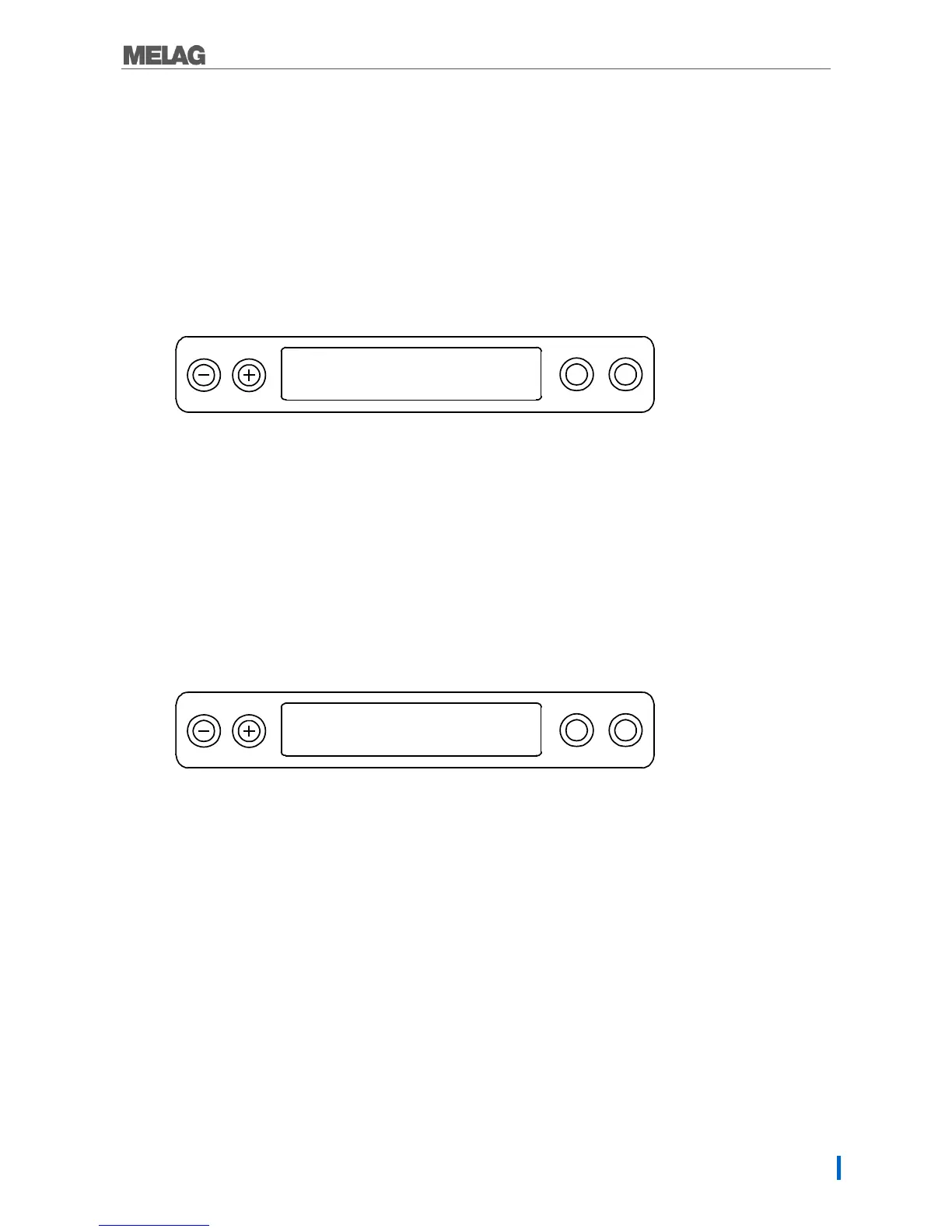
7. Navigate using the (+) or (-) keys until the display shows:
8. Press the (P) key to confirm. The display returns to the Log output– Output medium menu.
9. Press the (S) key to return to the setup menu Function: Log output.
10. After repeated pressing of the (S) key, the display returns to its initial state.
Test output
Perform a test printout to test the connection of the log printer to the steam sterilizer. Proceed on the
steam sterilizer display as follows:
1. Open the setup menu Function by pressing the (+) and (-) keys quickly and simultaneously.
The display shows Function: Last batch number.
2. Navigate using the (+) or (-) keys until the display shows Function: Log output.
3. Press the (P) key to select the sub-menu Log output– Output medium.
4. Press the (P) key to confirm.
5. Navigate using the (+) or (-) keys until the display shows Test output:
6. Press the (P) key to start the printout. This is followed by the display of Output.
7. To abort the test output or to leave the menu once the output has been performed, press the (S)
key. The display shows Function: Log output.
8. Press the (S) key repeatedly to leave the menu.


 To Next Page