13
8.5 Clean touch screen
This is necessary in case of visible contamination.
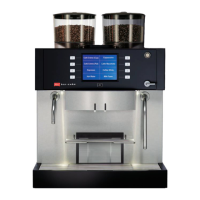
(7) In the display touch the control button “Menu”
and then ...
(8) “Clean touchscreen” to lock the display against
input.
Clean the touchscreen with a damp cloth.
After cleaning unlock the display play gain for input
by successively touching the numbers 1 – 4 in the
corners of the display.
8.6 External cleaning
Wipe plastic parts, painted surfaces and stainless
steel parts regularly with a wet cloth. Do not use any
abrasive agents or sharp objects.
Caution: The cloth must not be dripping wet - risk
of short-circuit! Detergent residues must be care-
fully wiped off in order to prevent undesired func-
tions being triggered.
(9) Remove the drip grill as soon as soiling is visi-
ble.
(10) Then wipe out the drip tray with a damp cloth.
9
10
7 8












 To Next Page
