- 25 -
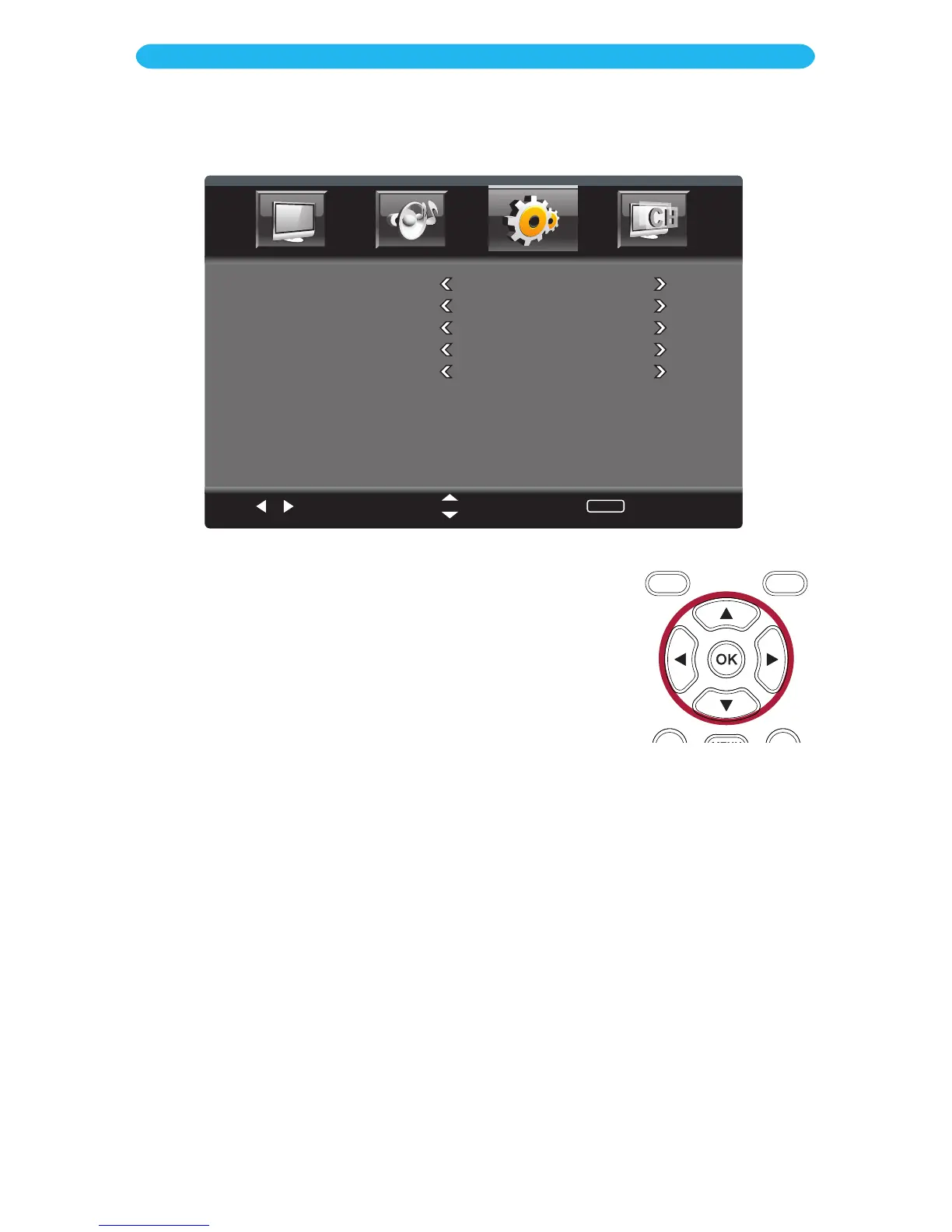
1 Access the Parental Control menu as described on page 24.
2 Press the q button to select Input Lock.
3 Press the OK button to enter.
4 Press the q button to select a setting (i.e. TV, etc.).
5 Press the t/u buttons to adjust the setting.
6 When done, press the EXIT button to exit the menus or press
the MENU button to return to the previous menu.
ON SCREEN DISPLAY
Setup Menu - Parental Control - Input Lock Submenu
Select
Move
MENU
Return
TV
Unlock
AV
Unlock
PC
Unlock
HDMI1
Unlock
HDMI2
Unlock
For the following options, Select Lock to block viewing without the password. Select
Unlock to allow viewing at all times.
TV: This is the input connected to the Coaxial Video In Jack.
AV: This is the input connected to the AV Jacks.
PC: This is the input connected to the VGA Jack.
HDMI1-2: This is the input connected to the respective HDMI Jacks.



 To Next Page