- 27 -
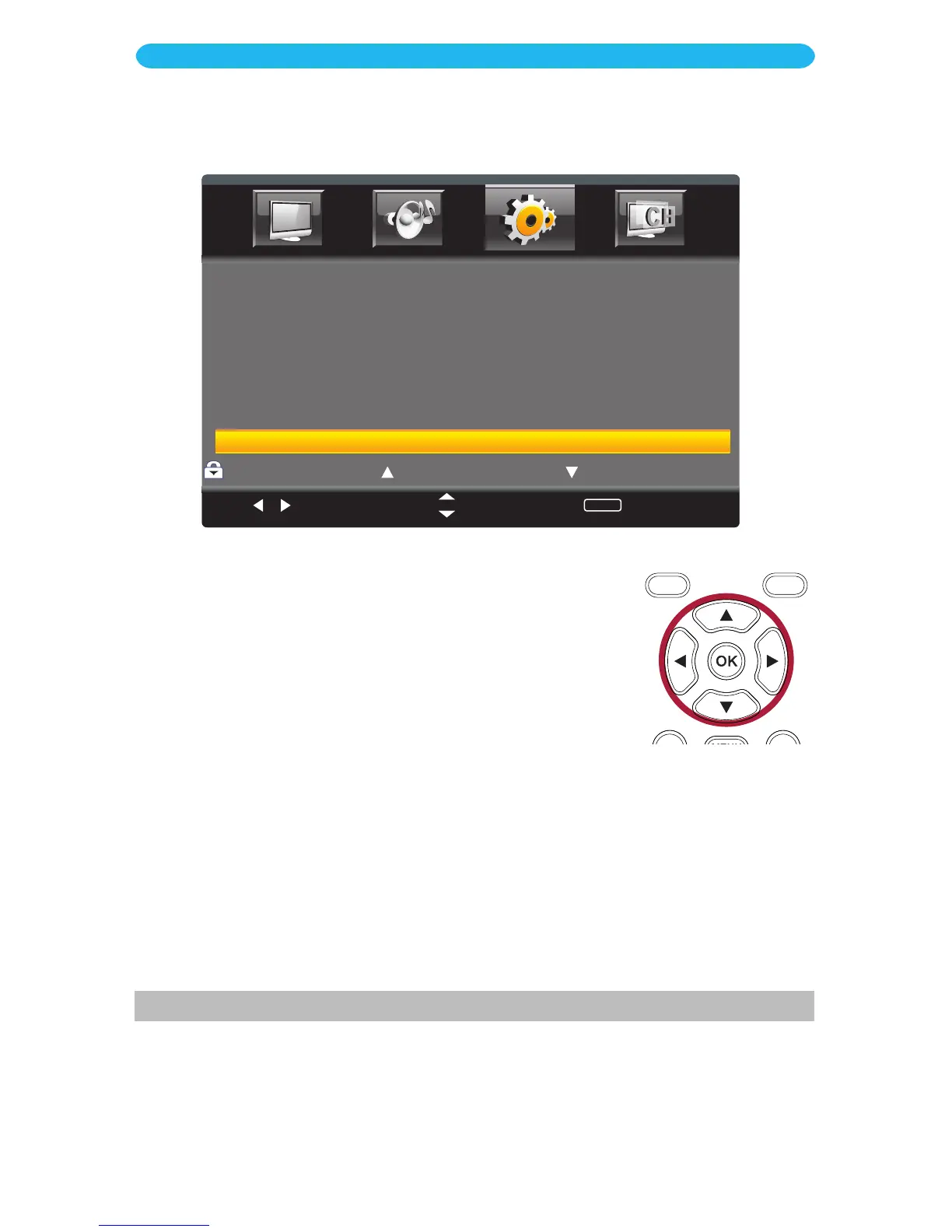
1 Access the Parental Control menu as described on page 24.
2 Press the q button to select Canadian Rating and then
press the
OK but
ton to enter.
3 Press the q button to select Canadian English and then
press the
OK but
ton to enter.
4 Press the p button to Lock a desired Canadian English rating
(C/C8+/G/PG/14+/18+/EXEMPT).
Press the
q bu
tton to
Unlock.
5
Press the MENU button to return to the previous screen.
6 Press the q button to select Canadian French and then
press the
OK but
ton to enter.
7 Press the p buttons to Lock a desired Canadian French rating
(G/8ans+/13ans+/16ans+/18ans+/EXEMPT). P
ress the
q
bu
tton to Unlock.
8 When done, press the EXIT button to exit the menus or press
the MENU button to return to the previous menu.
ON SCREEN DISPLAY
Setup Menu - Parental Control - Canadian Rating Submenu



 To Next Page