- 28 -
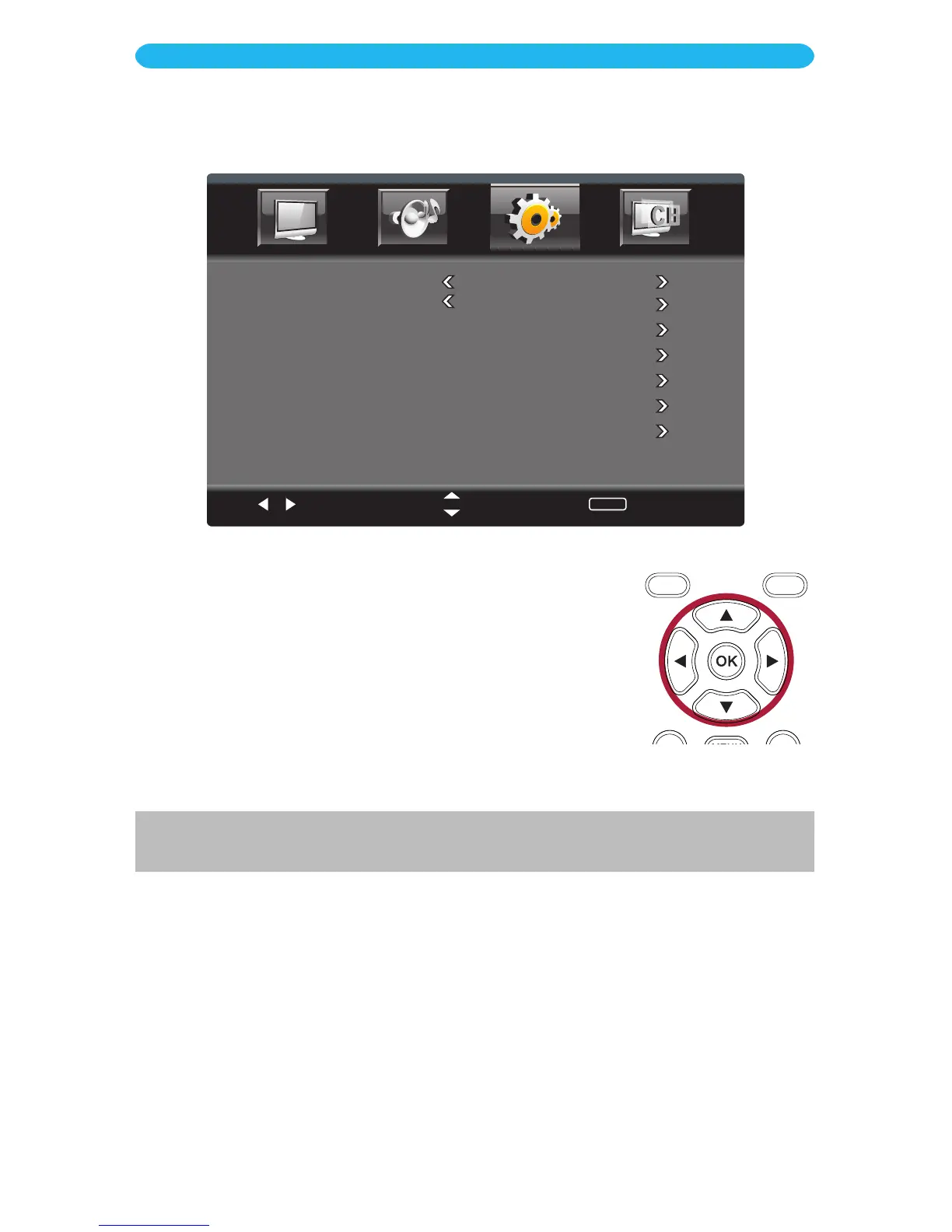
1 Access the Parental Control menu as described on page 24.
2 Press the q button to select RRT Setting* and then
press
the
OK but
ton to enter.
3 Press the q button to select a setting (i.e. Humor Level, etc.).
4 Press the OK button to enter the setting.
5 Press the t/u buttons to adjust the setting.
6 When done, press the EXIT button to exit the menus or press
the MENU button to return to the previous menu.
ON SCREEN DISPLAY
Setup Menu - Parental Control - RRT Setting
Select
Move
MENU
Return
Change Password
System Lock On
Input Lock
US
Canada
RRT Setting
Reset RRT
* This setting is only available when current stream has downloadable rating data, which is used with providers like
DirecTV.



 To Next Page