- 31 -
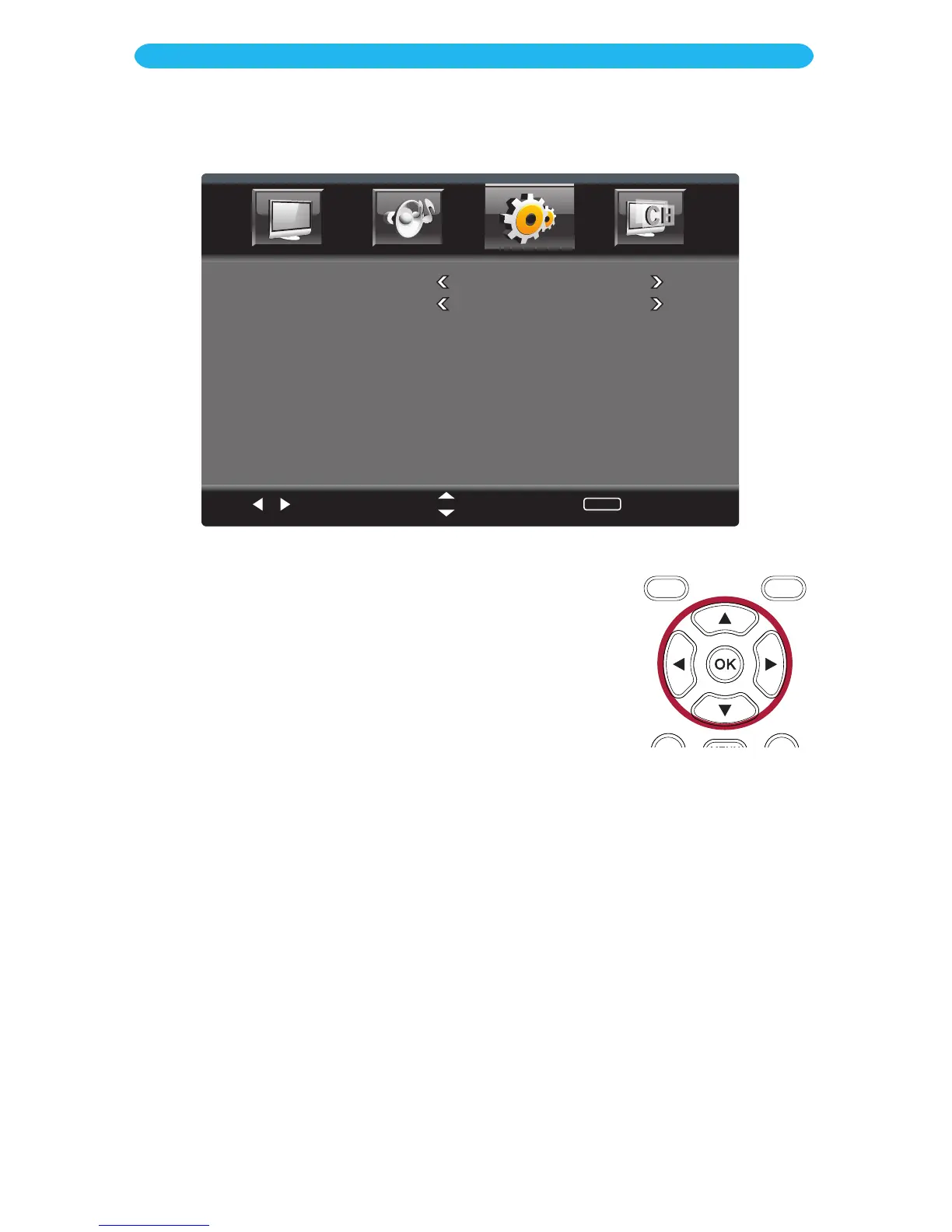
1 Access the Setup menu as described on page 23.
2 Press the q button to select Menu Settings.
3 Press the OK button to enter.
4 Press the q button to select a setting (i.e. Transparency, etc.).
5 Press the t/u buttons to adjust the setting.
6 When done, press the EXIT button to exit the menus or press
the MENU button to return to the previous menu.
ON SCREEN DISPLAY
Setup Menu - Menu Settings Submenu
Select
Move
MENU
Return
Transparancy
25%
OSD Time
60 Sec.
TRANSPARENCY: Set the desired transparency of the menus.
OSD TIME: Set the desired time the menus will appear on the screen without a button
being pressed.



 To Next Page