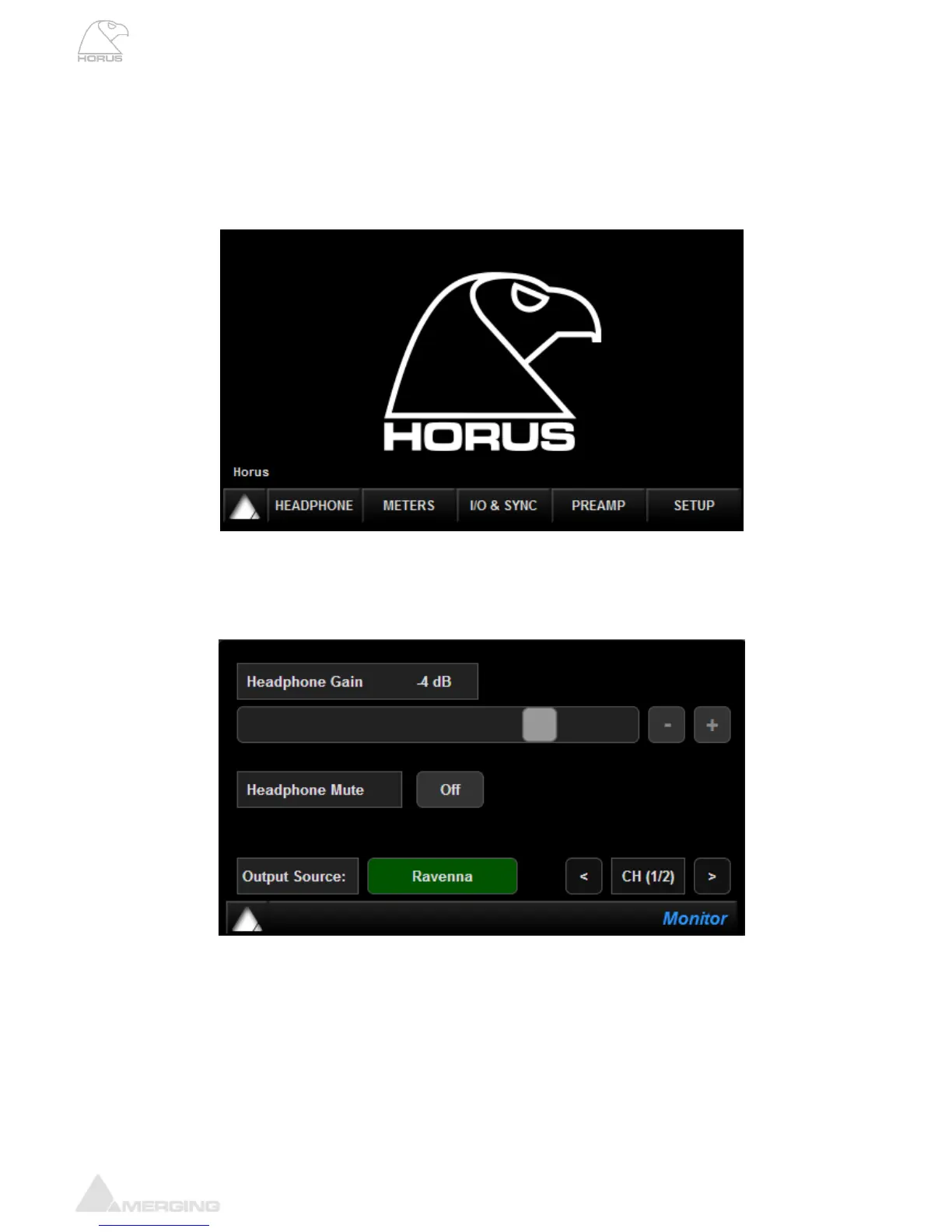
Main Home Screen
This is the screen which you will see after the Horus completes its boot sequence. From here you can
navigate to all the other menus for the setup and use of Horus. If at any time you want to return to the
Main Screen, you can press the Merging Logo in the bottom left-hand corner to return to the Main
Screen. The screen also has access to the 5 main sections of the Horus menu: Headphone, Meters,
IO & Sync, PreAmp and Setup.
Headphone Menu
The Headphone menu refers to the Horus front panel Headphone Monitor jacks. The Headphone jacks
1 & 2 (6.3 mm and 3.5 mm) output the same source and level.
Headphone gain: Sets the gain of the Headphone output. Use the slider (Left= less gain / Right=
more gain) or the + - buttons to set the gain to the desired level
Headphone level range: -60 dB to +12 dB
Headphone Mute: Mutes the headphone output when OFF is active
Output Source: Shortcut to the Output Source Page for the Headphone module (Described
below in “Modules Sub-Menus section”)
Channel selector The Headphone (Monitor) being a Stereo output it is possible to select which
pair of channels you want to Headphone (1-2, 3-4, 5-6 or 7-8)



 To Next Page