Transparency Check: This is a Debug Utility tool that verifies the bit transparency of the audio path
On: Transparency check enabled
Off: Loopback mode enabled
Word Length: Word length of the digital audio data signal (16 bits or 24 bits)
Status: Green: Path transparency valid
Black: Path is not transparent
Numbering: indicates the number of discontinuities measured
Latency: Output to Input delay in samples
Output Source: Shortcut to the Output Source Routing Page configuration
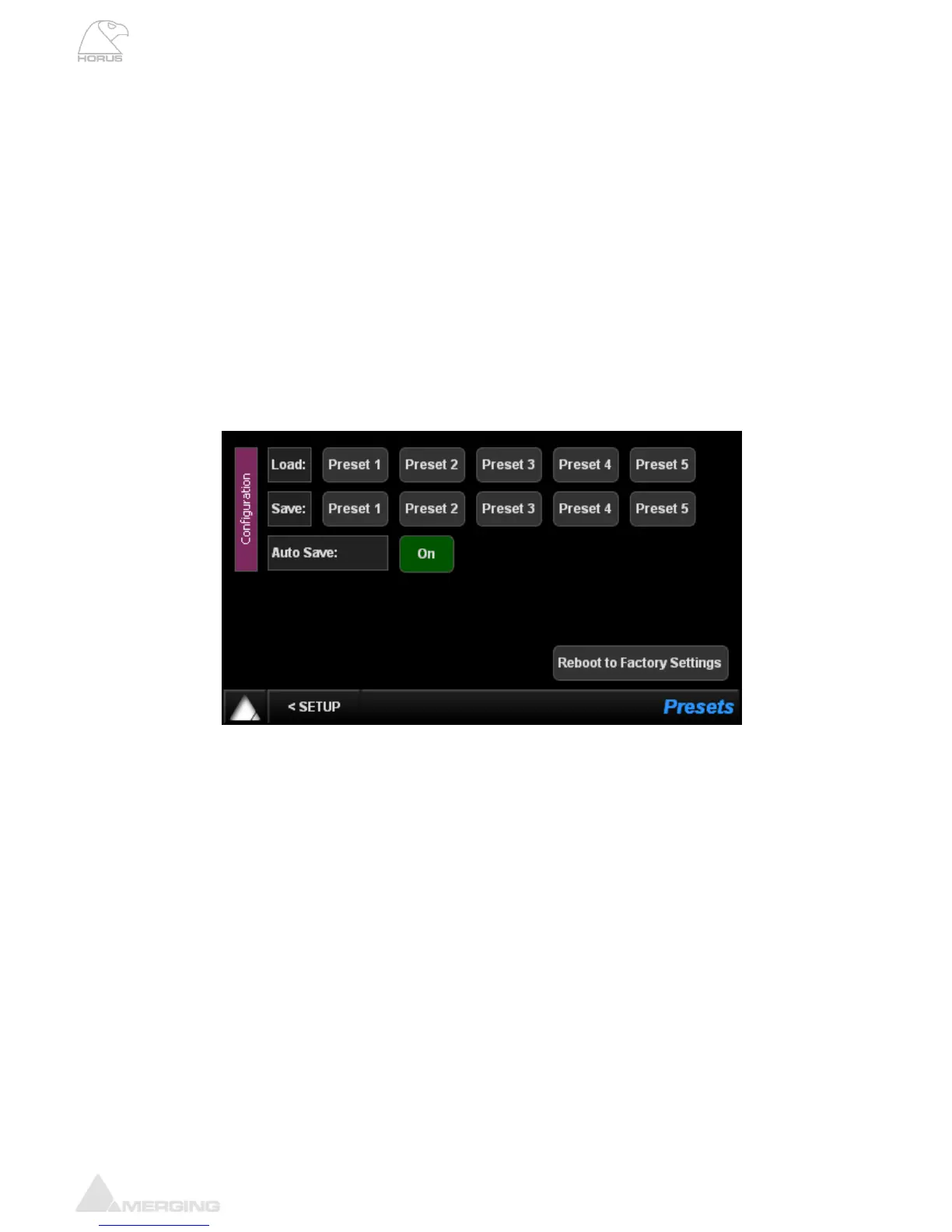
Presets Menu (Setup)
Load: 5 presets banks of different Horus configurations can be loaded (one at a time)
Save: 5 presets banks are available to store different Horus configurations
Auto Save: If enabled the save configuration will happen at every 2 minutes.
Note: Since the flash memory which is at the heart of the Horus storage has a
huge (but not infinite) amount of write cycles, we limit the auto-save of all
configuration and PreAmps settings to once every two minutes if (and only if) a
change has occurred meanwhile.
Furthermore, both Shutdown and Reboot buttons (in Setup page) do also
entirely save the current configuration of the Horus prior to power down.
Reboot to Factory: If selected we will reboot the Horus to the default factory configuration. The
Current configuration will be lost but all the saved presets will be kept and can
be reloaded.



 To Next Page