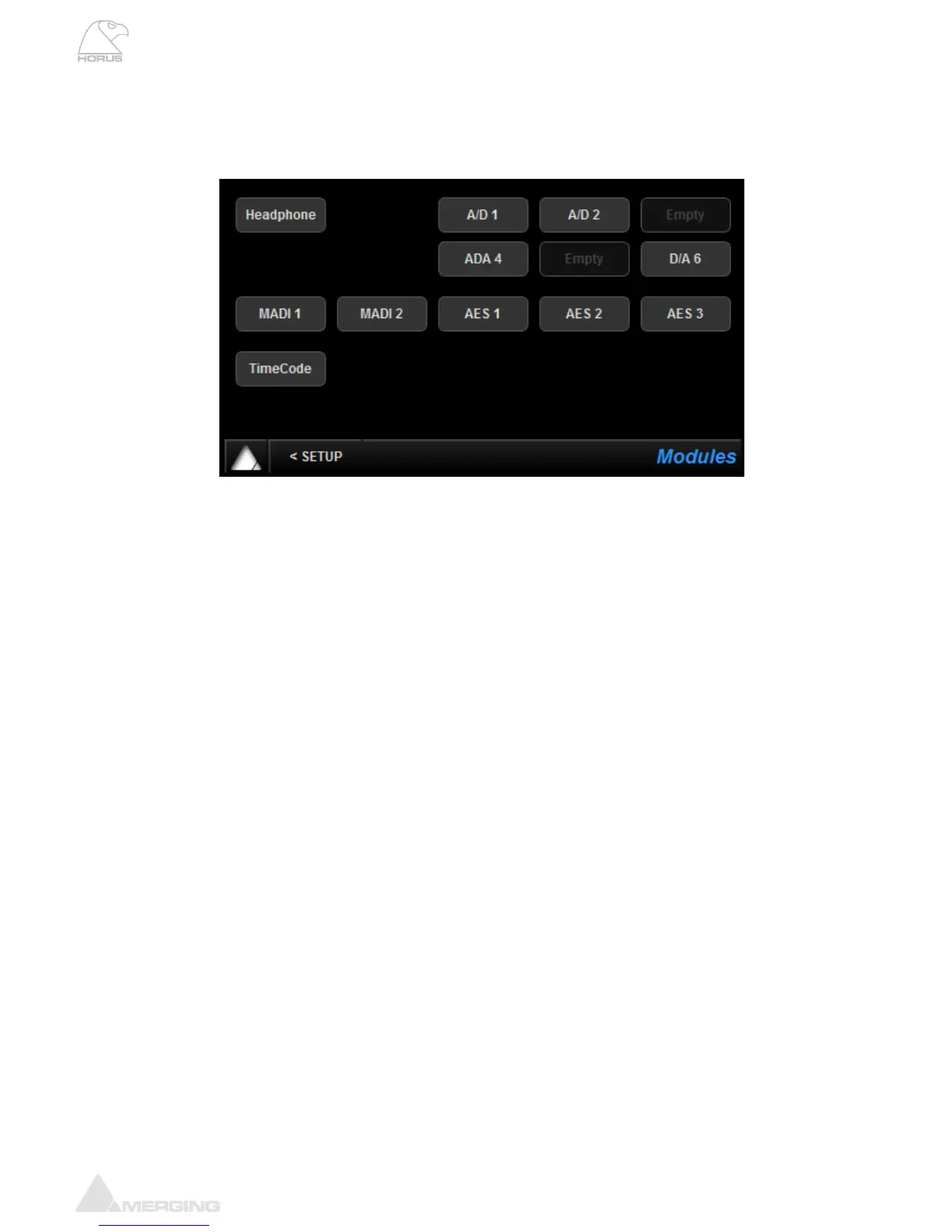
Modules Menu (Setup)
Module menu will show the available Horus Modules that your Horus has in its configuration
Selecting one of the Modules described below will open the Module I/O configuration menu
Headphone
Shortcut to the Headphone page described above.
A/D N
The A/D buttons, which become active if you have 1 or more AD8(P) modules installed in the Horus
unit, give access to the Input controls. N being a number incrementing from 1 to 6 (when looking from
the rear of the unit number 1 is left top, 6 is bottom right) referring to which of the six slots the module is
inserted into. Please see below for a description of the buttons available.
D/A N
The D/A buttons become active when 1 or more IOC-DA8(P) modules are installed in the Horus unit.
MADI 1-2
MADI 1 port is included as standard with each Horus.
MADI 2 will be listed as “EMPTY” in Horus units which are not fitted with the optional MADI expansion
card
AES 1-3
Included as standard. The AES buttons are active since this module is included as standard (as the
MADI 1 module). Connectivity is over 3 D-SUB25 connectors providing 24 channel (12 AES pairs) of
AES-EBU I/O.
TimeCode
Included as standard. The TimeCode button is active since this module is included as standard and will
bring you to the TimeCode page.



 To Next Page