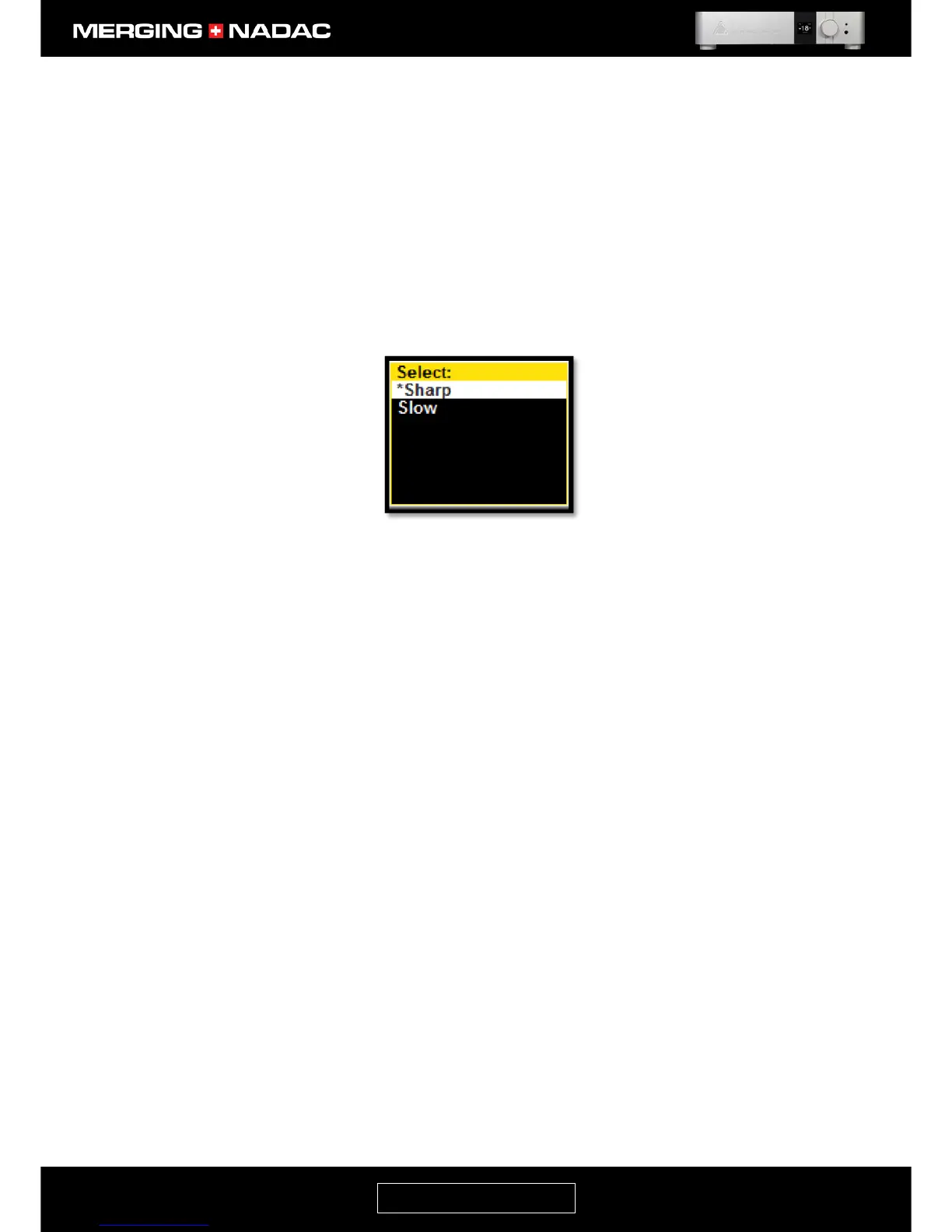
These filters may sound different in your system, so we advise the user to listen to
both and select the one that gives the most pleasing result. These filters are global,
so for example, if you select the sharp roll-off filter, this will be applied for all PCM
sample rates and all DSD data rates.
To change the Roll off Filter selection, use the Rotary Control to outline the Roll off
Filter options box in the System menu - Figure 25, then briefly press the Rotary
Control and the filter options available will be displayed – Figure 29. The asterisk
shows which filter is currently selected.
Use the Rotary Control to highlight the required filter, then briefly press it again to
confirm the selection. The display will revert to the System menu, Figure 25, with the
new filter setting shown in the Roll off Filter options box.
WCK Termination In the normal mode of operation the MERGING+NADAC’s audio processes are
synchronized to own internal clock. The unit may also be used with an external
source for the clock, which is called a Word Clock generator. The internal clock is of
a very high quality; it is the same one that our professional converters use, so we
cannot say whether there would be any significant improvement in performance if
an external World Clock generator were to be used. We recommend that you try any
such device before you commit to buying it.
Instructions on how to connect a Word Clock may be found on page 18. Also please
see the notes on synchronization on page 40.
When a professional grade Word Clock generator is used, it is standard practice to
connect a 75Ω resistor across the word clock input. This is to ensure that the NADAC
receives a clean clock signal. As there is no agreed standard for the key performance
parameters of the word clock signal, using this termination resistor may not always
give the best result, so we have provided the facility for this resistor to be switched
in or out of the circuit.
The unit is shipped with the 75Ω resistor switched in, as this will in most cases give
the best result. In this case the WCK term options box in the System menu, Figure
25, will show 75Ω against a black background.
To switch the 75Ω resistor out of the circuit, use the Rotary Control to outline the
WCK term options box in the System menu - Figure 25, then briefly press the Rotary
Control. The background of the WCK term options box will change to green
indicating that the 75Ω resistor is now out of the circuit.
To reconnect the 75Ω resistor, outline the WCK term options box and the briefly
press the Rotary Control again. The background color of the WCK term options box
will change to black indicating that the 75Ω resistor is connected.



 To Next Page