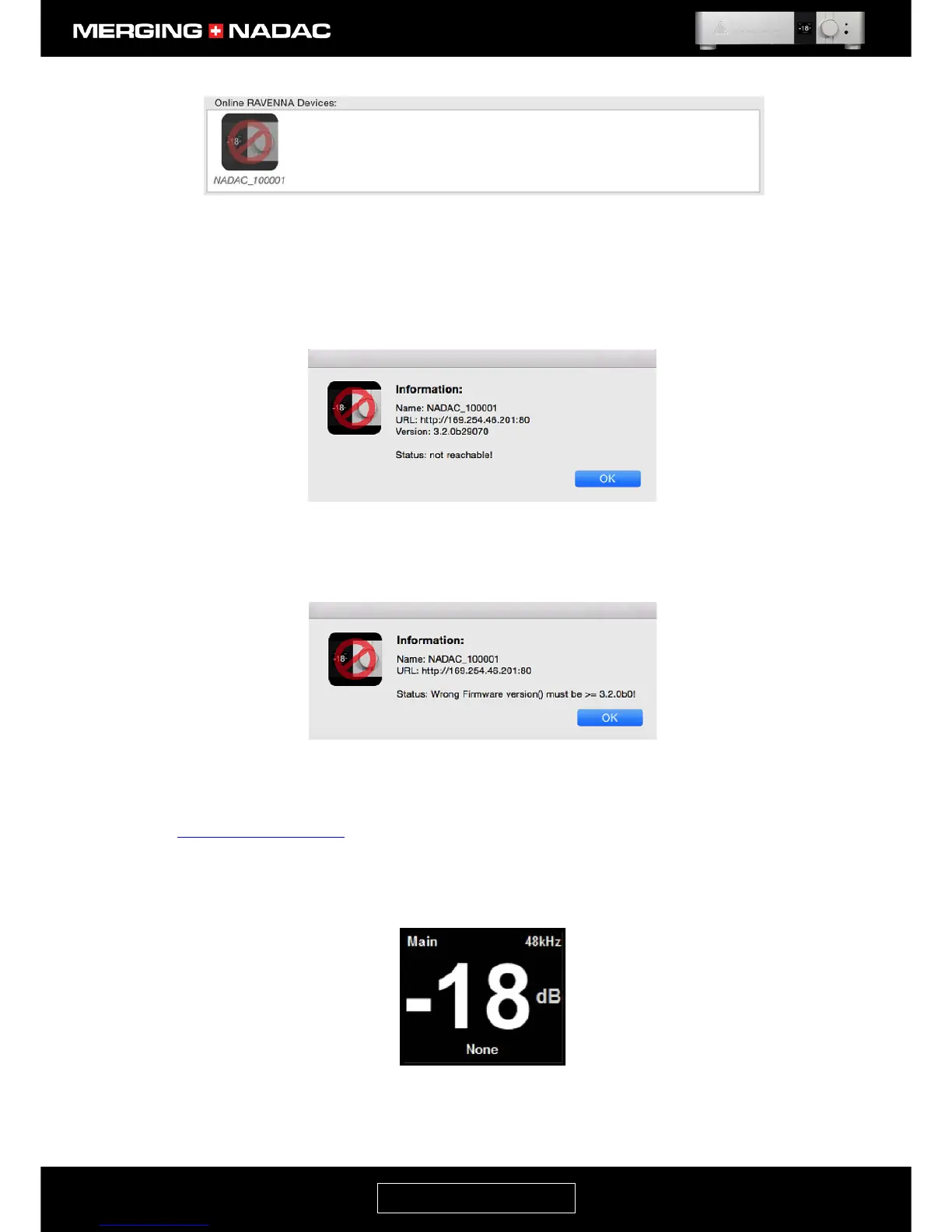
Clicking on the NADAC icon will give the cause of the error.
Example 1: Status: Not Reachable (Figure 69). Check your set up connections and reboot the unit.
Example 2: Status: Wrong firmware version. (Figure 70). Please see page 69 for details on how to update
the firmware. If you require assistance, please contact your Merging Technologies reseller.
4. Select the NADAC CoreAudio driver within the Media Player application you will use. Please refer to our
specific applications guides
if you need further information on how to do this.
5. Once the Core Audio driver is configured, refer to the unit’s front panel display. This should be showing
the Main home screen. Figure 71 shows an example of what this may look like, though the sample rate
and volume setting may be different.



 To Next Page