35
8.3
Operating instructions
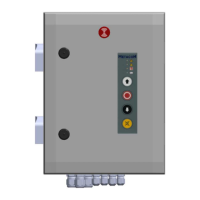
The circuit board features 3 push buttons under the display, namely: “˅”, “˄” and “stop/ok” (see
image). When in normal operation, these buttons work as up-stop-down controls.
A password must first be entered before the menu can be accessed (the default is 99; can be
modified in menu 9.6). Once the password has been entered, the menu will remain accessible for 10
minutes without requiring a password.
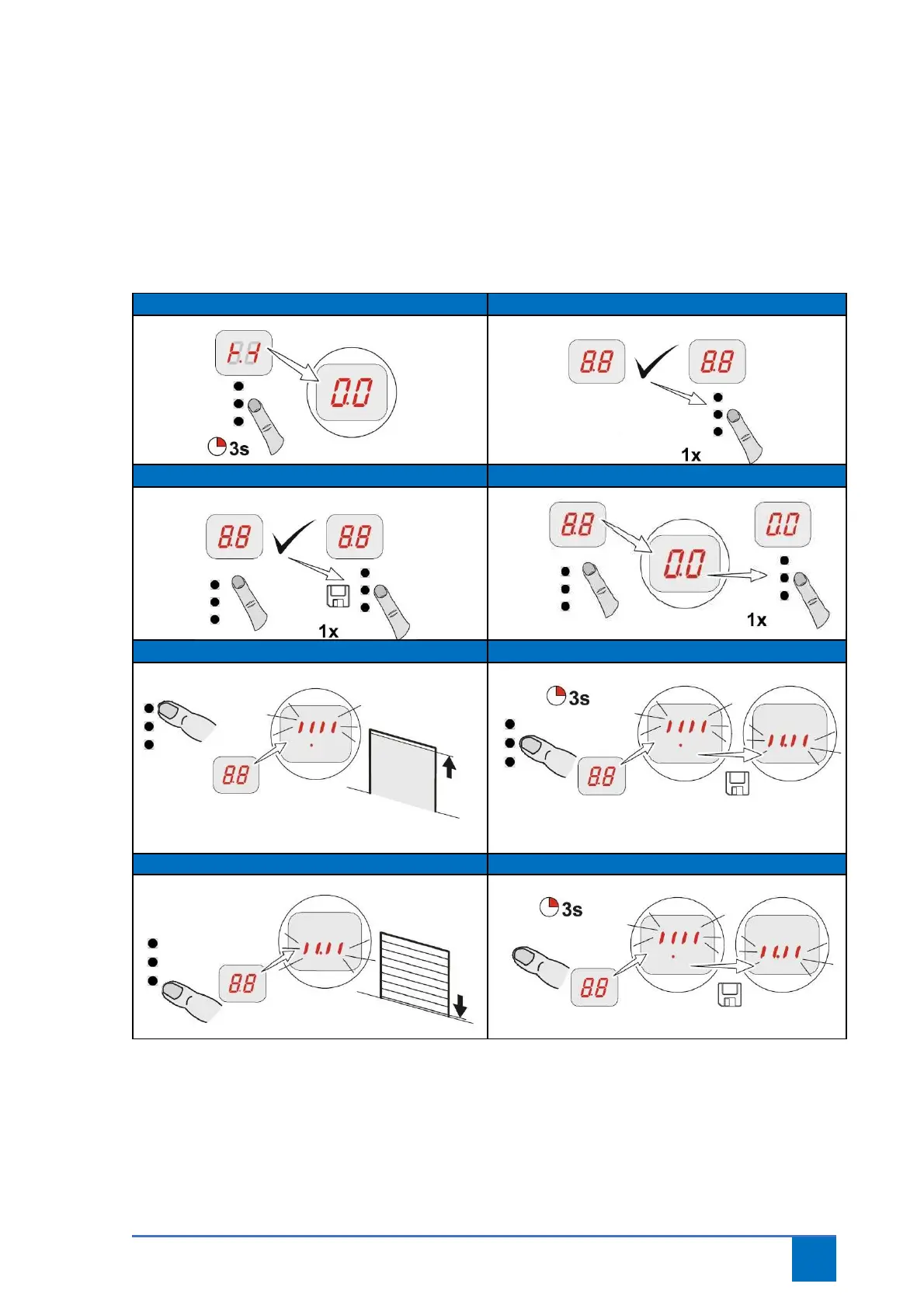
Select and confirm program point
Move to OPEN final limit position
Move to CLOSED final limit position Save CLOSED final limit position


 To Next Page