38
8.5
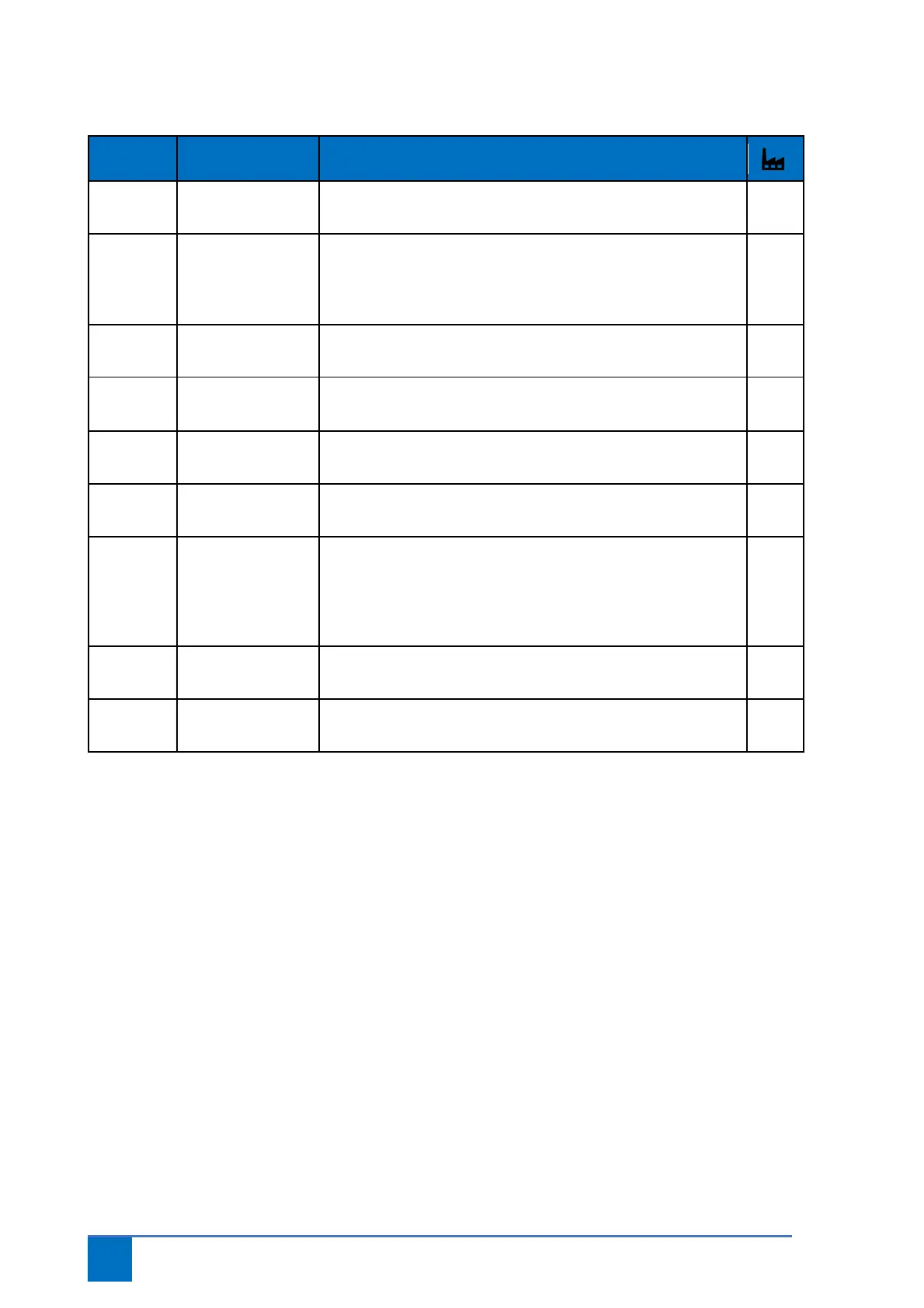
Parameter series 1, (end) position settings
1.1 End position open Select the desired door position and save using stop/ok button.
Stop button on lid to cancel.
1.2 End position closed Select the desired door position and save using stop/ok button.
Stop button on lid to cancel.
Once end position closed has been modified, “Over-close”
position must also be modified via parameter 1.7.
1.3 Fine correction end
position open
Increase or decrease open position. +/- 0 to 9.
1.4 Fine correction end
position closed
Increase or decrease closed position. +/- 0 to 9.
1.5 Adjust pre-end
position
Select the desired door position and save using stop/ok button.
Stop button on lid to cancel.
1.6 Fine correction pre-
end position
Increase or decrease pre-end position. +/- 0 to 9.
1.7 Adjust “over-close”
DES
During programming, the “over-close” position is automatically
matched to the end position closed. For another “over-close”
position, select the desired door position and save using the
stop/ok button.
Stop button on lid to cancel.
1.8 Fine correction
“over-close” DES
Increase or decrease “over-close” position. +/- 0 to 9.
1.9 Partial opening Select the desired door position and save using stop/ok button.
Stop button on lid to cancel.


 To Next Page