6
Accessories:
Power supply unit, (see technical data, page 5), fixedly attached to the device
Wedge-shaped cushion (health cushion)
Infrared – neck cushion (IR-NK)
Infrared – back cushion (IR-RÜ)
Infrared – calf cushion (IR-WA)
Andullation abdominal belt (AG)
Power – andullator (POW)
Support wedge (Heart – weighing cushion)
Commissioning
First, check if all packaging is free of defects/damage.
Carefully remove the therapy system and the accessories from the boxes or polybags and
check whether all components are intact.
Unfold the system and place it on an even surface.
Connect plugs and accessories according to the assembly instructions (see page 1 and 2).
Plug the mains supply line of the power supply unit in the socket.
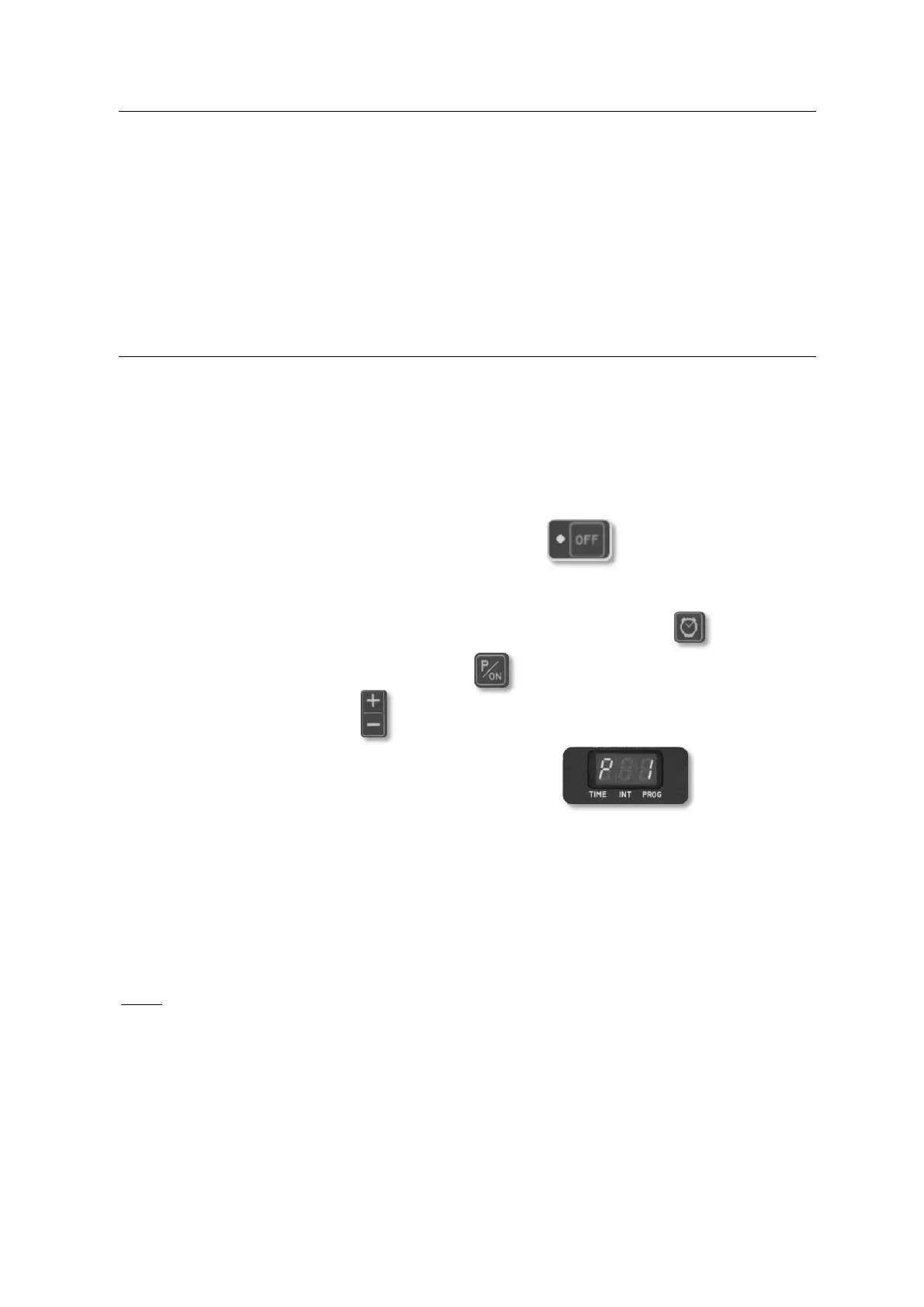
The flashing LED indicator next to the OFF button on the manual control
indicates that the device is ready for operation.
Lie down on the therapy system so that the logo is located at the foot.
Now pre-select a duration of 15 or 30 minutes using the watch button .
After that, press the program button P/ON. The program mode is activated.
Now, use the + / - buttons to select the program.
The selected program number is shown on the display.
After approx. 1.5 seconds, the therapy system begins to massage.
The INFRARED HEAT, PROGRAMS, INTENSITY and TIME functions are now
freely selectable for you to configure your individual massage program.
This device is not intended for continuous operation. After the maximum therapy time
(60 minutes), there must be a minimum break of 10 minutes.
Note:
To switch off the therapy system completely, pull out the mains plug with all poles. This
plug must be easily accessible and unobstructed. Do not pull the plug by pulling at the cable.
Only use a properly installed socket.
If you need help commissioning or using the system or would like to report on unexpected
situations / events during operation, please contact the manufacturer/service address
indicated at the end of these operating instructions.


 To Next Page
 Loading...