5 MENUS AquaLab TDL
Temperature
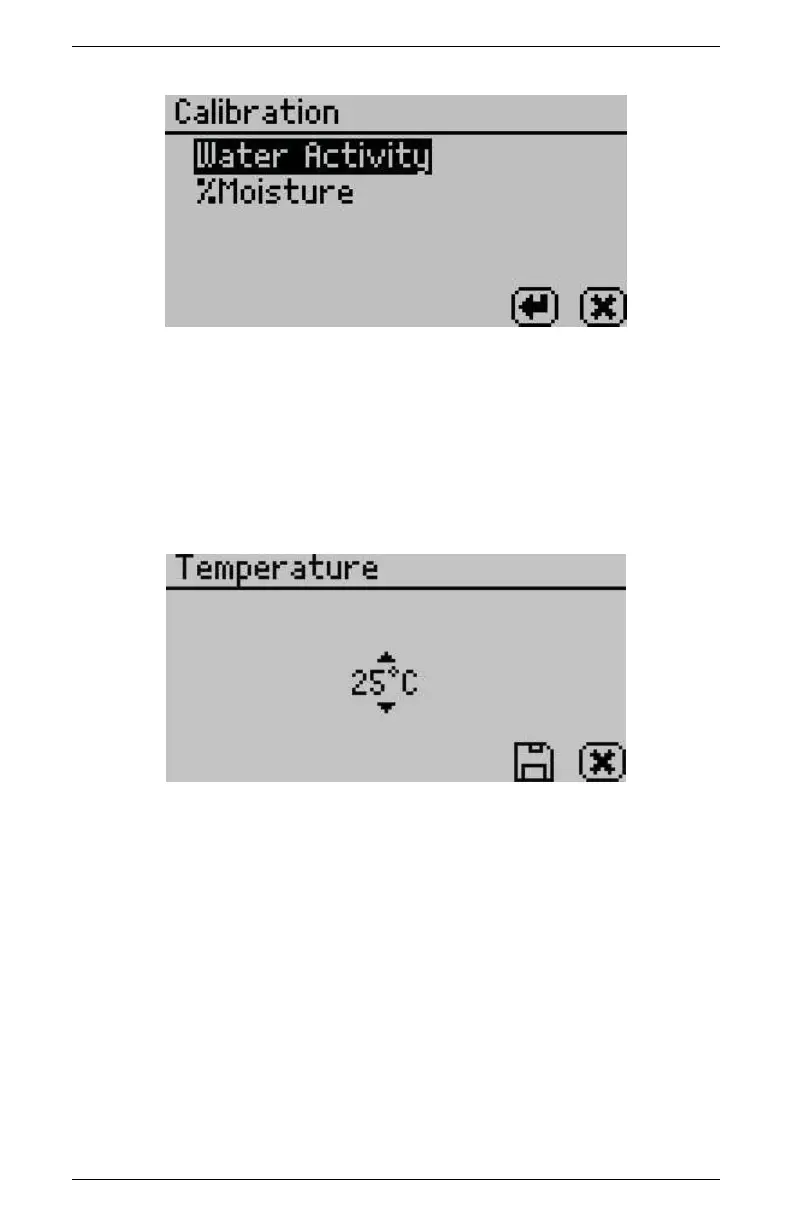
The default temperature is 25
◦
C. Press the Enter button to change
the temperature setting. The AquaLab may be set between 15 and
50
◦
C by 1.0
◦
C intervals. Using the up and down arrows, set the
AquaLab to your desired temperature and press the save button.
Temp Eq
The Temperature Equilibration option allows you to set the level
of temperature equilibration desired before the water activity mea-
surement begins. The range is 0.5 to 4.0
◦
C. A setting of 4.0
◦
C
begins the measurement immediately (assuming the sample is not >
4.0
◦
C above or below the block temperature). A setting of 0.5
◦
C
causes the instrument to wait until the sample temperature is within
< 0.5
◦
C of the block temperature before starting the water activity
measurement.
18



 To Next Page