5
TEROS 54
Table 1 Installation (continued)
Installation
(continued)
Finally, screw the protective cap into the thread to protect it from
environmental influences.
NOTE: Do not hit the probe head directly with a hammer. This can damage the probe head.
Installation
(continued)
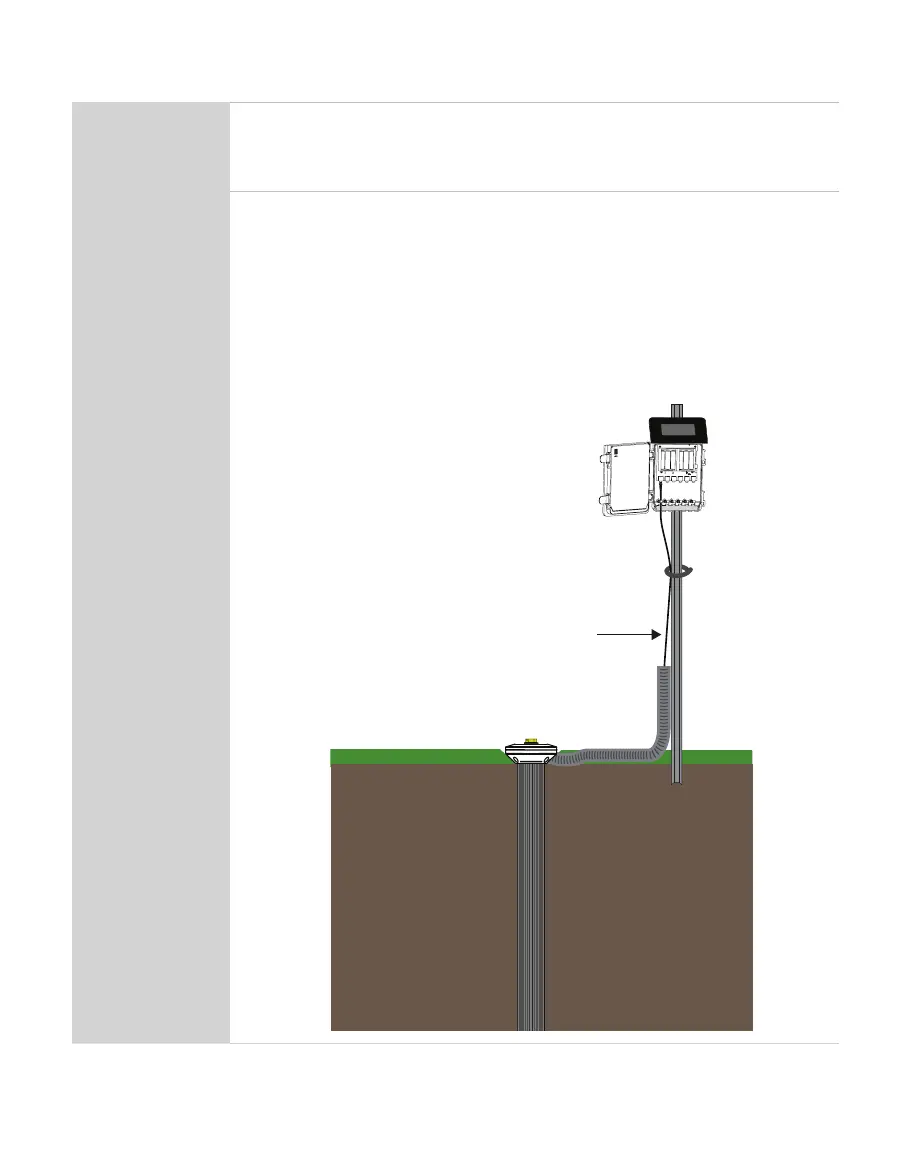
Secure and Protect Cables
NOTE: Improperly protected cables can lead to severed cables or disconnected probes.
Cabling issues can be caused by many factors such as rodent damage, driving over probe
cables, tripping over cables, not leaving enough cable slack during installation, or poor
probe wiring connections (Section2.1.2).
Install cables in conduit or plastic tubing when near the ground to avoid
rodent damage.
Gather and secure cables between the TEROS 54 and the data logger to the
mounting mast in one or more places.
Port 1Port 2Port 3Port 4 Port 5Port 6
TEST
OK
ERROR
(-)
(-)(-) (-)
(-)(+)(-)(+)(+)
(+)(+)(+)
Cable



 To Next Page