11
3.3 Performing Constructions
A common measurement request is to construct a bolt hole pattern from three or more circles. The following example
procedure will explain the general sequence that applies to all other supported feature constructions.
• Step 1: Measure three circles.
• Step 2: Press the measure circle button again. Now press the “Feature Construction” button( ).
• Step 3: In the feature list, a thin orange vertical “bar” will appear which should be next to the last circle you
measured. Press “Enter” and the feature counter will now indicate “1”, and the feature you selected will turn
blue. Press “Enter” two more times until all three features are highlighted.
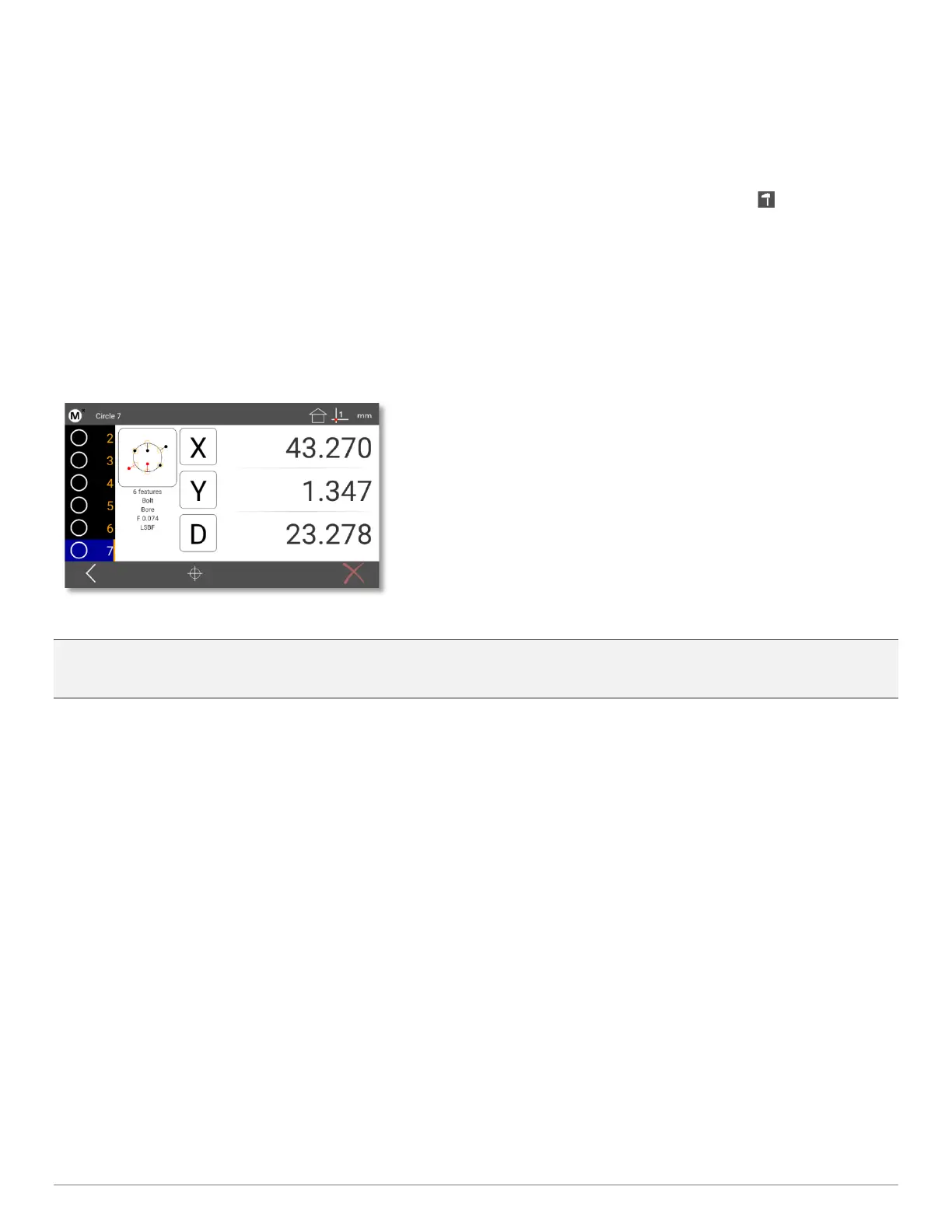
• Step 4: Press “Enter” to complete the construction. The newly constructed feature is now displayed in the
feature detail screen, you can see the parent cicrlces that make up the bolt hole in orange(the example image
below uses 5 parent circels). The bolt hole circle construction will be displayed in black.
Pro-Tip: You can always use the keypad up/down arrows, or the touchscreen to move up and down the feature list,
viewing the detailed results information for the selected feature.
Other Feature Constructions
To perform other construction types first declare the feature type you want as a result of the construction, then select
the features you would like to include in that construction, then press “Enter”. This method can be used to perform a
number if different construction types, including distances, angles, mid and end points, and many more.
Probing Rules
• The Minimum number of points required for each feature can be seen below;
>Point – One point (if you enter more than two points for a point measurement, you will get the average point)
>Line – Two points or more
>Circle – Three points or more
>Distance – two points or features
>Angle – minimum of two points per leg. It is better to probe towards the vertex, than away from it.
• A maximum of 99 points can be probed for any given feature type.



 To Next Page