25
8.4 Auto Edge Detection Probe
The Auto Edge detection probe must also be aligned by the user and detects feature edges as explained above, but the
detected point is entered automatically into the current measurements when the probe crosses an edge eliminating the
need for user interaction. The DRO stage position is updated only when a new edge is detected.
8.5 Points Required for Feature Measurements
The minimum number of points required for each feature type is shown in the table below. Probing more than the
minimum number of required points increases measurement accuracy.
Feature Type Minimum Number of Points
Points One
Lines Two
Circles Three
Distances Two (only)
Angles Two on each leg
Skew Two
Datum One
8.6 Using the Probes
The procedure for using the three probe types is simple, and is identical for all feature types.
8.7 Simple Crosshair Probe
To use the simple crosshair probe:
• Step 1: Press the Home button to return to the main measuring view(if necessary).
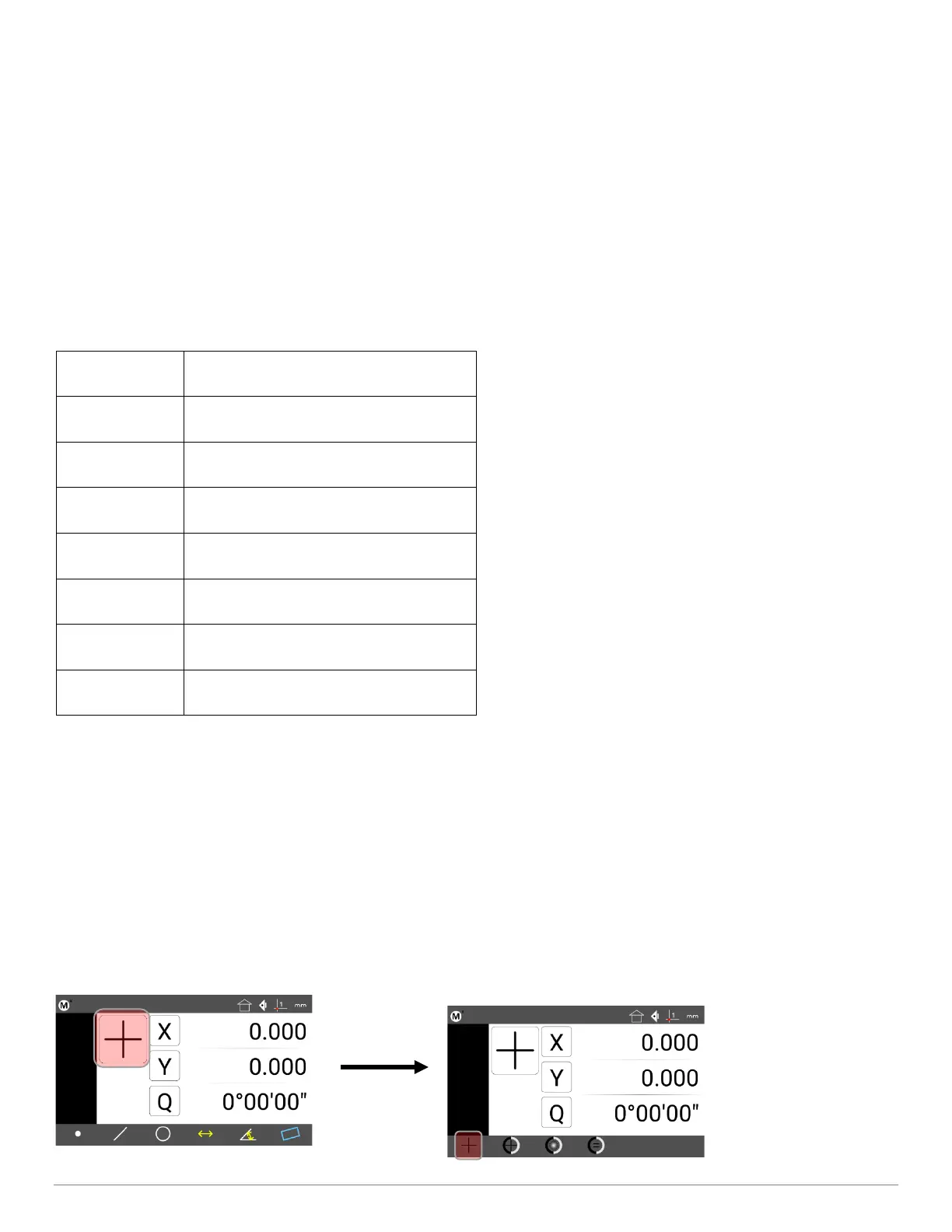
• Step 2: Press the Probe Menu button and select the Simple Crosshair probe.



 To Next Page