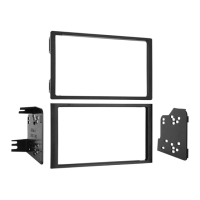
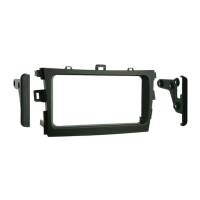
95-3302 KIT ASSEMBLY
A
B
C
DOUBLE DIN MOUNT RADIO PROVISION
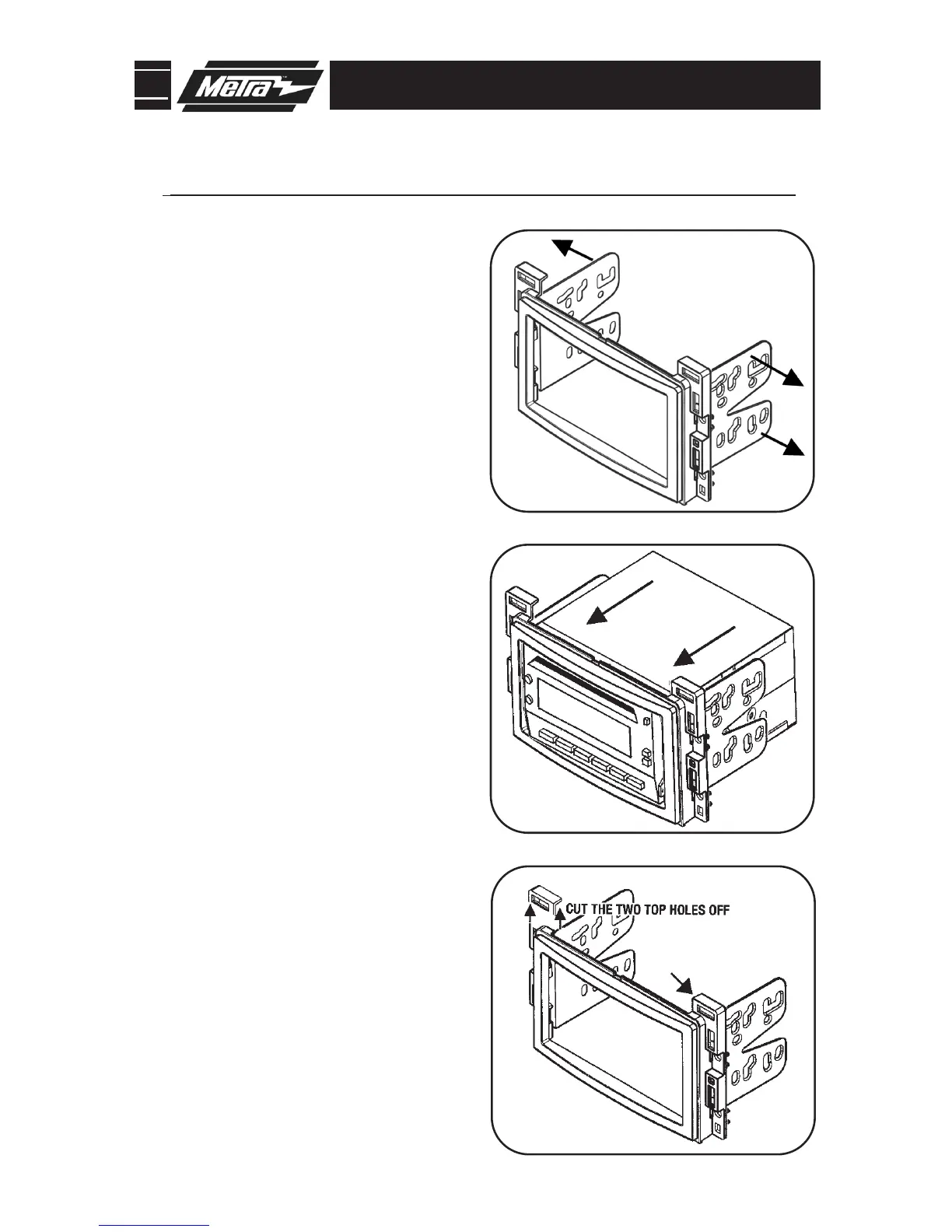
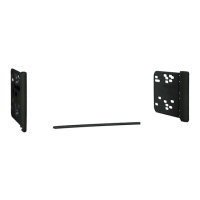
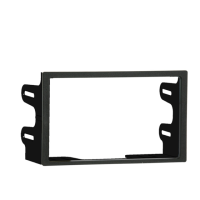
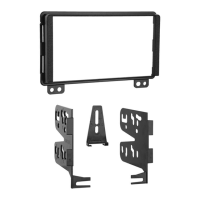
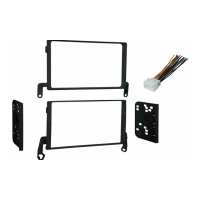
Slide the appropriate bracket into the trim
plate aligning the holes in the trim plate to
the clips on the bracket. (Figure A)
1
Slide the DDIN radio unit into the trim plate
br
acket assembly and secure the unit to the
kit using the screws supplied with the head
unit. (Figure B)
2
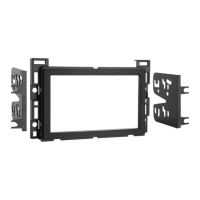
Aura, Cobalt, G5, HHR,
Sky and Vue only:
Cut and remove top mounting tabs on
eac
h side of the Radio Housing.
(Figure C)
3
Continue to final assembly.
*Note: Refer also to the instructions included with the aftermarket radio.
13



 To Next Page