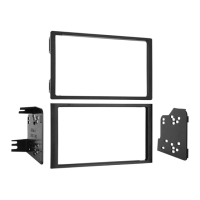
95-3302 KIT ASSEMBLY
14
STACKED ISO MOUNT RADIO PROVISION
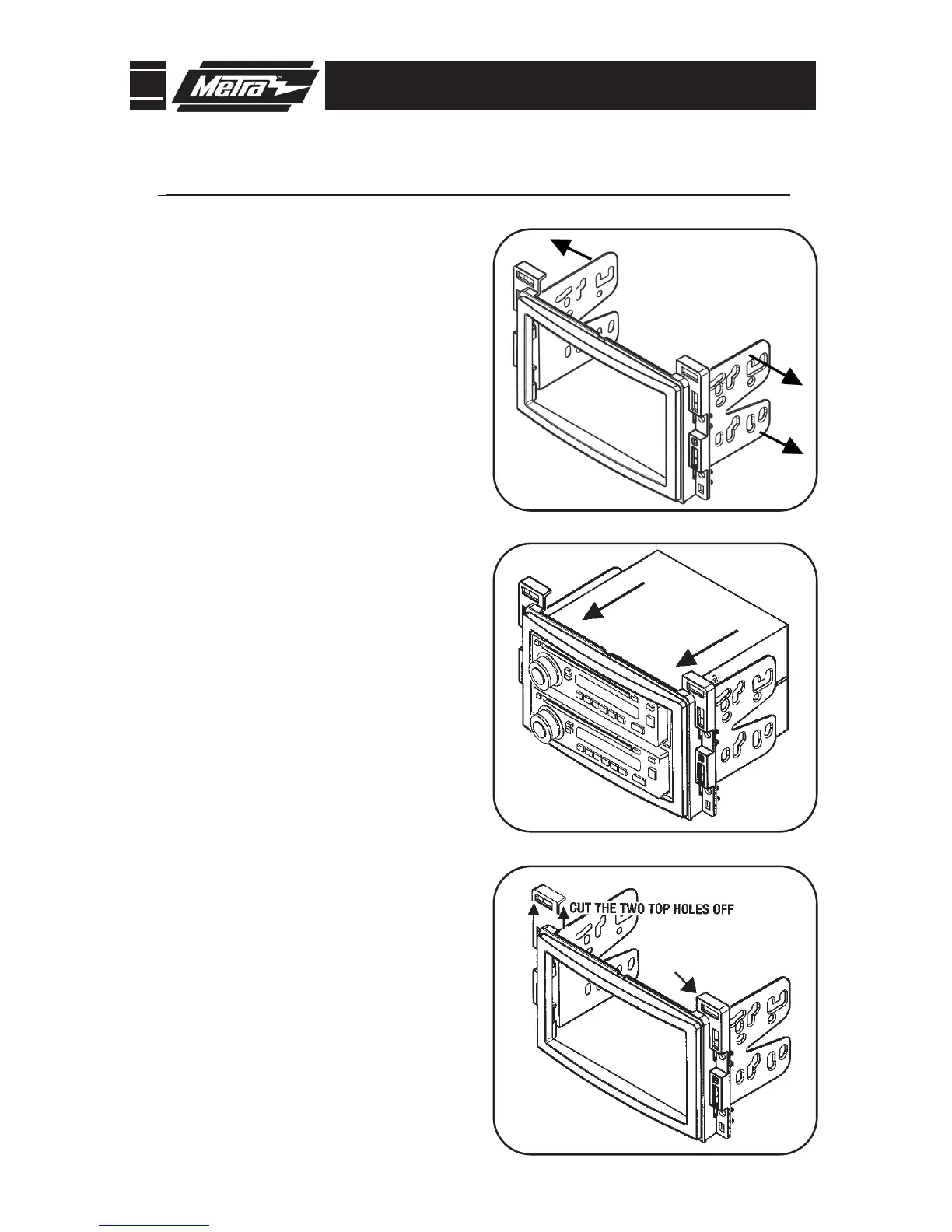
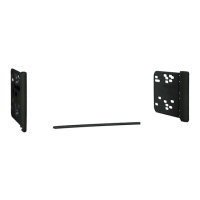
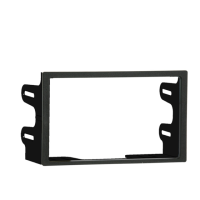
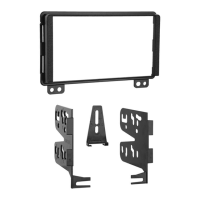
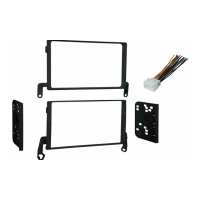
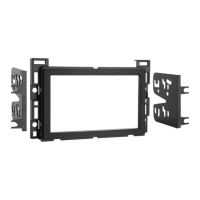
Slide the appropriate bracket into the trim
plate aligning the holes in the trim plate to
the clips on the bracket. (Figure A)
1
Slide the stacked ISO DIN units into the trim
plate br
acket assembly and secure the units
to the kit using the screws supplied with
the head units. (Figure B)
2
Continue to final assembly.
*Note: Refer also to the instructions included with the aftermarket radio.
A
B
C
Aura, Cobalt, G5, HHR,
Sky and Vue only:
Cut and remove top mounting tabs on
eac
h side of the Radio Housing.
3



 To Next Page