Locker Controller ELS & ELS SELECT Technical Manual
Not avaliable if “Special Keys Mode” is set to “On-line” in Metra ELS/LCC software.
4 key keypad: Not available.
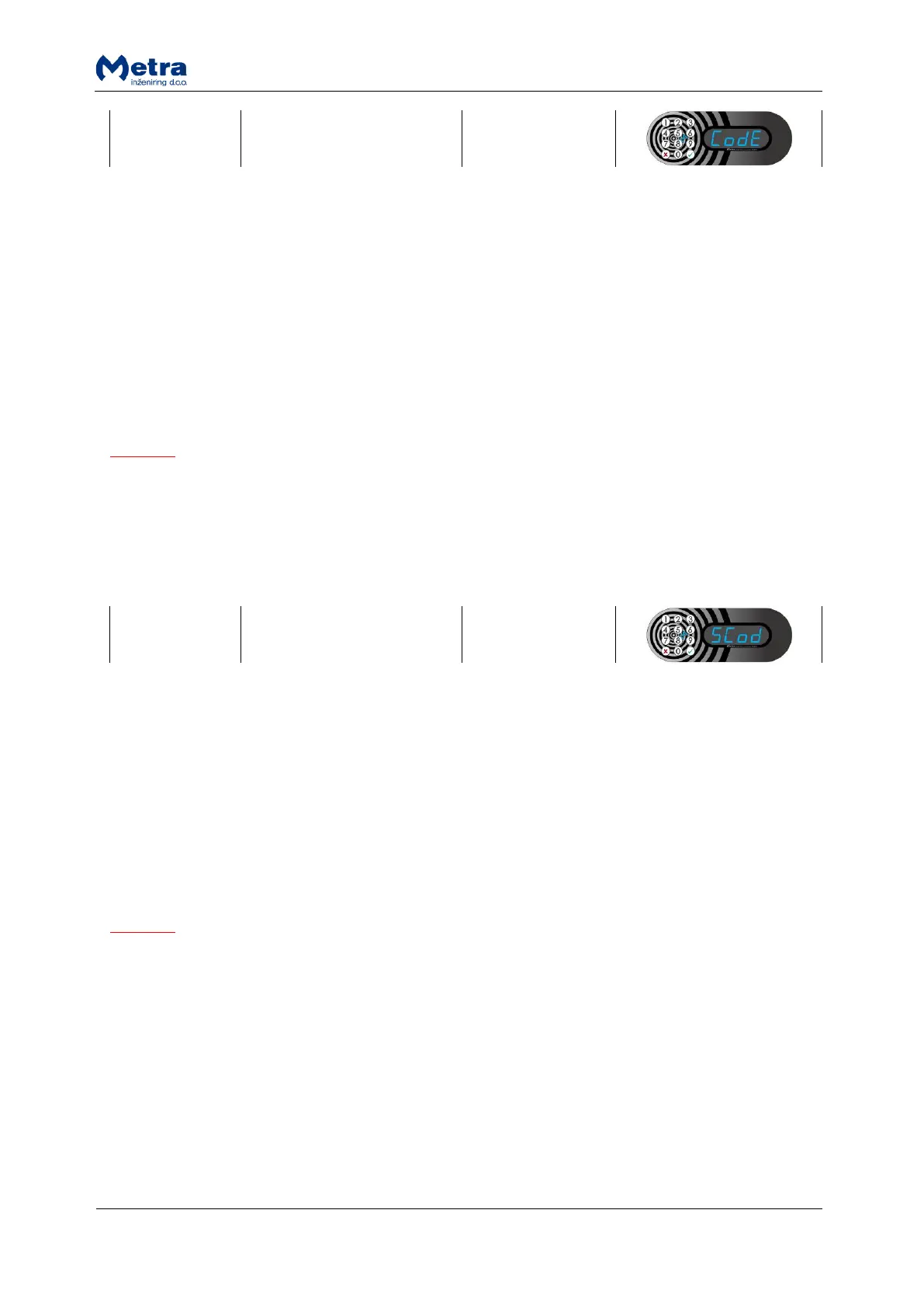
12 key keypad: While sign “CodE” is displayed press the key. Sign “nbr” is displayed. Type in the
number from 1 to 5 (Up to 5 different Master Codes can be stored). Master Code can be up to 16
digits long. Display shows digit position (01 to 16) and digit (0 to 9) separated by “-“.
The new Master Code must be typed in again to confirm it. Sign “ConF” is flashing on the display.
Type in the new Master Code again and confirm it with the key. If new Master Code is confirmed
correctly, sign “YES” is displayed otherwise sign “no” is displayed. Device returns to parameter
selecting mode.
NOTE
If the Master Code under the number you entered already exists, after you press the key the
Master Code is displayed digit by digit (Display shows digit position (01 to 16) and digit (0 to 9)
separated by “-“). After the last digit of the code is displayed, sign “CodE” starts flashing. You can
cancel the procedure with key or continue with entering new code by pressing on the key for first
digit of the new Master Code.
Not avaliable if “Special Keys Mode” is set to “On-line” in Metra ELS/LCC software.
4 key keypad: Not available.
12 key keypad: While sign “SCod” is displayed press the key. Sign “nbr” is displayed. Type in the
number from 1 to 5 (Up to 5 different Setup Codes can be stored). Setup Code can be up to 16 digits
long. Display shows digit position (01 to 16) and digit (0 to 9) separated by “-“.
The new Setup Code must be typed in again to confirm it. Sign “ConF” is flashing on the display. Type
in the new Setup Code again and confirm it with the key. If new Setup Code is confirmed correctly,
sign “YES” is displayed otherwise sign “no” is displayed. Device returns to parameter selecting mode.
NOTE
If the Setup Code under the number you entered already exists, after you press the key the Setup
Code is displayed digit by digit (Display shows digit position (01 to 16) and digit (0 to 9) separated by
“-“). After the last digit of the code is displayed, sign “SCod” starts flashing. You can cancel the
procedure with key or continue with entering new code by pressing on the key for first digit of the
new Setup Code.


 To Next Page
 Loading...
