Locker Controller ELS & ELS SELECT Technical Manual
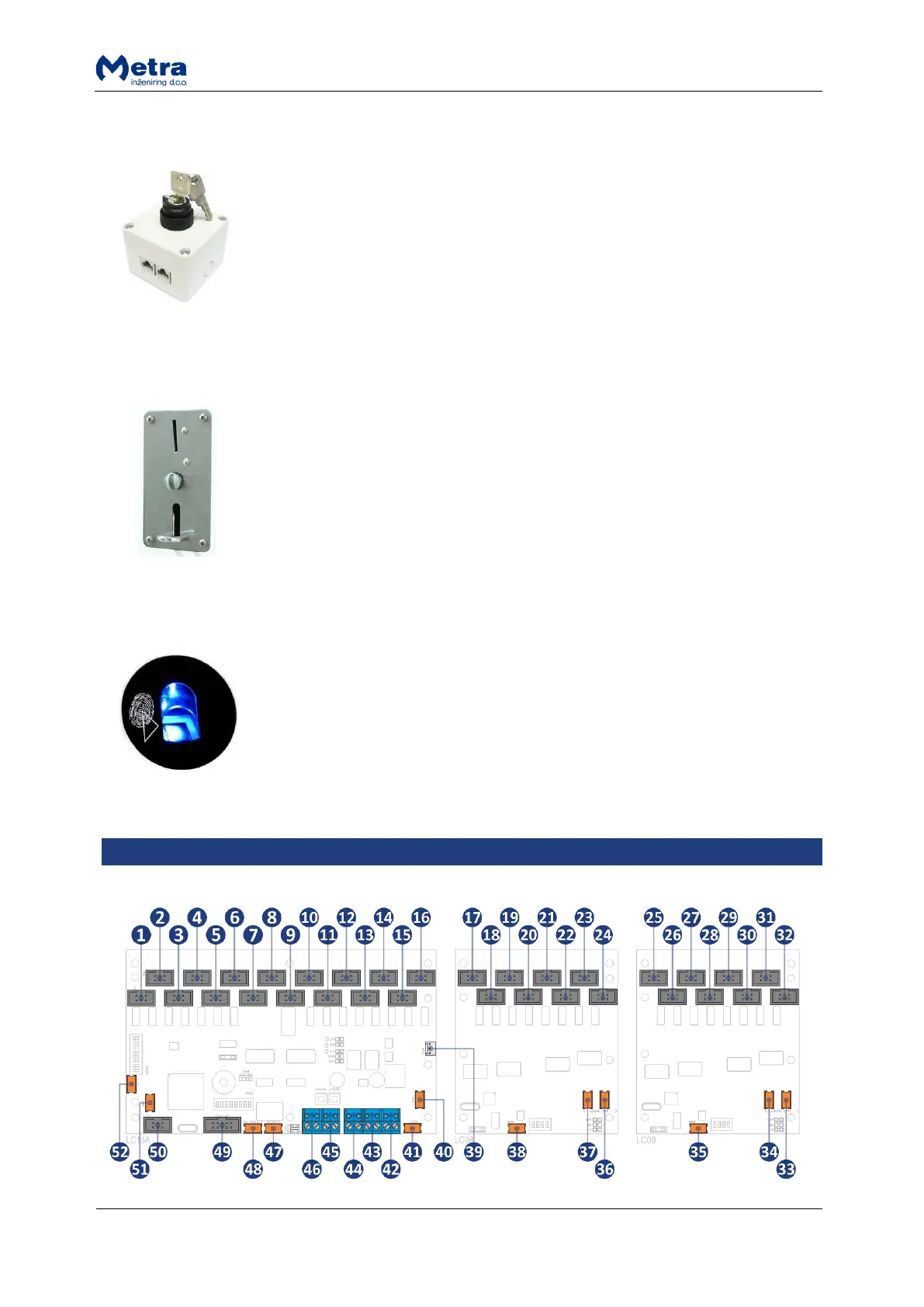
Emergency Open Push-button (optional)
Emergency Open Push-button is used to initiate Emergency Open procedure
for all Electronic Locks connected to Locker Controller.
Coin acceptor (optional)
Locker Controller can be configured to ask for payment when locking the locker
door. In that case Coin Acceptor is mounted near the Display.
Fingerprint module (optional)
Fingerprint module allows users to lock/unlock the locker by presenting the
finger to sensor. It offers higher comfort for users as they don't need to
remember PIN code or carry around the RFID media. When fingerprint module
is connected to Locker Controller each user can freely choose whether he/she
will lock the locker using fingerprint/PIN code/RFID media.



 To Next Page