Locker Controller ELS & ELS SELECT Technical Manual
Initiating actions and setting operating parameters
Action erases all current parameter values and sets them back to factory default.
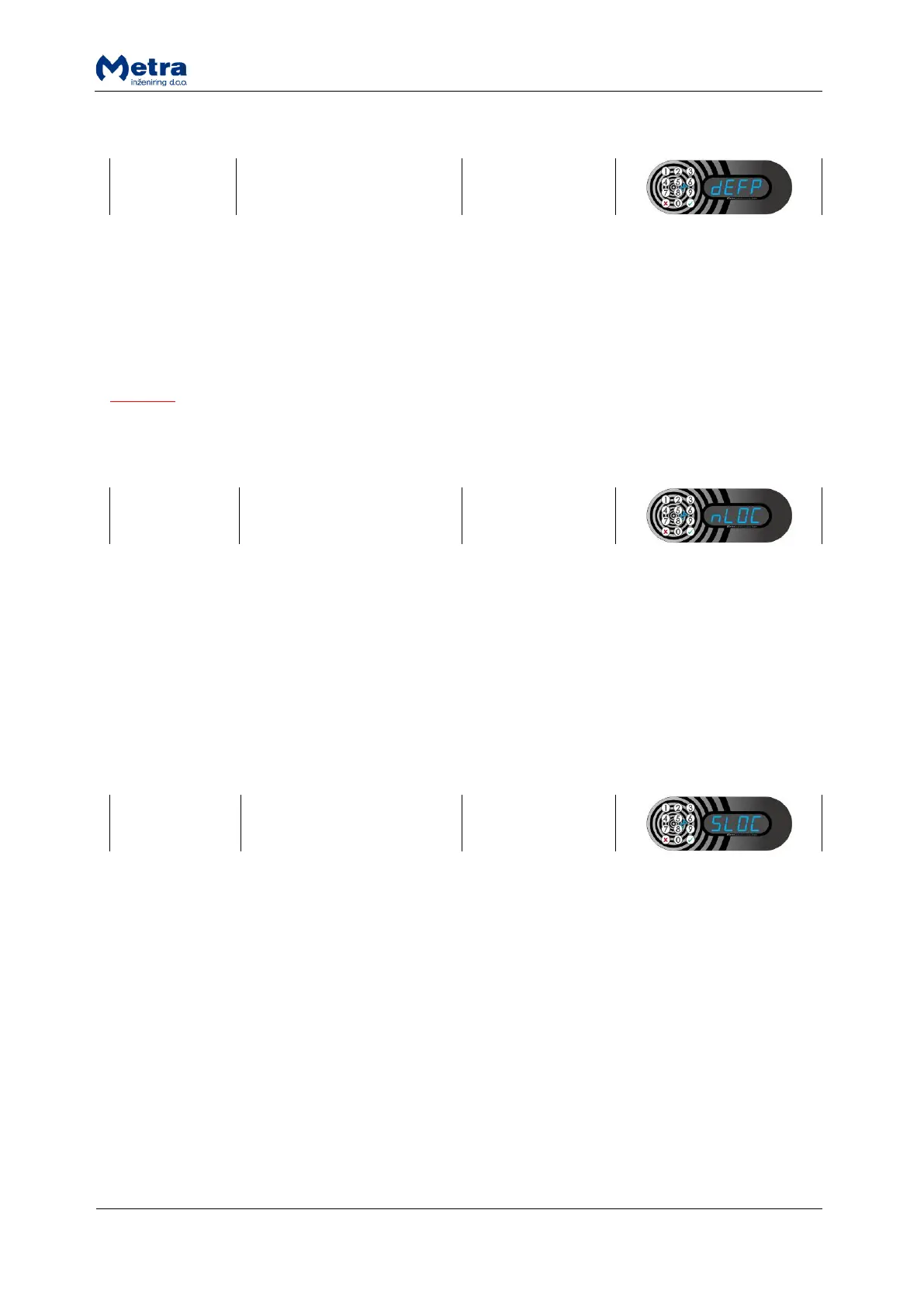
4/12 key keypad: While sign “dEFP” is displayed press the “Enter”/ key. “ConF” is displayed and
blinking. Press and hold the “Enter”/ key for a few seconds to confirm or press “Esc”/ key to
cancel. When action is accepted, sign “YES” is displayed and all parameters are set back to default
values. Device returns to parameter selecting mode.
NOTE
If the Fingerprint module is connected to the device, signs “ErAS”, followed by “FP” are displayed
before “YES”.
4 key keypad: While sign “nLOC” is displayed press the “Enter” key. Press the key for up or down on
the Keypad to increase or decrease the number of connected lockers. Number can be set from 1 to
32. Confirm your selection with the “Enter” key. When parameter setting is accepted, sign “YES” is
displayed. Device returns to parameter selecting mode.
12 key keypad: While sign “nLOC” is displayed press the key. With digit keys on the Keypad enter
the number of connected lockers. Numbers from 1 to 32 are accepted. Confirm your selection with
the key. When parameter setting is accepted, sign “YES” is displayed. Device returns to parameter
selecting mode.
4 key keypad: While sign “SLOC” is displayed press the “Enter” key. Press the key for up or down on
the Keypad to increase or decrease the number of the first connected locker. First locker number can
be set from 1 to 8000-nLOC*. Confirm your selection with the “Enter” key. When parameter setting is
accepted, sign “YES” is displayed. Device returns to parameter selecting mode.
12 key keypad: While sign “SLOC” is displayed press the key. With digit keys on the Keypad enter
the number of the first connected locker. First locker number can be set from 1 to 8000-nLOC*.
Confirm your selection with the key. When parameter setting is accepted, sign “YES” is displayed.
Device returns to parameter selecting mode.
*Example: If nLOC=8, SLOC can be set from 1 to 7992.



 To Next Page