Locker Controller ELS & ELS SELECT Technical Manual
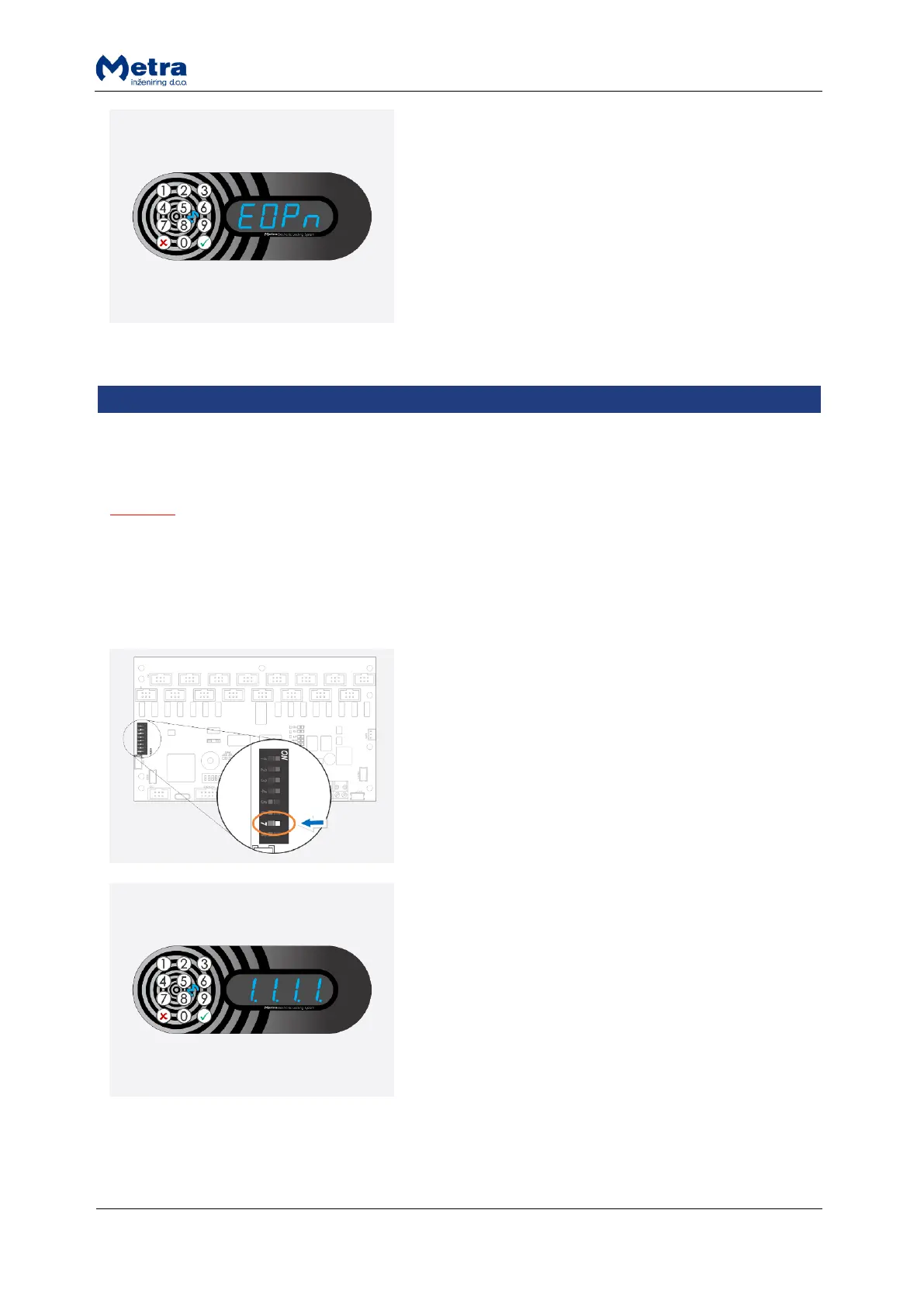
“EOPn” is displayed and all lockers connected to the
Locker Controller start to unlock and open one after
another and corresponding locker numbers are
displayed.
While still In Normal mode of operation all lockers should be opened by pressing the Emergency
open pushbutton.
NOTE
Alarm will be initiated when Locker Controller is put back to Normal mode if locker is opened in Test
mode.
Test mode activation
STEP 1: With small flat headed screwdriver or similar tool
set switch 7 located on the “Operating mode DIP switch”
to ON (switch up).
STEP 2: Power-off and back on the Locker Controller to
activate the Test mode.
STEP 3: Shortly after power on, numbers from “0.0.0.0.”
to “9.9.9.9.” are displayed. This indicates that the Test
mode of operation is activated.
NOTE: To return to Normal mode of operation set the
switch 7 back to OFF (switch down) and power-off and
back on the Locker Controller.



 To Next Page