1 Introduction
813 Compact Autosampler
5
1.4 The keyboard
813 Compact Autosampler
START
HOLD
RESET
STOP
Met rohm
6.2142.110
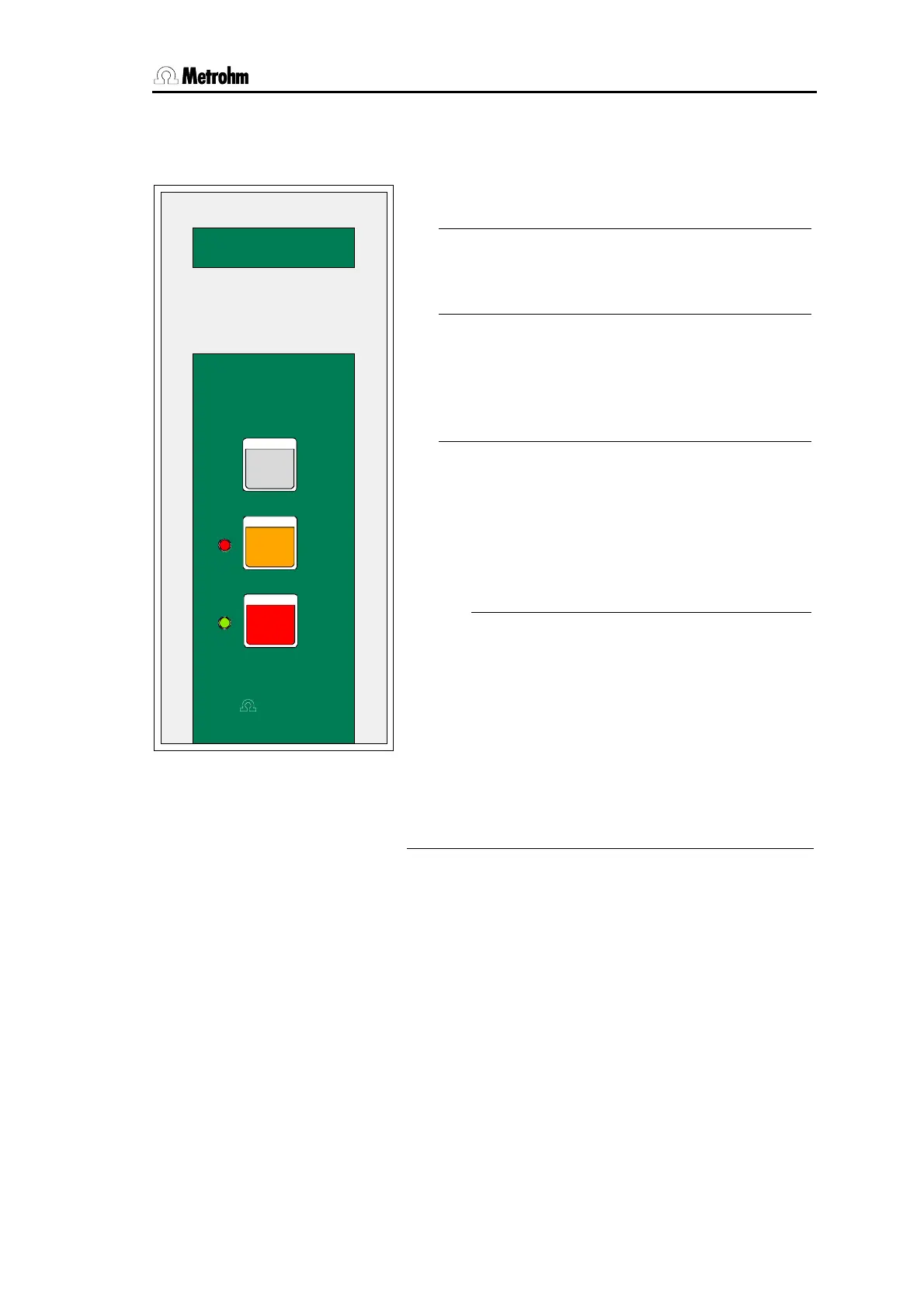
Fig. 3 Keyboard
• The <START> key starts a sample series or
continues an interrupted series.
• The <STOP> key terminates a sample series
or resets (if pressed twice) the 813 Compact
Autosampler (RESET).
• The <HOLD> key interrupts the course of a
sample series and establishes the 'HOLD'
state. The green LED blinks. With the
<START> key the interrupted sample series
can be continued.
• The green LED indicates the status of the
Autosampler.
-
The LED is lit in the 'ready' state.
-
It blinks steady during the course of a
method.
-
It blinks in fast frequency when a series is
interrupted ('HOLD' state).
• The red LED indicates error states or parame-
ter settings.
-
If an error occured the type of error is indi-
cated by the number of blinks, see Ap-
pendix, Error messages.













 To Next Page