Autolab/Electronic load combination
41 | Page
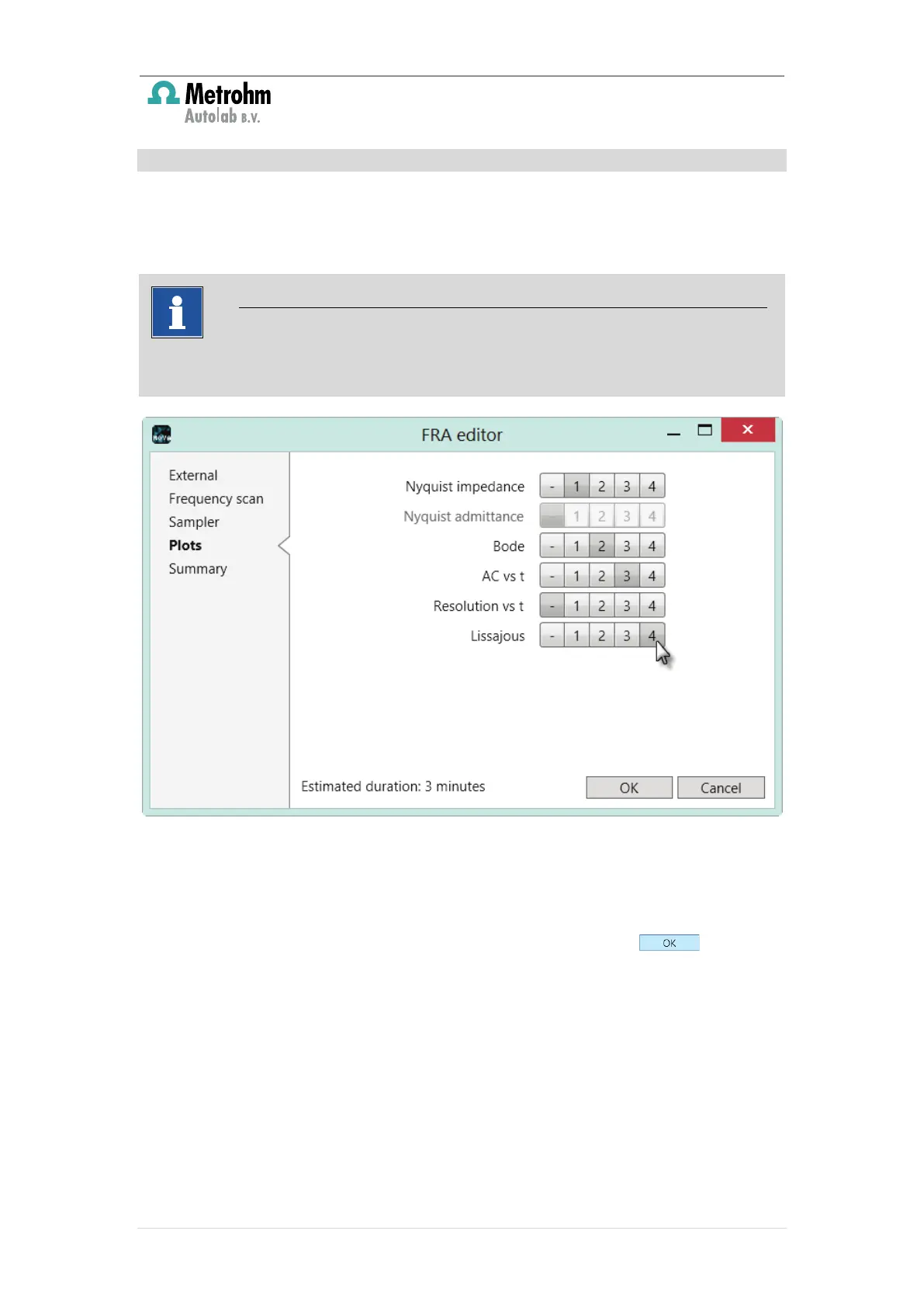
The parameters on the
section of the FRA editor window are related to the
plotting of the data measured during the impedance spectroscopy measurement
and the acquisition parameters (see Figure 37).
Figure 37 – The plot settings are defined on the Plots section of the FRA editor
More information is provided in the Impedance tutorial, provided in the Help
menu of Nova.
When all the parameters and settings are specified, click the button to
close the FRA editor. The procedure editor will be updated (see Figure 38).
The available plots on the
section depend on the signals specified in the
section of the FRA editor.



 To Next Page