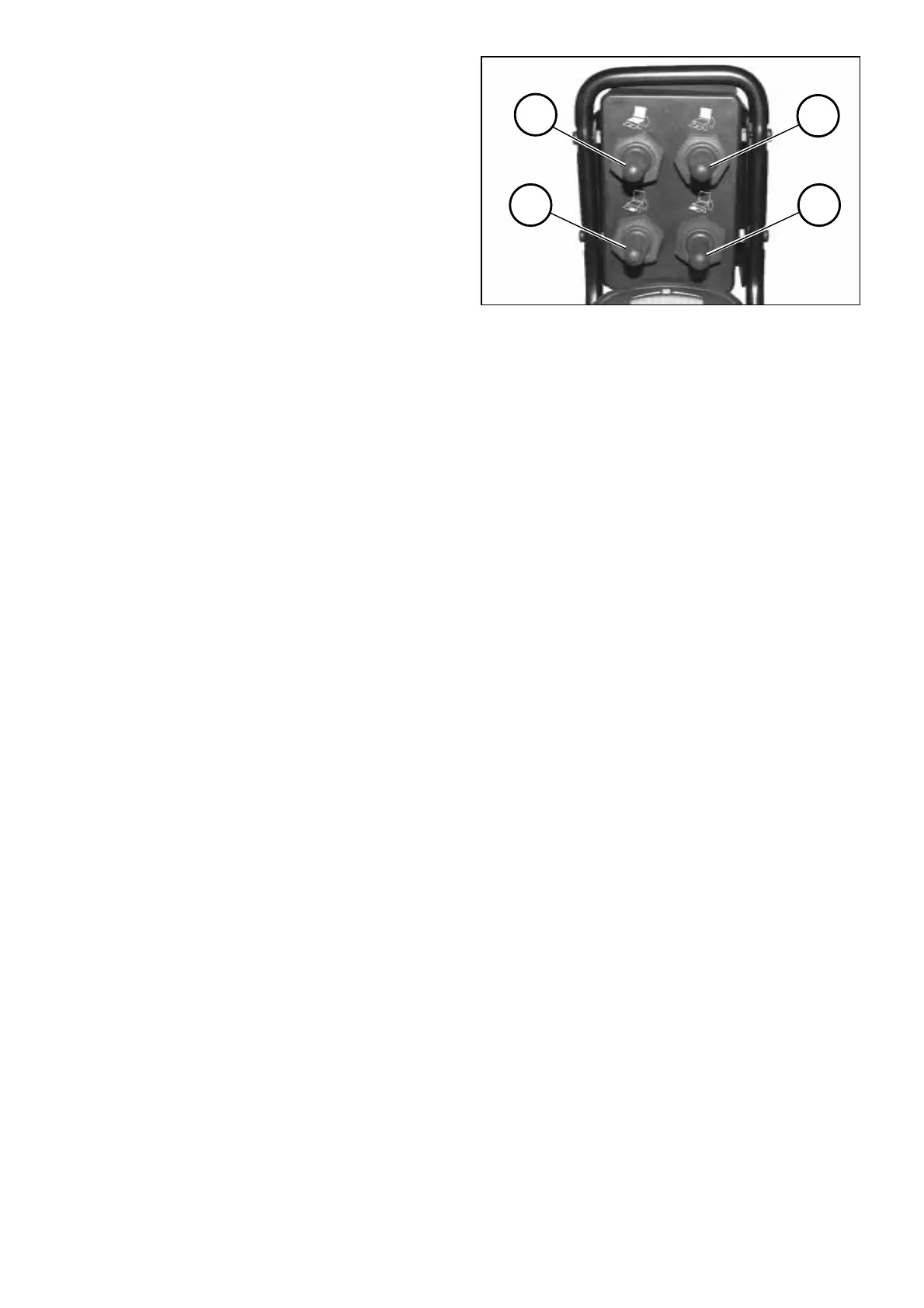
1
2
4
3
23
Rocker switch
As long as the rocker switch is pressed
an adjustment of the respective op-
tion occurs.
After releasing the rocker switch it au-
tomatically returns into the zero posi-
tion and the adjustment is fi nalised.
Adjusting the adjustment options
➀ Left leg support
Lifting the left foot support assembly
– Press the rocker switch up.
Lowering the left foot support assem-
bly
– Press the rocker switch down.
➁ Seat inclination
Lowering the seat toward the back
– Press the rocker switch up.
Lowering the seat toward the front
– Press the rocker switch down.
➂ Back support
Reclining the back support
– Press the rocker switch down.
Lowering the back support to the
front
– Press the rocker switch up.
➃ Right leg support
Lifting the right foot support assem-
bly
– Press the rocker switch up.
Lowering the right foot support as-
sembly
– Press the rocker switch down.



 To Next Page