10
6.2.5.1. Color
AWB: According to the installation environment, White Balance can be adjusted in Auto and Manual Mode.
6.2.5.2. Function
Mirror : Screen can be flipped over horizontally and vertically.
Frequency : According to the setup of power frequency, a frame rate is variable. It sets 25fps in 50Hz and 30fps in 60Hz.
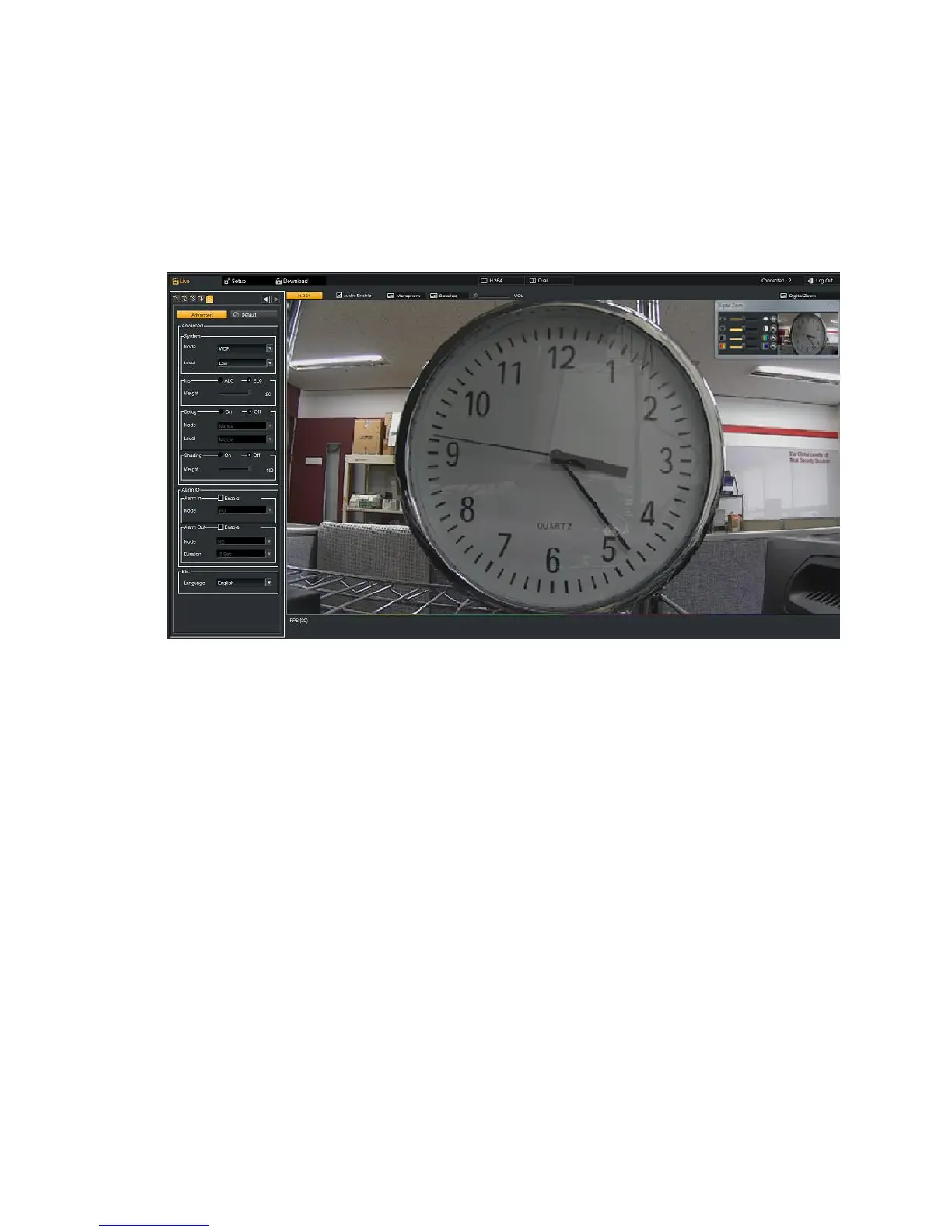
6.2.6. Advanced Setup at Tap 5
6.2.6.1. Advanced
Mode : Normal, DNR, and WDR can be selected.
In Normal mode, the video in 60fps can be transmitted when the resolution is selected to 1280x720.
WDR enables users to distinguish the subjects clearly without a dark image on the foreground and an over saturation on
the background even under strong backlight environment. After activating the WDR function, you can optimize the
image setting by adjusting the WDR level. Use "High" level when there is a high contrast between the bright and the
dark areas of the scene. In the case of low contrast, it is recommended to disable WDR function.
DNR eliminates image noises in low light conditions and it helps to provide a clear image at nighttime and save HDD
storage significantly.
6.2.6.2. Iris
ALC : Automatic Light Control adjusts the scene vividly in diverse lighting conditions. It allows the auto-iris circuitry to
either take bright spots more into consideration (peak), bringing out detail in bright areas, or less into
consideration (average) bringing out detail in shadows.
ELC : Electronic Light Control compensates for moderate light changes in indoor applications without the use of
expensive auto Iris lenses.
6.2.6.3. Defog
Defog is one of image enhancement technologies and is applicable for outdoor cameras to enhance the image quality in
fog.
6.2.6.4. Shading
It compensates for the difference of the brightness between the center and the outskirt area on the scene and is useful
when a wide field of view is selected.



 To Next Page