8
6.2.3. Title and Date / Time at Tap 2
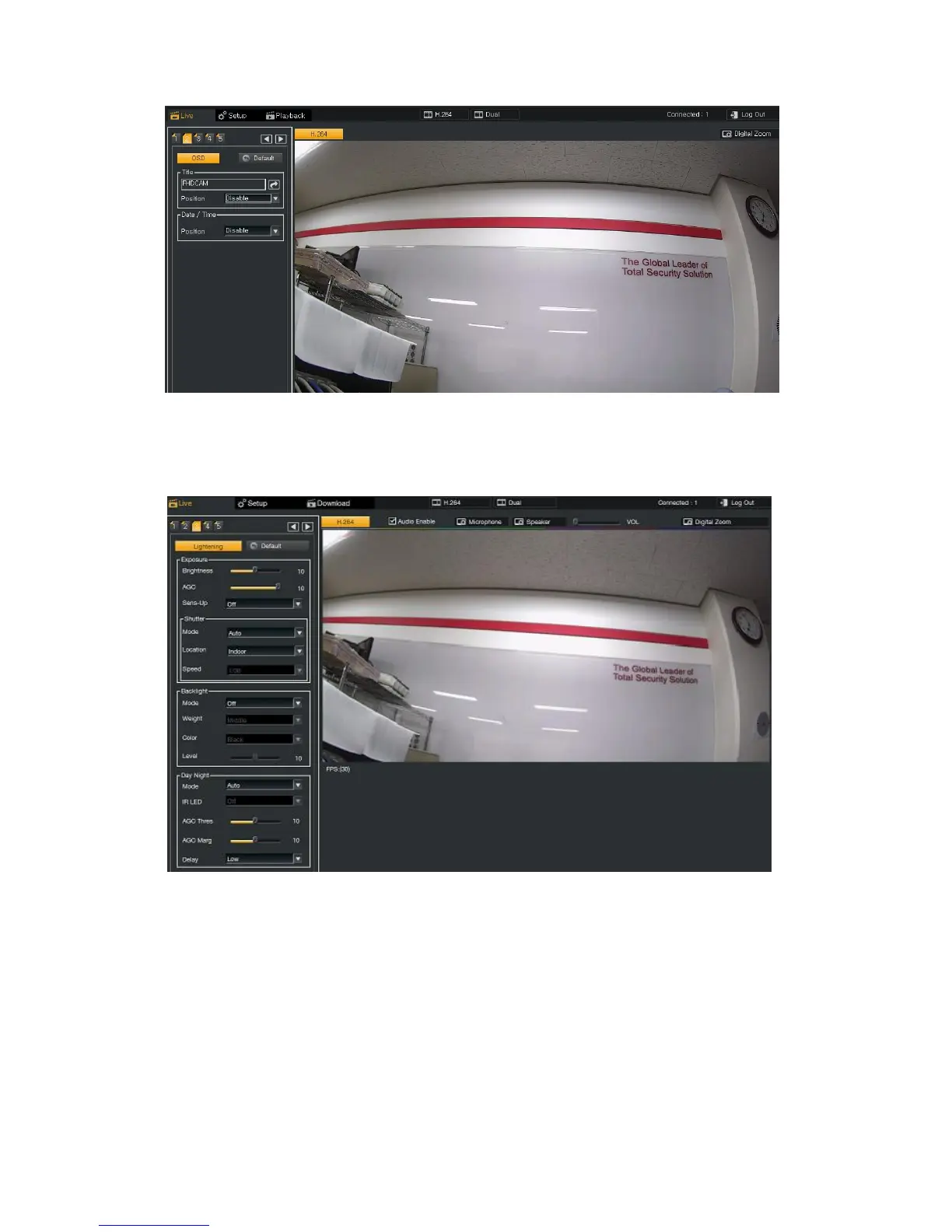
Users can set a Title of Camera / Date / Time and its position as OSD (On Screen Display).
6.2.4. Lightening Setup at Tap 3
6.2.4.1. Exposure
Brightness : According to the installation environment, user can adjust the Brightness.
AGC : It adjusts the sensitivity of the Camera. The higher gain level is, the brighter the screen becomes. But the higher
gain level causes more noise.
Sens-up : It boosts the sensitivity under the low light environment and is adjusted in Off, 2X, 4X, 8X, 16X, 32X.
Default setting is Off.
Shutter mode : Shutter Speed can be adjusted automatically and manually and flicker mode removes flicker.
Location : Shutter Speed Range can be programming according to the location of the installation of the Camera.
This menu is activated only in Auto mode.
Speed : User can adjust the Shutter Speed directly in Manual mode and the range is in 1/30~1/30,000.



 To Next Page