16
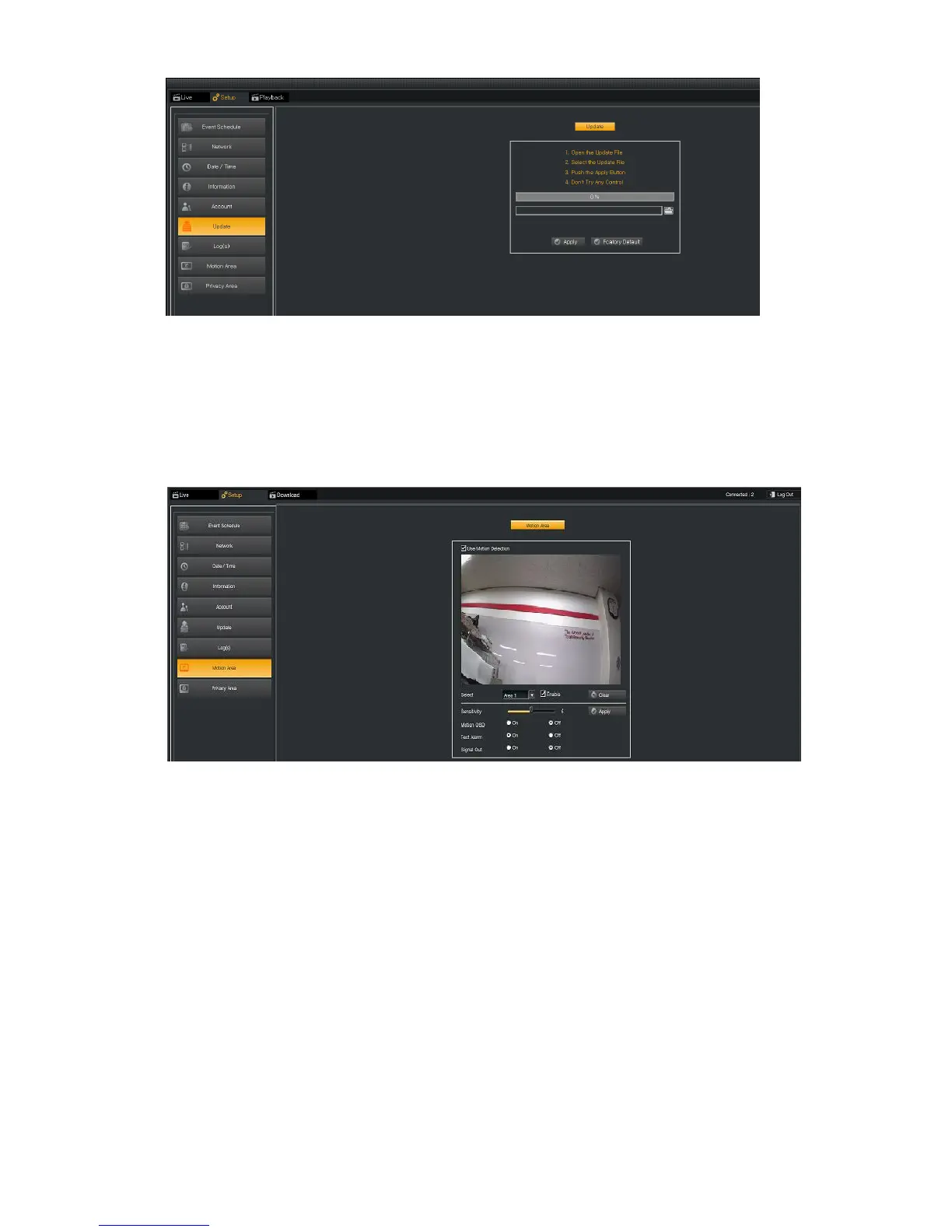
6.3.6. Update : Firmware Upgrade / Factory Default
Firmware can be upgraded remotely. It takes about 3 minutes but depending on the network situation, it can vary.
* Caution : Camera should not be power-off until Firmware upgrade process is completed. It can damage the camera.
Factory Default : All the setting values are initialized to Factory Default. User can do factory default by pressing
the "reset switch"
6.3.7. Motion Area
Motion Detection Area : Motion Detection Area is rectangular typed region and there are 4 regions .
Motion Alarm On Screen : When a motion is detected, Motion Area in red can be displayed and is recoded because
it marks like OSD (On Screen Display).
Sensitivity
- The sensitivity of the Motion Detection is configurable between 1 ~ 10 (default : 5).
- The higher value results in more sensitivity effect. Save the settings by pressing Apply button.



 To Next Page