18
6.5. Motorized Lens control
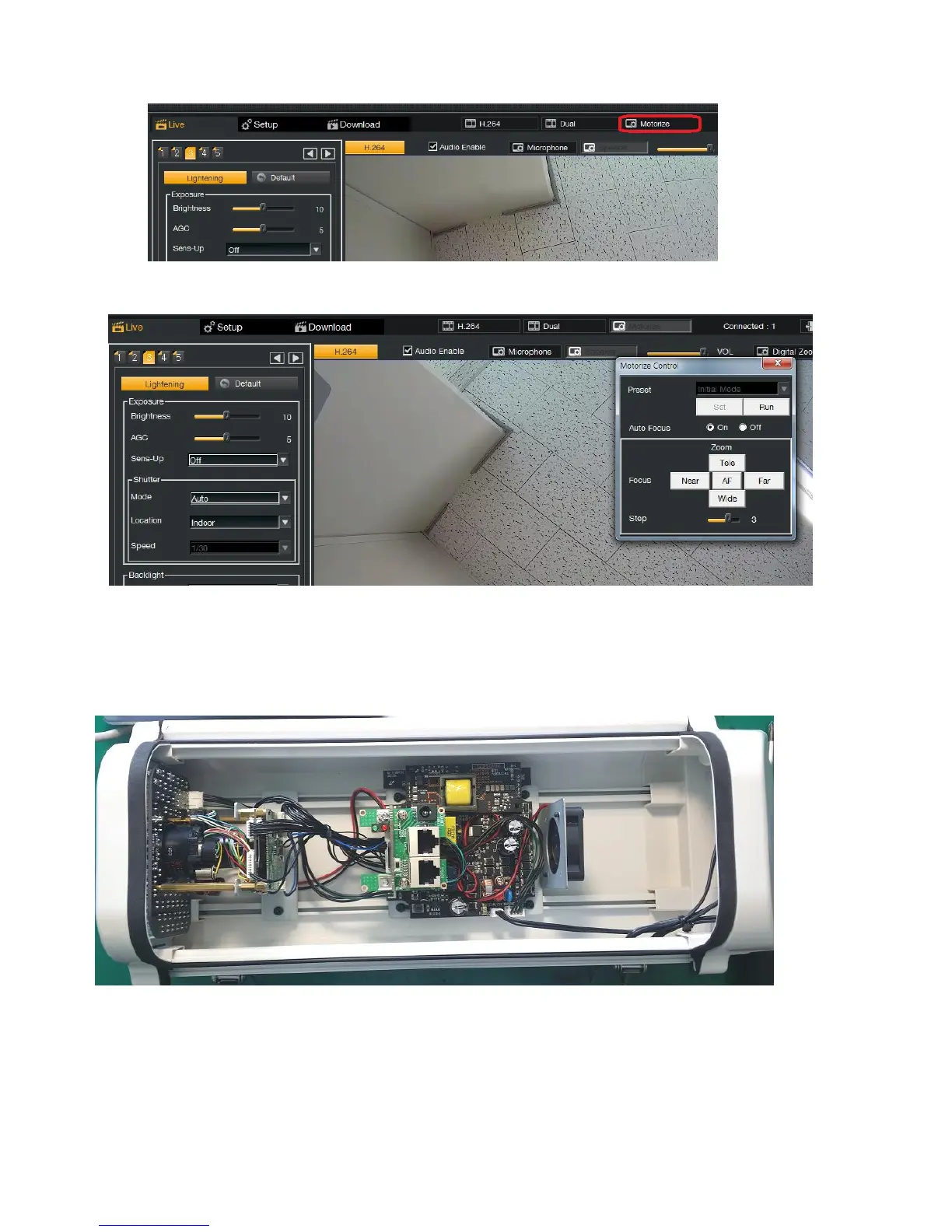
If Device support Motorized Lens control(Zoom, Focus) then there will be "Motorize" menu on the top right.
If press the "Motorize" menu then Motorize control window will be pop-up and camera start lens initialize and this lens
initialize process will be done once. User can adjust Zoom/focus position with auto focus mode or manual mode. For detail
adjustment of Zoom/Focus position, please decrease the step size.
6.6. Control Port on the All-in one camera
All-in-one cameras(such as MDC-L6091VSL-66HA, MDC-L6091VSL-66H) also support alarm/relay and audio functionality.



 To Next Page