© Microhard Systems Inc. 109
4.0 Configuration
4.7.2 GPS > Settings
The VIP4G can be polled fro GPS data via GPSD standards and/or provide customizable reporting to up to
4 different hosts using UDP or Email Reporting.
GPS data can also be reported to the COM1 serial port. For more information, refer to the COM1 > IP
Protocol Config > GPS Transparent Mode section.
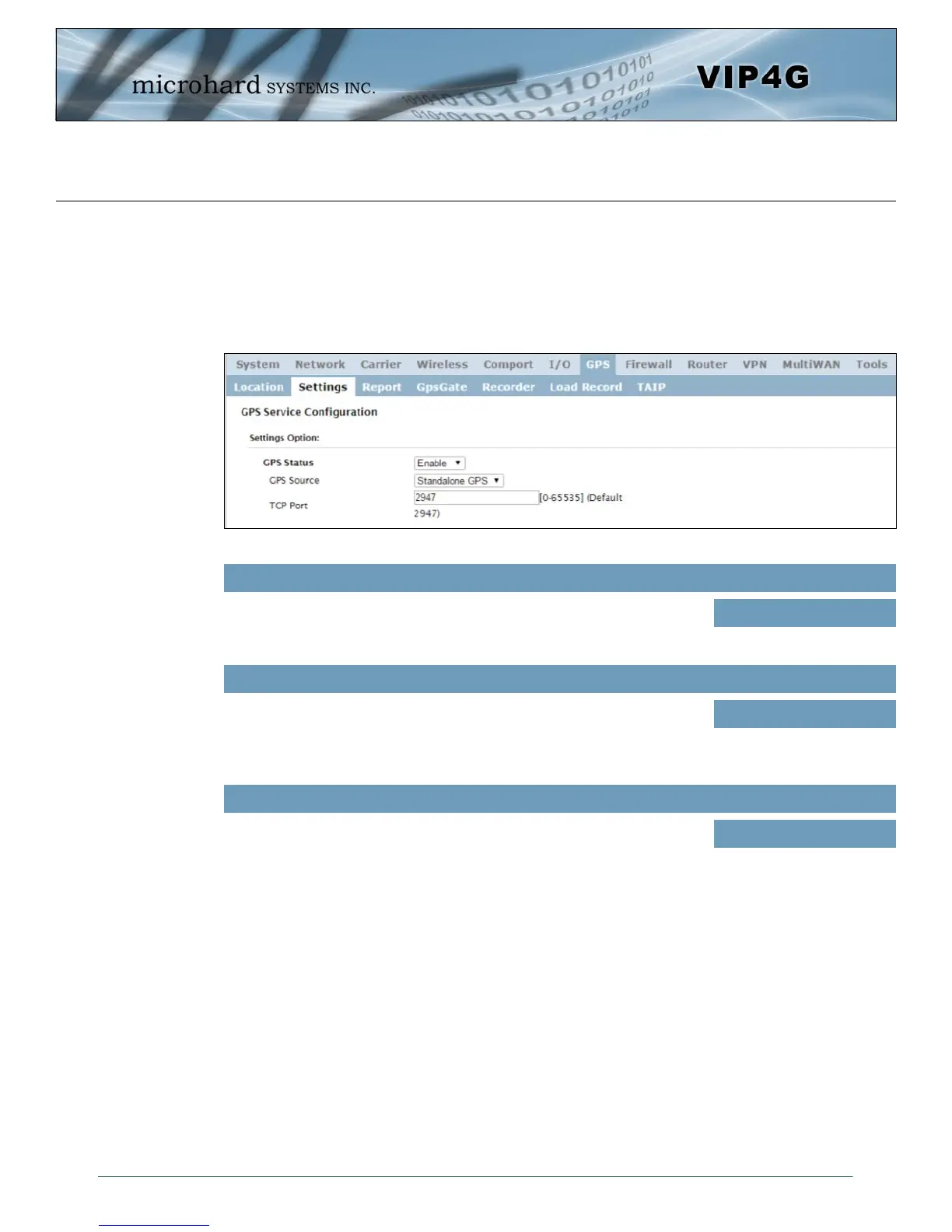
Image 4-7-2: GPS > Settings
GPS Status
Enable or disable the GPS polling function of the VIP4G.
Values
Disable / Enable
GPS Source
Select the data source for GPS data.
Values
Stand Alone GPS
Embedded Carrier GPS
TCP Port
Specify the TCP port on the VIP4G where the GPS service is running and
remote systems can connect and poll for GPSD data.
Values
2947



 To Next Page