© Microhard Systems Inc. 146
4.0 Configuration
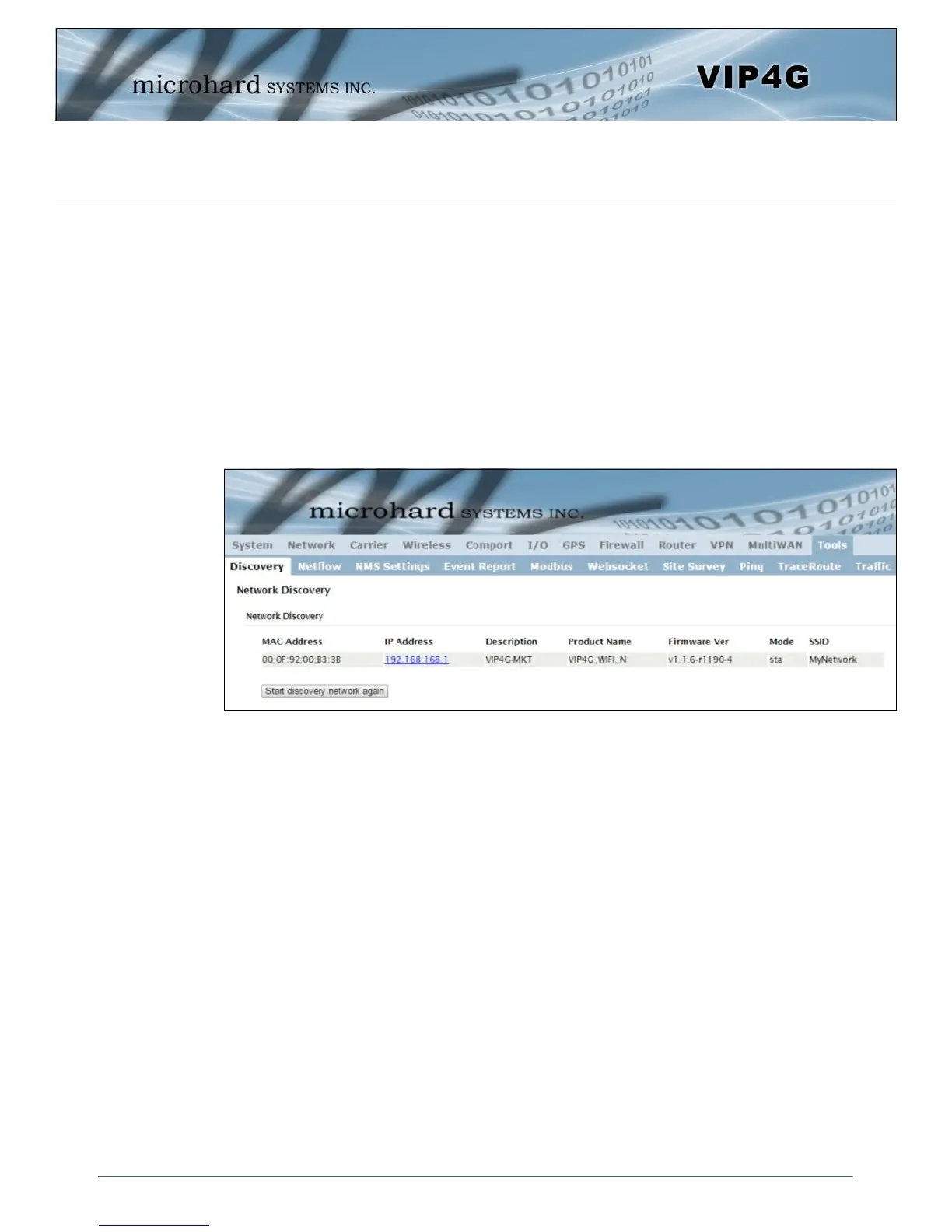
Image 4-12-1: Tools > Discovery
4.12 Tools
4.12.1 Tools > Discovery
Network Discovery
The Network discovery tool allows the VIP4G to send a broadcast to all VIP4G/VIP Series units on the
same network. Other units on the network will respond to the broadcast and report their MAC address, IP
address (With a hyperlink to that units WebUI page), description, firmware version, operating mode, and
the SSID (regardless of whether it was set to broadcast or not).
The discovery service can be a useful troubleshooting tool and can be used to quickly find and indentify
other units on the network. It can be disabled from the Network > sdpServer menu.
To begin, click the Start discovery network again button, the VIP4G will send out a broadcast message,
and will report back, by populating the network discovery screen as seen above. This will detect any VIP4G
or Microhard enabled devices on the local broadcast domain, regardless of the IP address or subnet. Once
devices are found, and if on a accessible subnet, the IP Address link can be used to automatically open a
web browser WebUI session with that unit.



 To Next Page