© Microhard Systems Inc. 168
5.0 AT Command Line Interface
5.2 AT Command Syntax
The follow syntax is used when issuing AT Commands on the VIP4G
- All commands start with the AT characters and end with the <Enter> key
- Microhard Specific Commands start with +M
- Help will list top level commands (ATL will list ALL available AT Commands)
- To query syntax of a command: AT+<command_name>=?
- Syntax for commands that are used only to query a setting:
AT<command_name>
- Syntax for commands that can be used to query and set values:
AT<command_name>=parameter1,parameter2,… (Sets Values)
AT<command_name>? (Queries the setting)
Query Syntax:
AT+MLEIP=? <Enter>
+MLEIP: Command Syntax:AT+MLEIP=<IP Address>,<Netmask>,<Gateway>
OK
Setting a value:
AT+MLEIP=192.168.0.1,255.255.255.0,192.168.0.1 <Enter>
OK
Query a setting:
AT+MLEIP? <Enter>
+MLEIP: “192.168.0.1”, “255.255.255.0”, “192.168.0.1”
OK
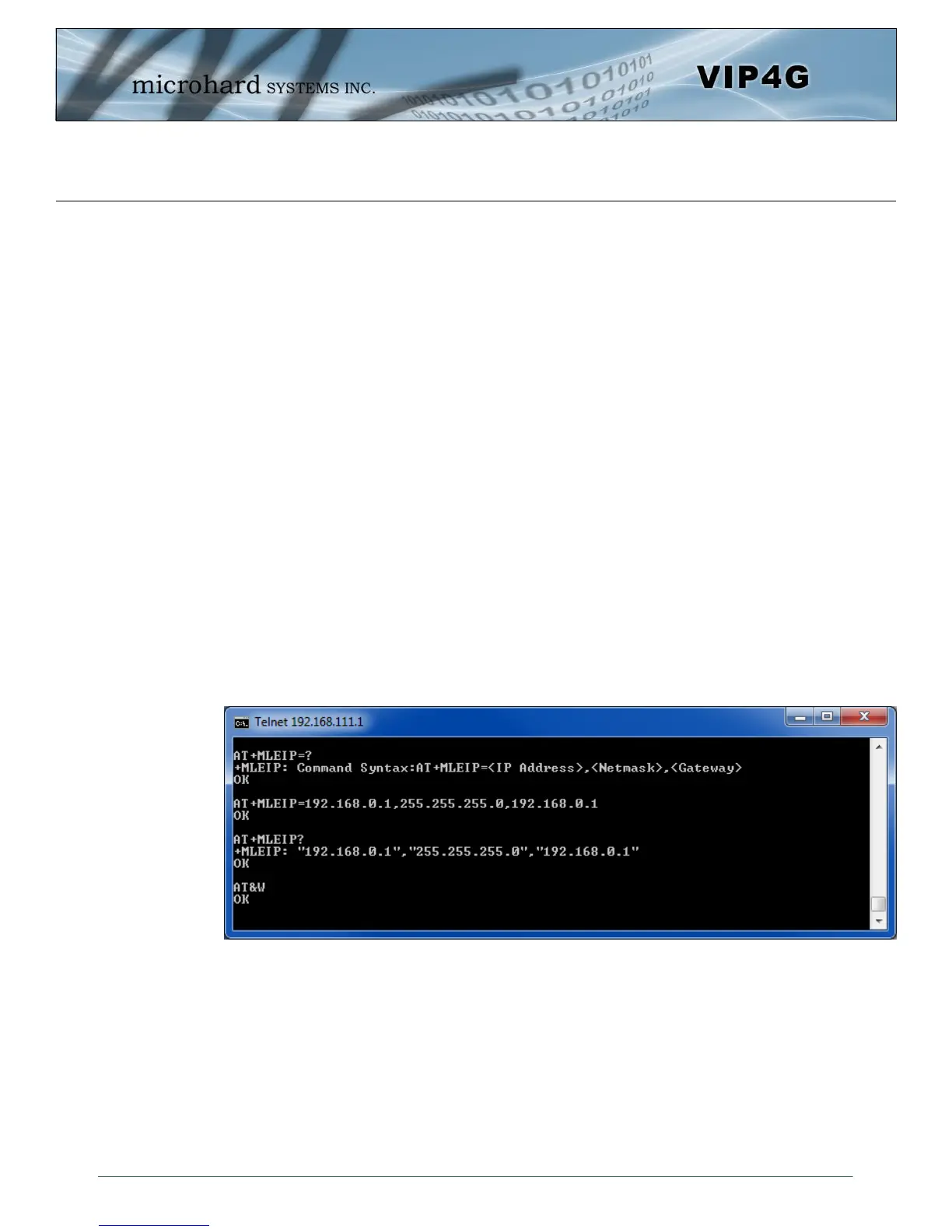
A screen capture of the above commands entered into a unit is shown below:
Image 5-5: Telnet AT Command Syntax
Once AT commands are entered, the changes are immediate.
ATO or ATA Exits the AT Command Line Interface.



 To Next Page