Chapter 3 Hardware and Network
Setup
3.1 Build Network Connection
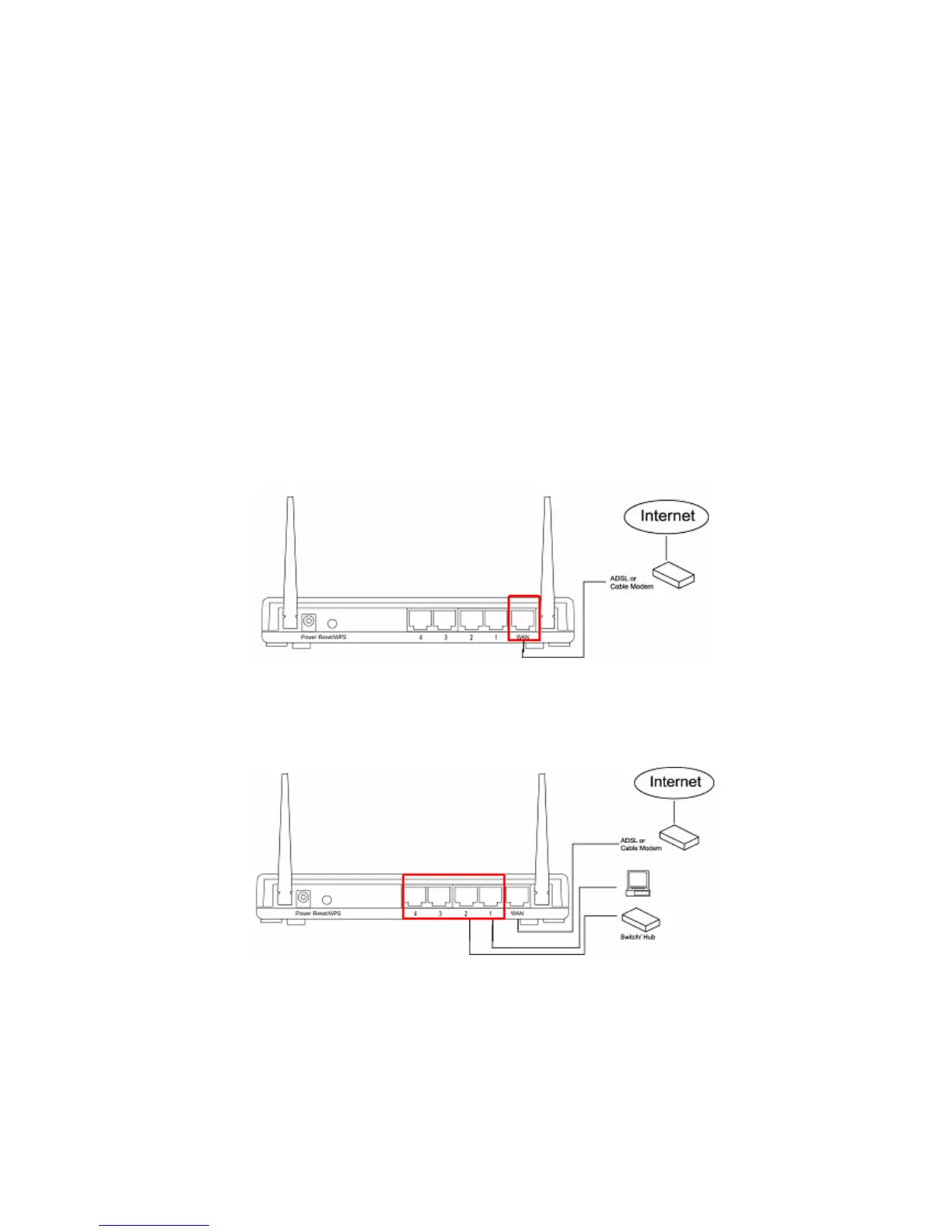
Please follow the following instruction to build the network connection between the
new wireless router and other network computers and devices:
Step 1. Connect the xDSL / cable modem to the WAN port of router by Ethernet
cable.
Step 2. Connect the LAN port to an active switch, router, hub or PC using an
Ethernet cable.
Step 3. Connect the 12V DC power adapter to an active outlet.
7



 To Next Page