Remove Virtual Server
If users want to remove some Virtual Server settings from the
"Current Virtual Server Table", select the Virtual Server
setting and click <Delete Selected>. Click <Delete All>
button to remove all settings. Click <Reset> to clear the
current selection.
Click <Apply> at the bottom of the screen to save the above configurations.
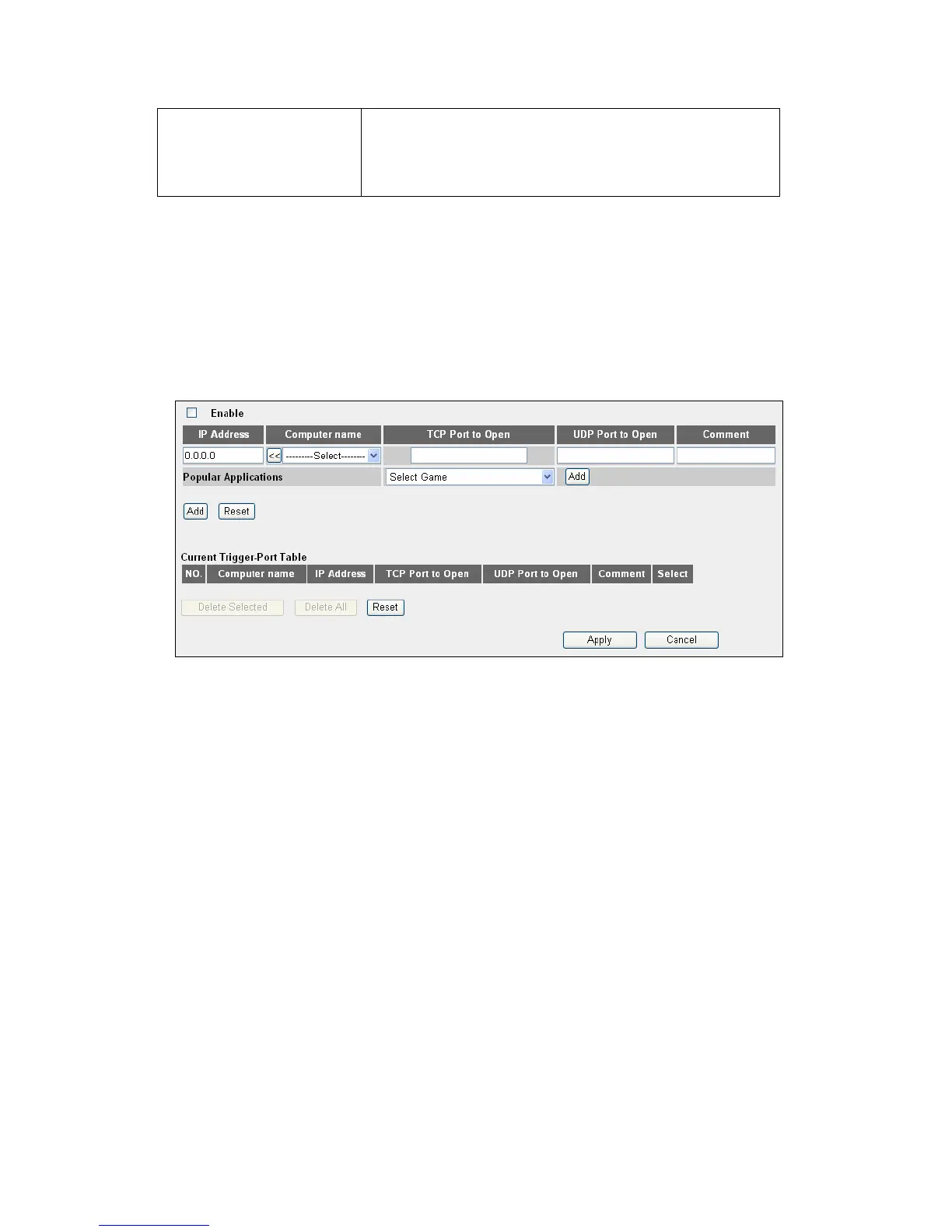
4.2.6.3 Port Mapping for Special Applications
Some applications require more than one connection a time and won’t work with
simple NAT rules. In order to make these applications work, users can use this
function to let these applications operate properly.
I
4.2.6.4 UPnP Setting
This function enables network auto-configuration for peer-to-peer communications.
Network devices will be able to communicate with other devices directly, and learn
information about other devices. Many network device and applications rely on UPnP
function nowadays.
53



 To Next Page