Parameter Description
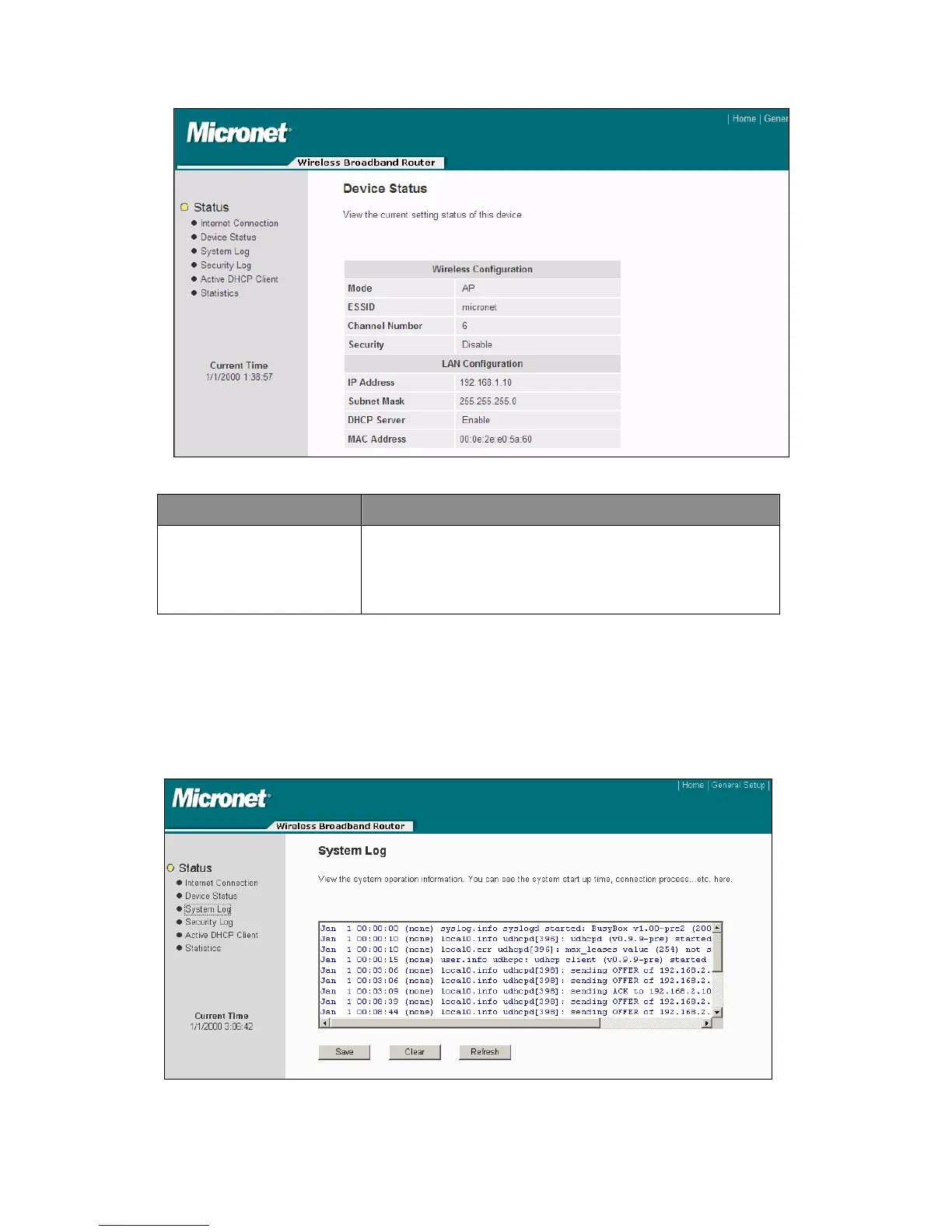
Device Status
This page shows the broadband router’s current device
settings. This page displays the Broadband router LAN port’s
current LAN IP Address and Subnet Mask. It also shows
whether the DHCP Server function has being enabled or
disabled.
4.3.4 System Log
View the operation log of the system. All important system events are logged and users
can use this function to check the event log of the router.
64



 To Next Page