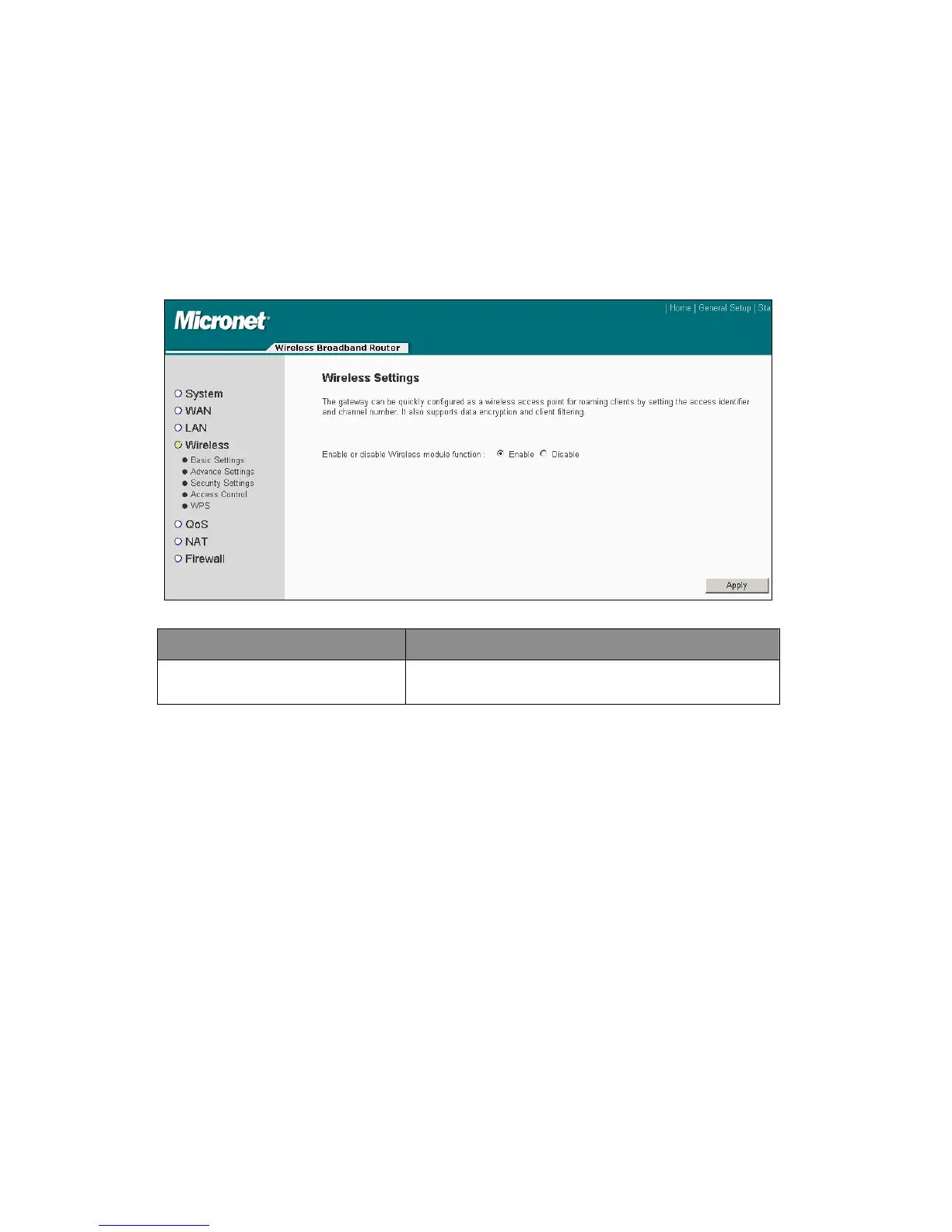
4.2.4 Wireless
Wireless Broadband Router builds a wireless LAN and can let all PCs equipped with
IEEE 802.11b or 801.11g wireless network adaptor connect to the Intranet and
Internet. It supports WEP and WPA2 encryption to enhance the security of the
wireless network.
Parameter Description
Enable or Disable Wireless
Module Function
Users can select to enable or disable the wireless
connection of this device.
Click <Apply> at the bottom of the screen to save the above configurations.
4.2.4.1 Basic Wireless Setting
Please click ‘Wireless’ menu on the left of web management interface, then click
‘Basic Settings’, and the following message will be displayed on the web browser.
32



 To Next Page